

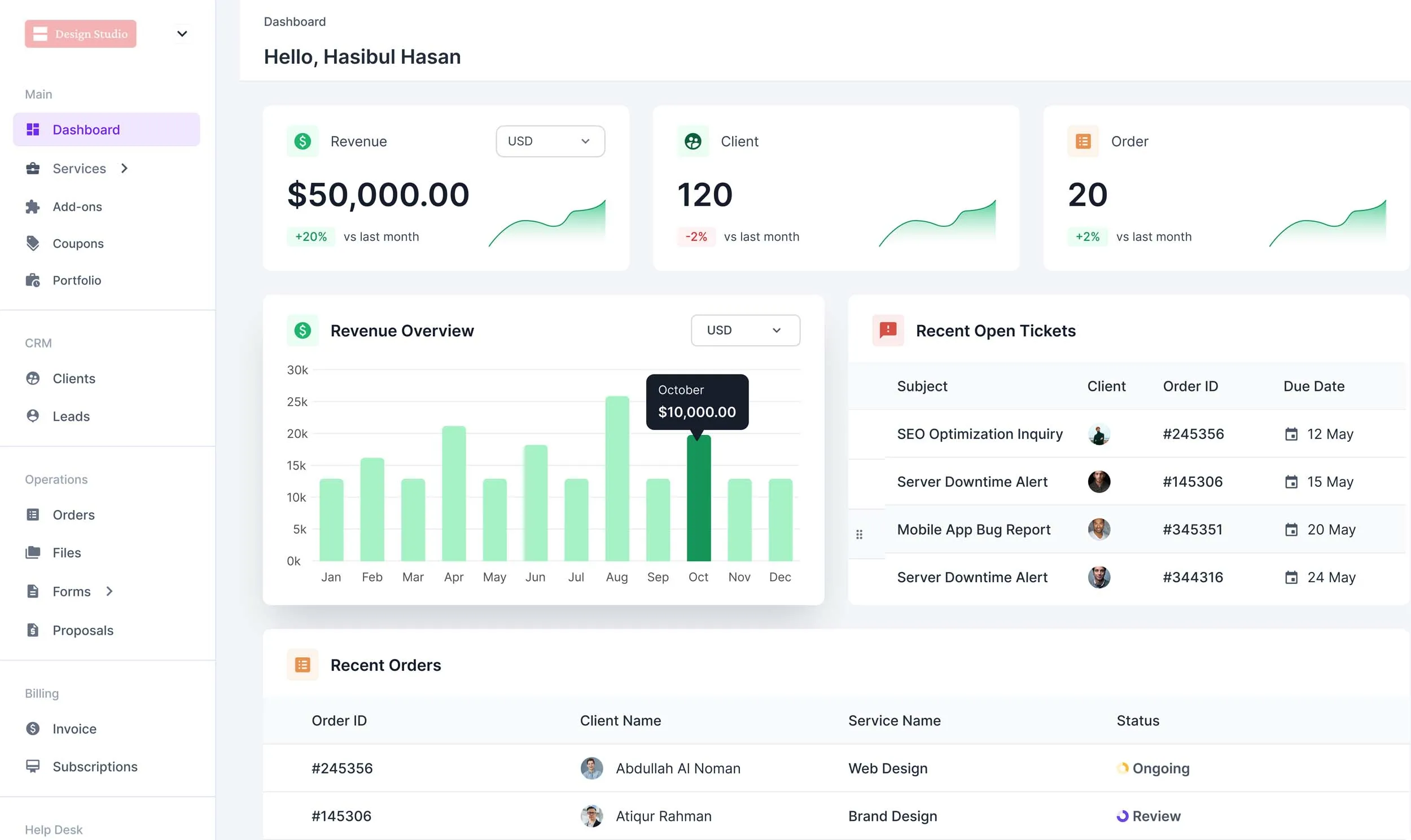
Other Top Alternatives to Queue
Although we’ve listed the best Queue alternatives in the earlier segment, you might want to explore some other alternatives as well. Let’s dive right into the top tools we reviewed that surpass Queue’s capibilities.
Quick List of 5 Queue Alternative Client Management Tools
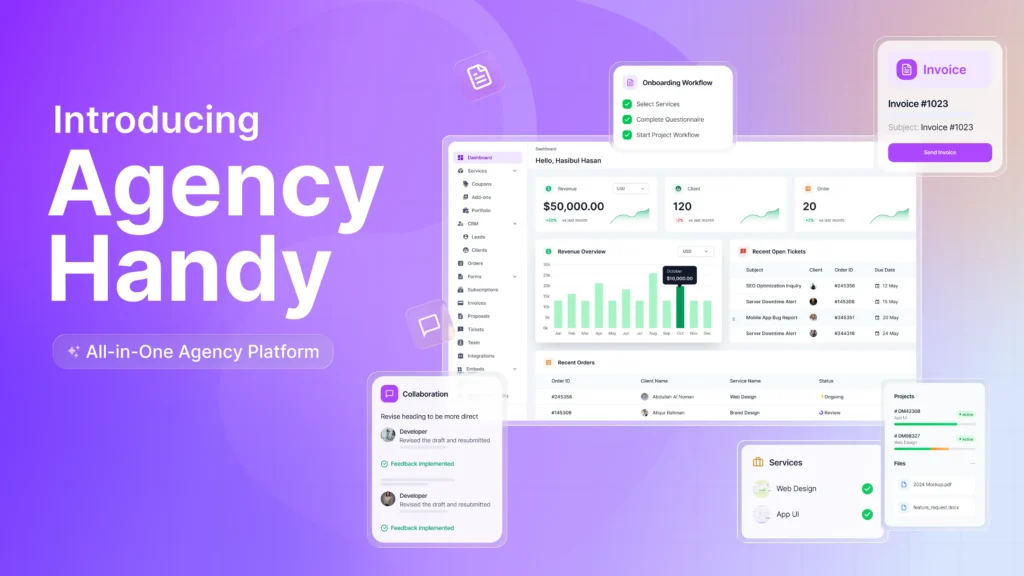
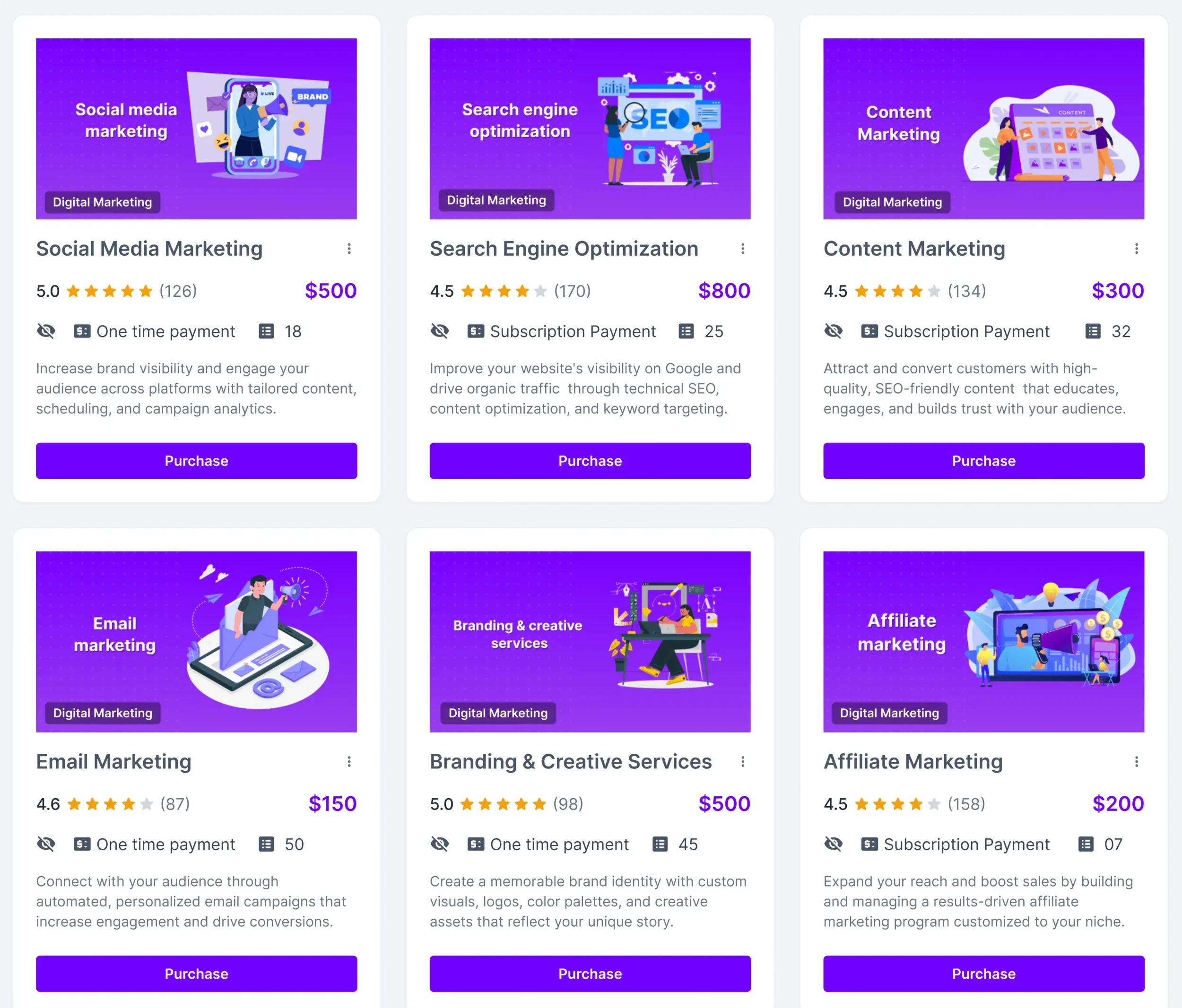
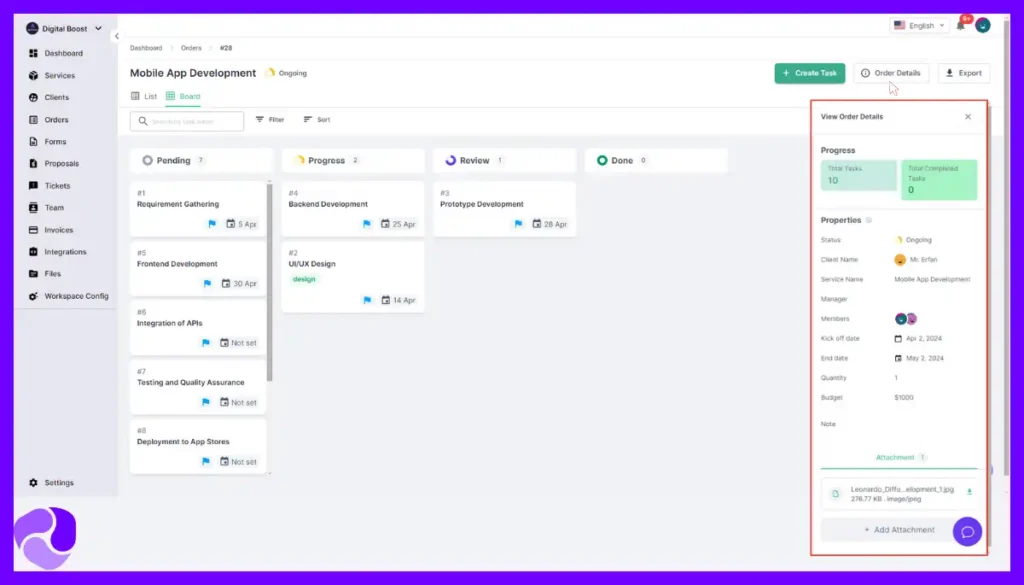
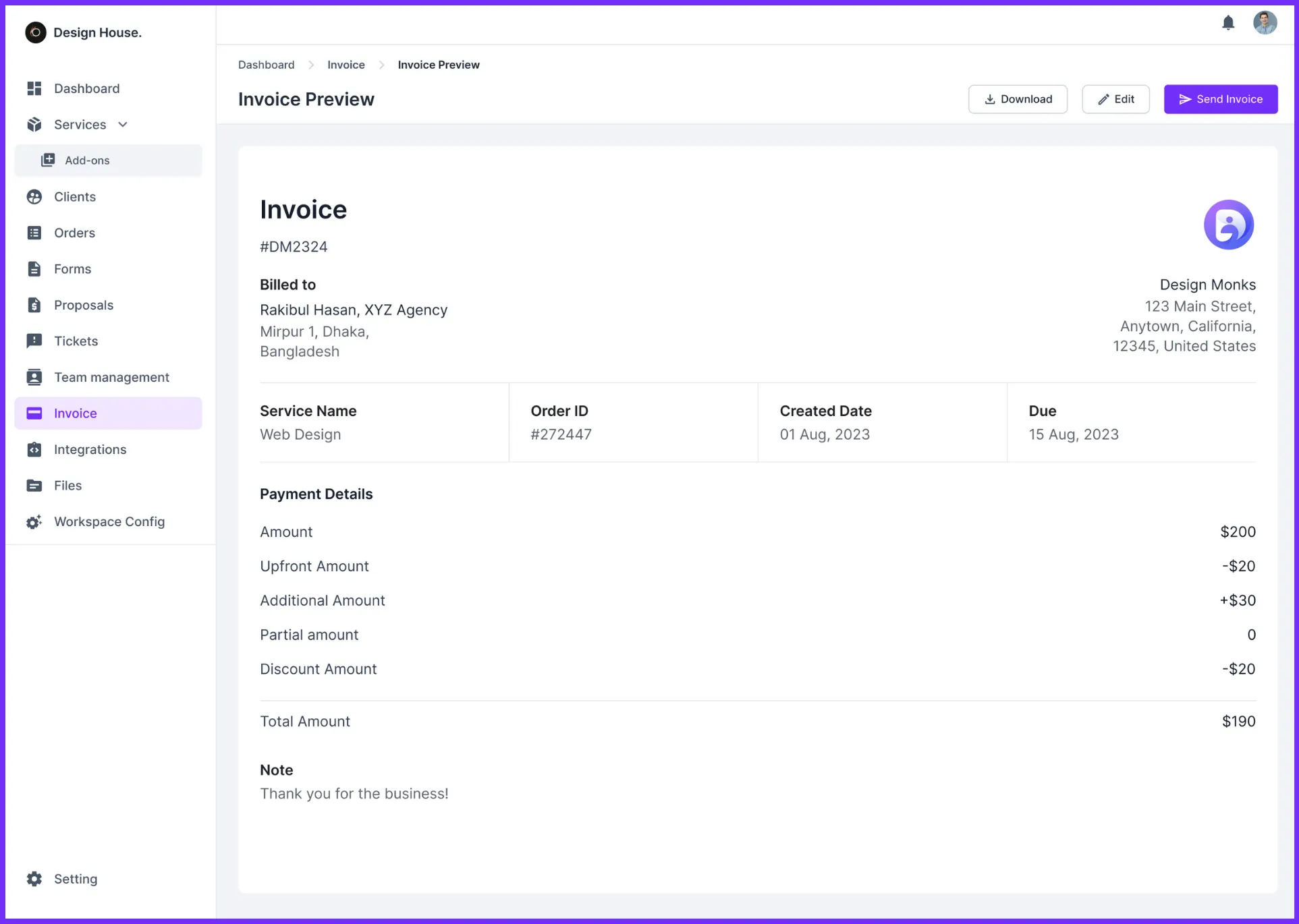
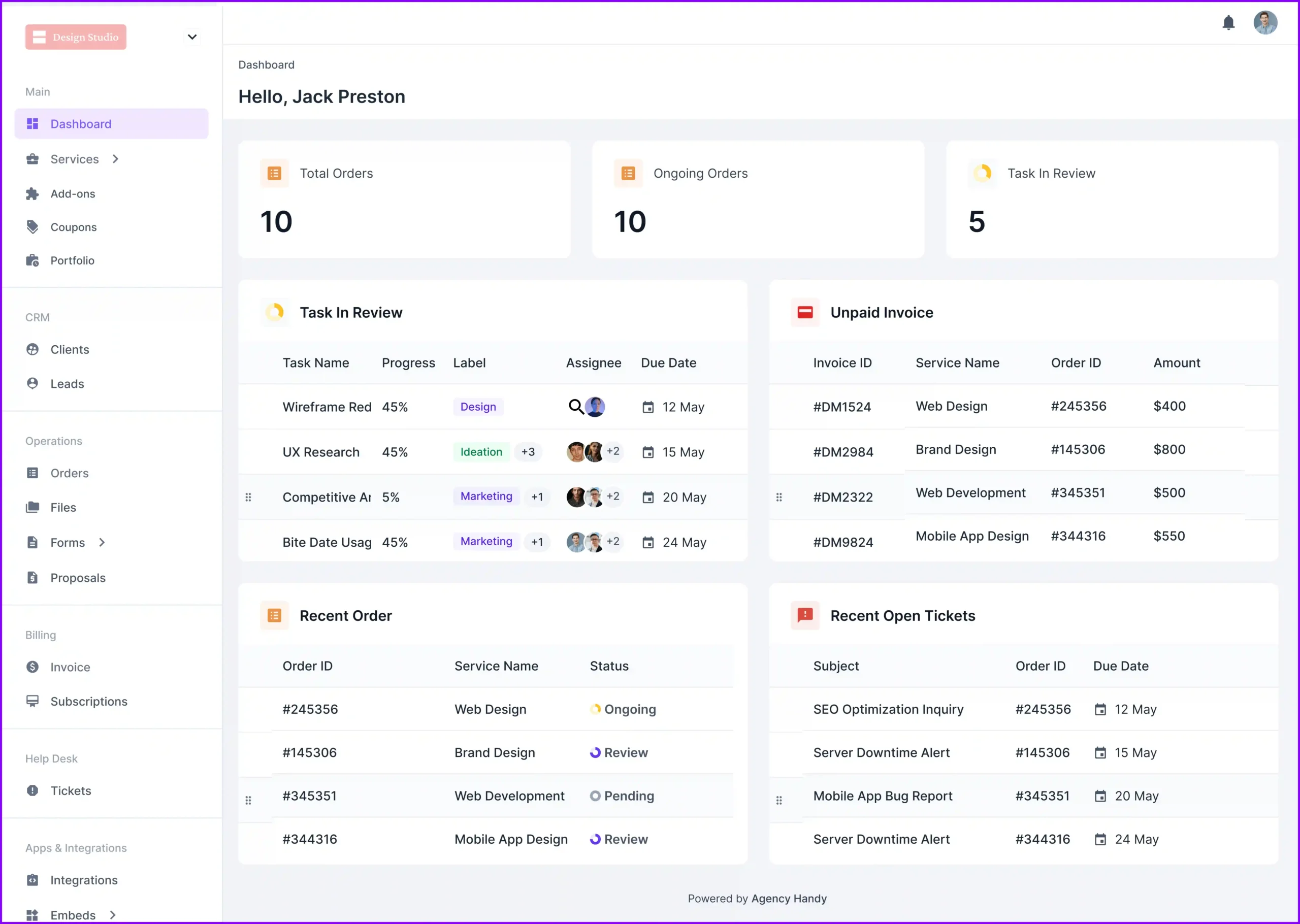
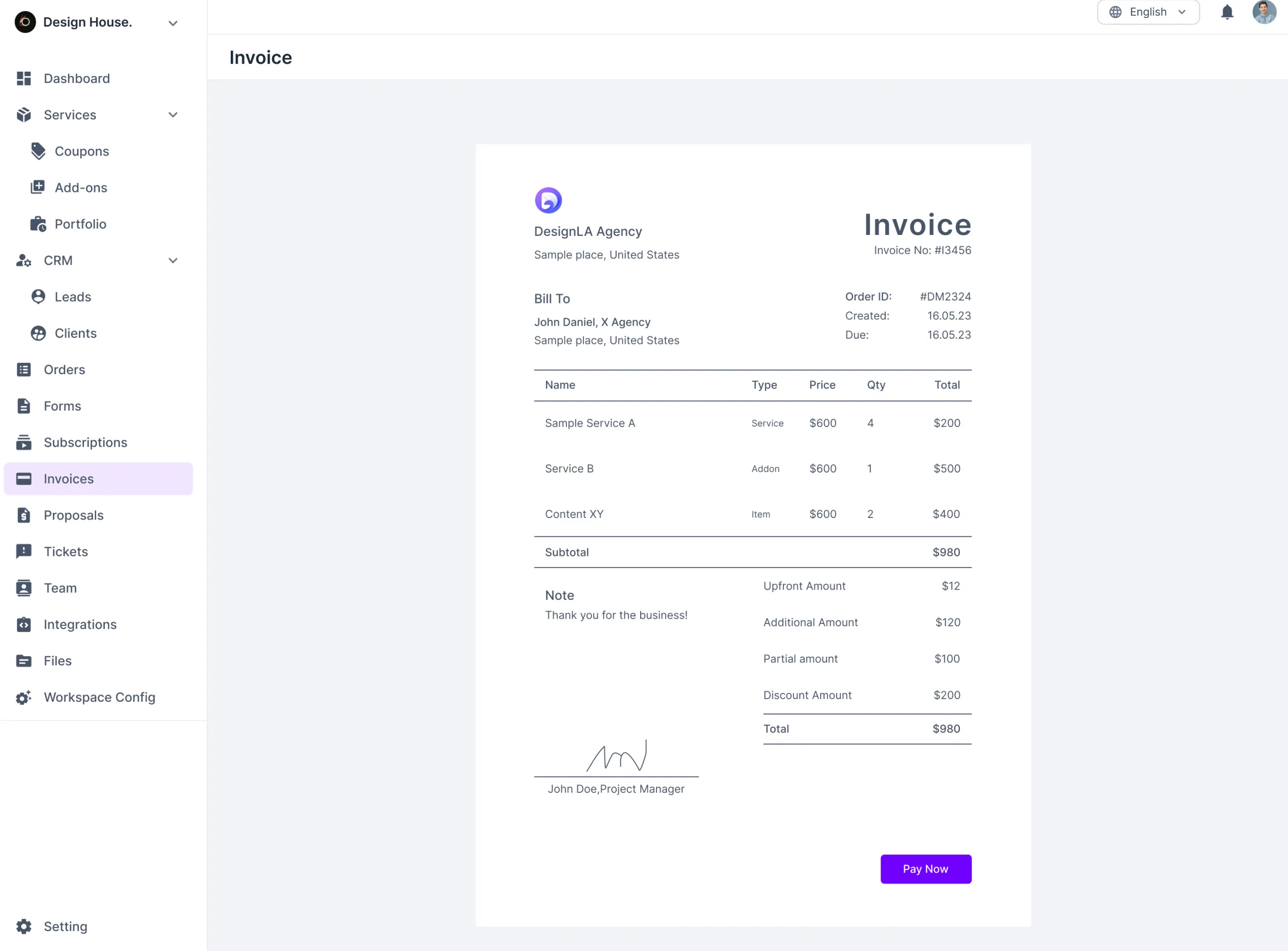
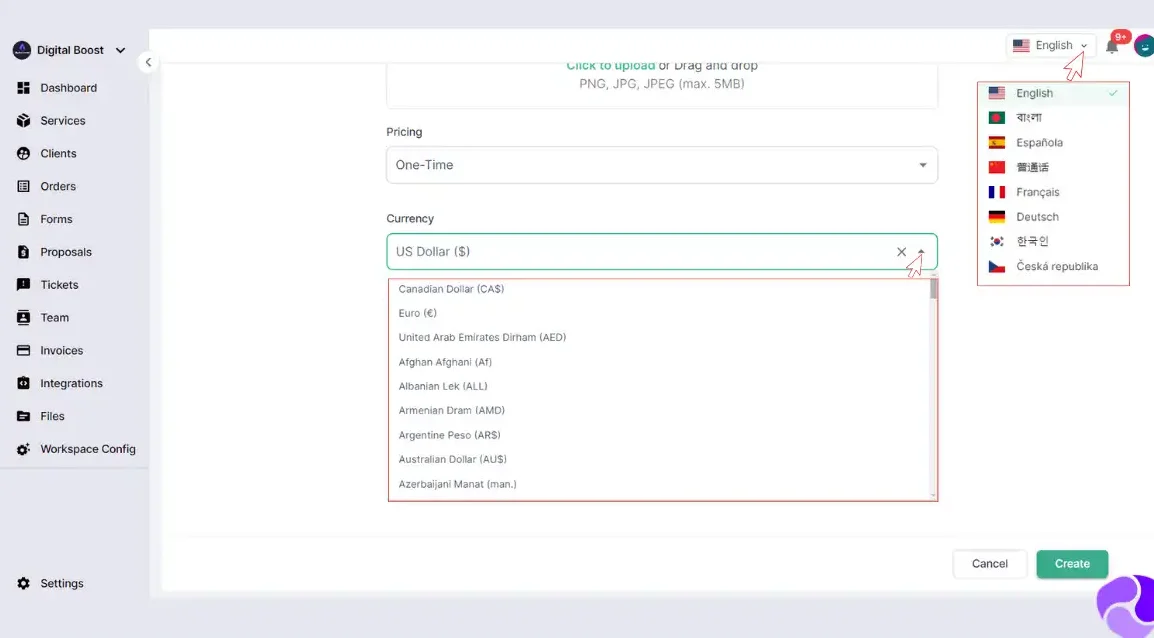
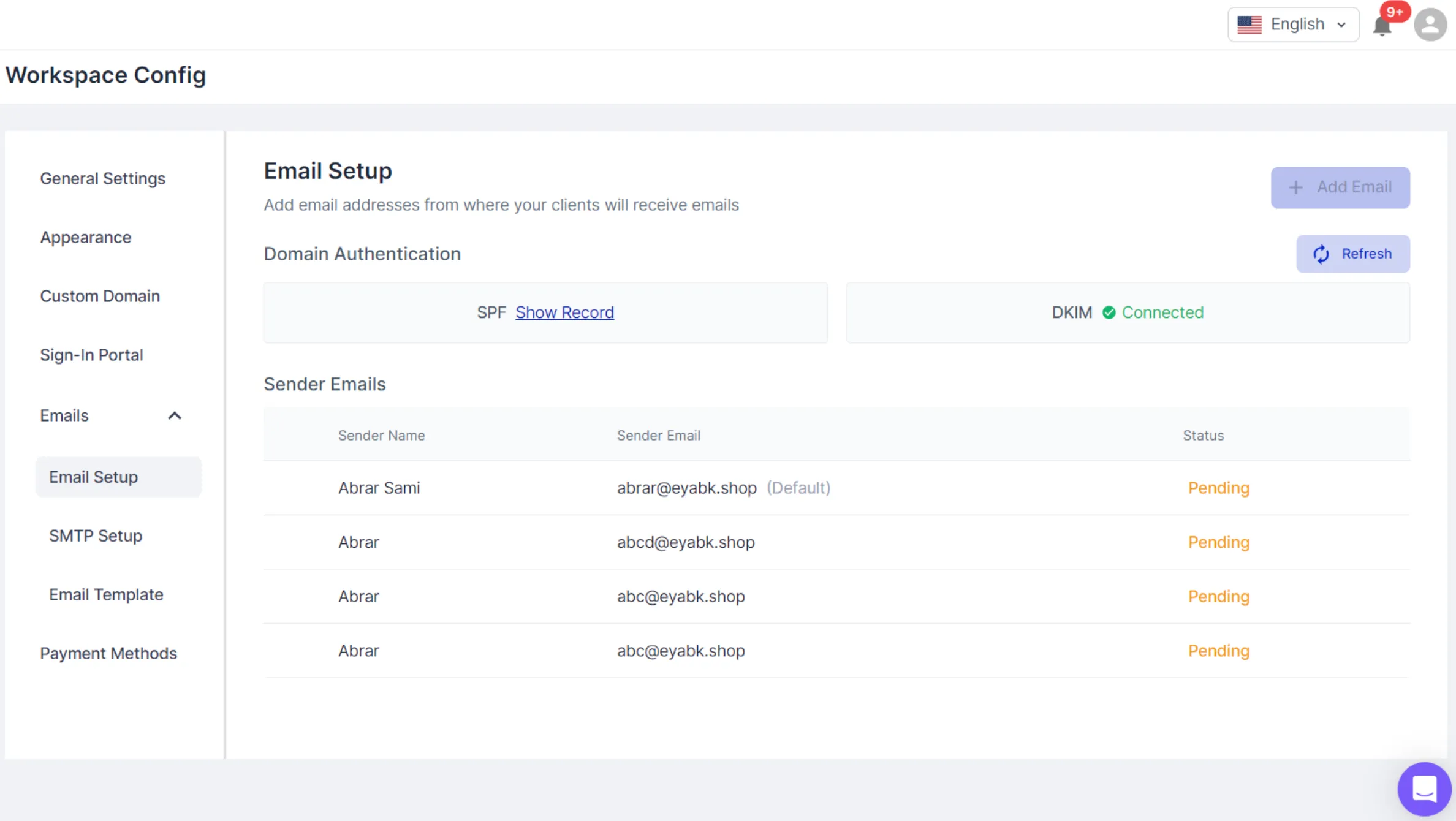
- Agency Handy: Best for digital agencies that need customizable and user-friendly solutions
- SuiteDash: Complete business management suite with CRM, e-mail marketing tools, team management, and other advanced features.
- Copilot: Client portal with messaging, payments, file-sharing, and help centers, enhancing client engagement for service businesses.
- ManyRequests: Best for creative agencies needing specialized creative workflow tools and customizable branding.
- Accelo: Best for businesses requiring extensive integrations and full lifecycle client engagement management.
- Zendo: Best for subscription-based service providers needing robust subscription management capabilities.
Now, let’s have a look at the quick comparison of each software in the following comparison table.
Software | Client Portal | Automated Subscription Management | Full-fledged Email Customization | Role-based Access | Average Per User Cost (Annual Billing) |
Queue | ✔️ | ❌ | ❌ | ❌ | $24.5/month |
Agency Handy | ✔️ | ✔️ | ✔️ | ✔️ | $10.4/month |
SuiteDash | ✔️ | ✔️ | ✔️ | ✔️ | $19/month |
Copilot | ✔️ | ❌ | ✔️ | ✔️ | $56/month |
ManyRequests | ✔️ | ❌ | ❌ | ✔️ | $31.7/month |
Accelo | ✔️ | ✔️ | ❌ | ❌ | N/A |
Zendo | ✔️ | ✔️ | ❌ | ✔️ | $12.25/month |
This was just a quick rundown of six alternatives. For the full scoop on what each software brings to the table, let’s dive into details…
1. SuiteDash
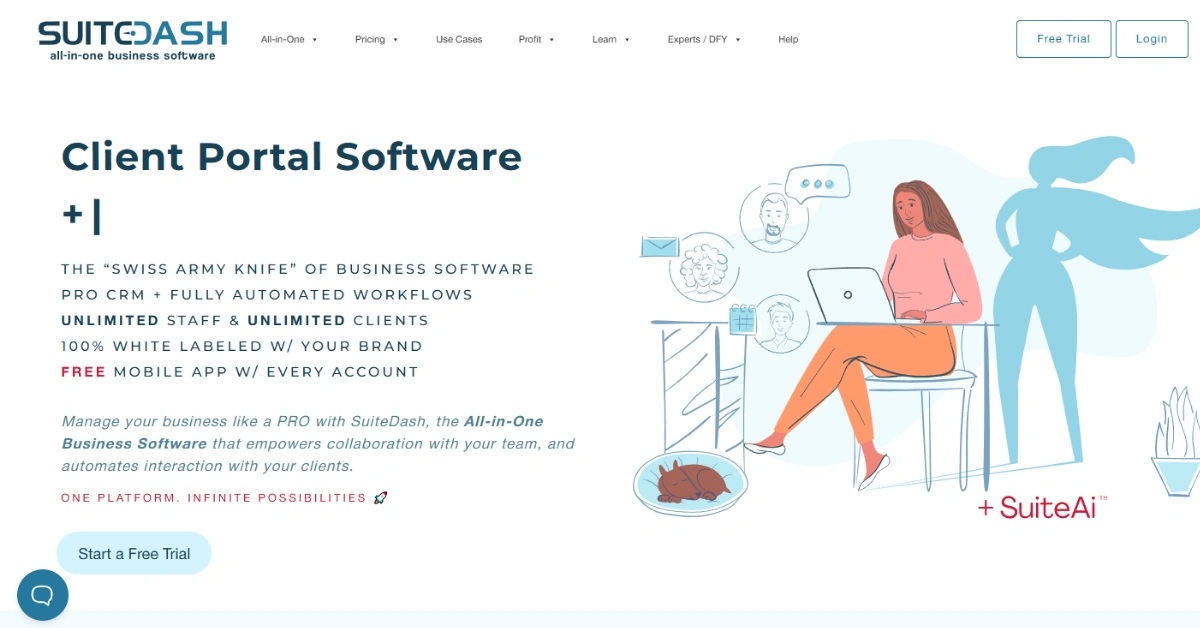
SuiteDash brings serious operational depth if you know how to work with it. The all-in-one setup replaces your CRM, client portal, invoicing, and project tools, without needing third-party integrations.
Here’s what a Reddit user had to say about SuiteDash’s versatile capabilities:
Its real strength lies in Circle-based access control. You can create fully segmented user experiences using conditional logic. This includes custom dashboards, dynamic content, and even custom onboarding flows depending on client type.
Automation is robust. While testing the platform, I set up FLOWs that trigger based on proposal acceptance to automatically assign a project and notify the team. You can set up unlimited automation like this.
However, it’s not plug-and-play. The interface takes some exploring, and there’s a bit of a learning curve. For an advanced set up, you’ll likely need to hire an expert.
Key Features of SuiteDash
For agencies outgrowing Queue, SuiteDash offers deeper customization, automation, and client control.
- White-Labeled Client Portals: Create fully branded portals with your logo, domain, and color scheme for a seamless client experience.
- CRM with Circle-Based Logic: Segment clients using Circles and deliver custom content and workflows with conditional visibility.
- Automated Onboarding (FLOWs): Trigger tasks, forms, and emails automatically to streamline new client setup and internal processes.
- Subscription & Billing Tools: Manage recurring payments, estimates, and invoices all in one integrated dashboard.
- Project & Task Management: Build projects with templates, assign roles, track time, and automate task flow.
- Dynamic Documents & E-Signing: Generate contracts with merge fields and send for secure, legally binding e-signatures.
- Secure File Sharing: Upload, organize, and share files in structured folders with version control and portal access.
- Branded Email Communication: Customize notification emails with your brand for a consistent and professional touch.
Pros of SuiteDash
- Smart automation reduces repetitive admin tasks.
- Integrated CRM tracks sales and contacts.
- Client dashboards fully customizable per user.
- Payment collection supports one-time and recurring.
- Drip email campaigns directly within platform
Cons of SuiteDash
- Learning curve steep for new users.
- Limited template designs for email marketing.
SuiteDash Pricing
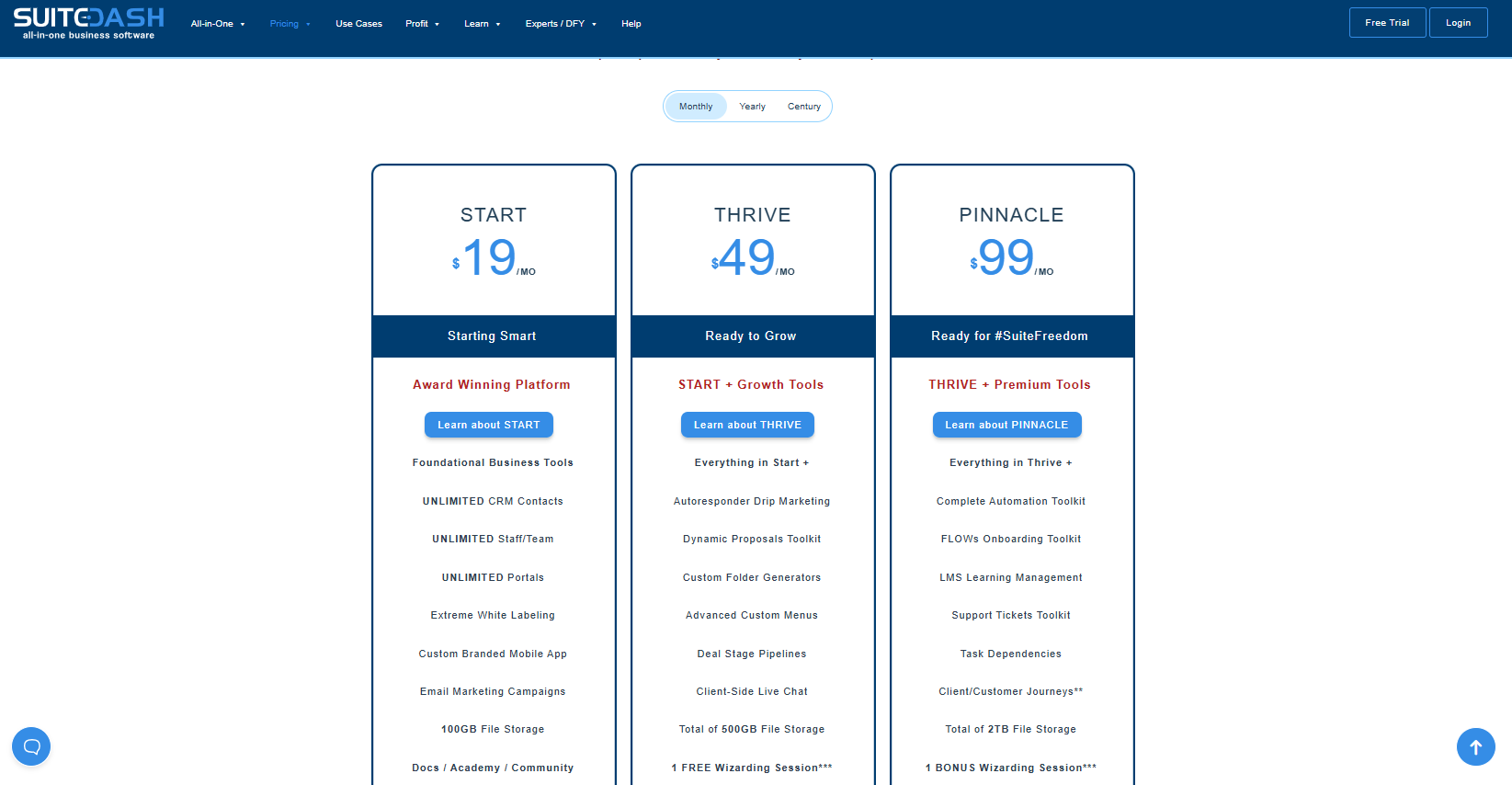
SuiteDash offers three all-in-one pricing tiers with unlimited users and full white-label branding:
- Start: $19/month or $180/year
- Thrive: $49/month or $480/year
- Pinnacle: $99/month or $960/year
What Users Say About SuiteDash
Rating on Capterra: 4.8 out of 5
Rating on G2: 4.8 out of 5
Is SuiteDash Better Than Queue?
Yes. SuiteDash offers deeper customization, automation, and client management tools compared to Queue. It also includes more comprehensive features for business management.
Queue is simpler to use but lacks the flexibility and advanced features SuiteDash provides.
2. Copilot
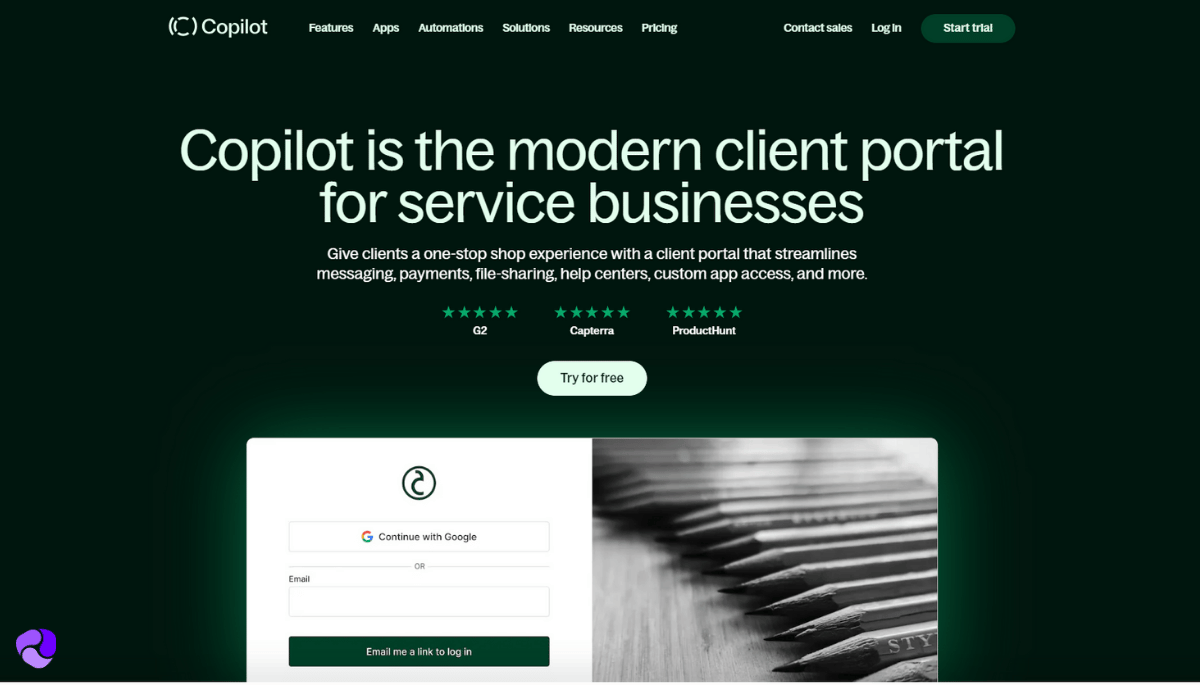
Copilot is a great mix of customization and ease-of-use with a modern interface that gives your client portal for design agencies a professional look.
Here’s a user review, highlighting how Copilot is ready-to-go:
You can embed any third-party app into the customer portal, making sure it fits your unique business needs.
What I’m most impressed by is the attention to detail. For example, you can customize which notifications you want and turn off the rest.
Because the platform is modular, if you don’t use certain functions, you can turn them off.
Roles and permissions are also customizable. You can set up unlimited roles with any combination of permissions.
The Helpdesk app is also a nice touch. Letting customers troubleshoot on their own saves your team a lot of time.
Overall, it’s a great platform. The only real drawback, in my opinion, is that it’s pretty expensive for smaller teams.
Similar Read: Copilot Alternatives
Key Features of Copilot
If you’re looking for a solution with a modern, client-centric approach, Copilot is the perfect fit with the following features:
- Modern All-in-One Client Hub: Give clients a unified experience with access to messaging, billing, documents, and support.
- Integrated Messaging System: Facilitate real-time, secure communication with clients directly within the portal, enhancing collaboration.
- Invoicing & Subscription Management: Simplify billing processes by creating invoices and managing subscriptions, allowing clients to make payments directly.
- Secure File Sharing: Upload, store, and share files securely with clients, ensuring easy access to important documents within the portal.
- eSignature Capabilities: Enable clients to sign contracts and documents electronically within the portal, expediting agreement processes.
- Task Management: Assign tasks to clients and team members, keeping projects organized and ensuring accountability.
- Customizable Forms: Create and share forms for client intake, feedback, or data collection, with responses stored securely in the portal.
- Help Desk Integration: Provide clients with a centralized location to submit support requests and access assistance, improving customer service efficiency.
Pros of Copilot
- Embed Notion, Sheets, Calendly, more
- Assign roles with fine access controls
- Custom forms for smart client intake
- Automated billing and subscription management
- Secure document storage with version tracking
Cons of Copilot
- Project task features are very limited
Copilot Pricing
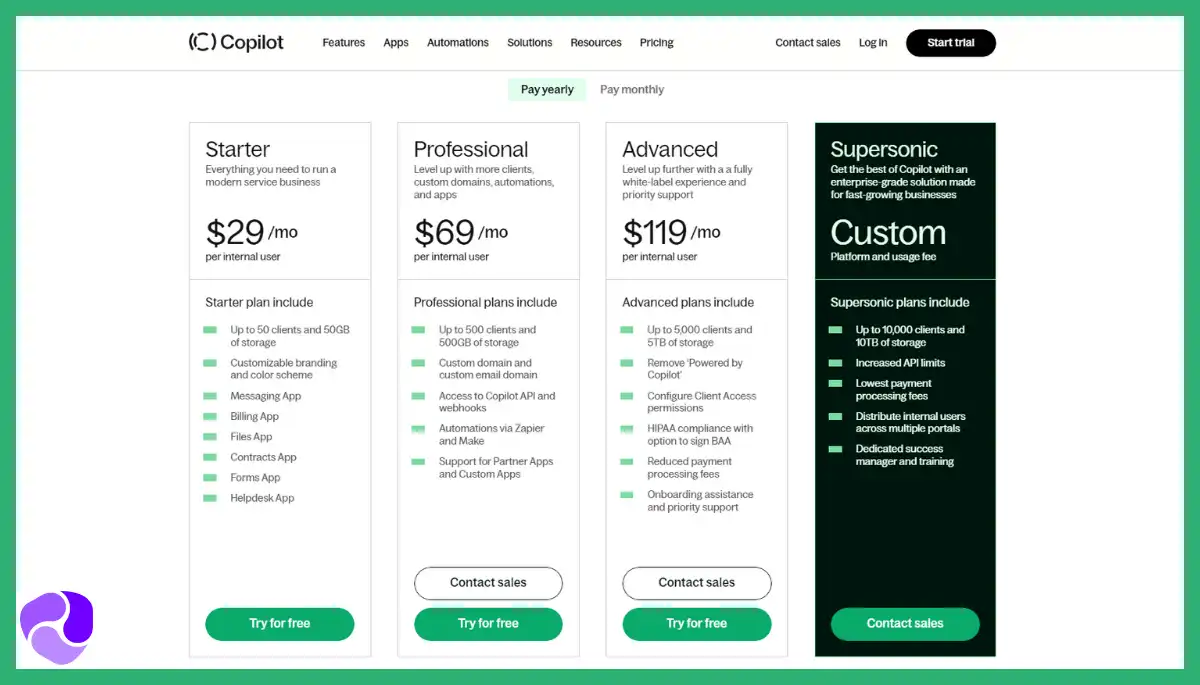
Copilot offers four pricing tiers with white-labeled portals and built-in billing, messaging, and automation:
- Starter: $59/month (billed monthly) or $39/month (billed annually) for 1 internal user
- Professional: $189/month (monthly) or $149/month (annually) for 3 users,
- Advanced: $499/month (monthly) or $399/month (annually) for 5 users,
- Enterprise: Custom pricing with unlimited users and advanced deployment support
What Users Say About Copilot
Rating on Capterra: 4.7 out of 5
Rating on G2: 4.8 out of 5
Is Copilot Better Than Queue?
Copilot is better than Queue for agencies needing customization, embedded tools, and client-centric communication. It offers white-labeled portals, synced messaging, billing, and form automation.
In contrast, Queue remains limited in flexibility and lacks advanced client experience features.
3. ManyRequests
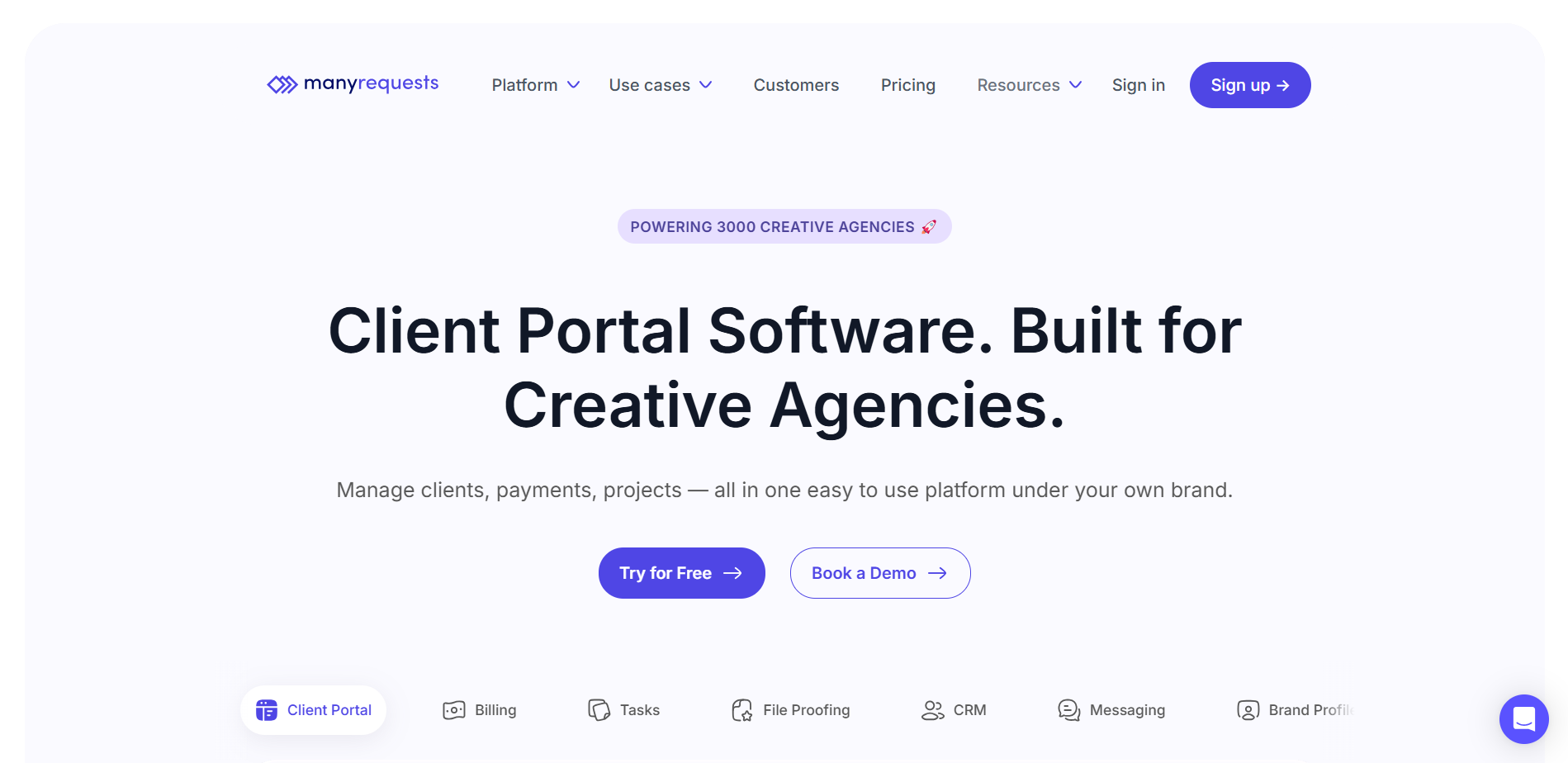
ManyRequests is a client management platform specialized for design and creative agencies.
For a start, you can customize each client’s dashboard, add external embeddings, and create knowledge base for them. A centralized inbox lets you manage client communication smoothly.
The design annotation tool and inline commenting let’s your clients leave feedback on videos, images, live websites, or pdfs and other documents. It’s an easy way to request revisions.
Similar to Agency Hany, ManyRequest offers service management features that let your clients self-checkout and purchase your services. With a Rewardful integration, you can create an affiliate program. There’s also coupon management available.
One simple feature that I’m sure will serve you is that clients get notified whenever their payments fail. Prompting them to retry payment without any follow up from you.
With these incredible features, ManyRequests serves as a great alternative to Queue.
Further Read: The Best ManyRequests Alternative!
Key Features of ManyRequests
Here are the key features of ManyRequests that make it a great tool for managing digital agencies:
- White Label Client Portal: ManyRequests offers a white-label client portal that can be customized to fit the needs of creative agencies.
- Design Feedback & Commenting: Customers and team members can provide feedback directly on design attachments, streamlining the feedback process.
- Creative Workflow Tools: It provides a suite of tools tailored for creative workflows, including file storage, design questionnaires, and customer reviews.
- Client Onboarding Tools: Customizable layouts, login screens, and branded emails help new customers feel at home, enhancing the onboarding experience.
- Customer Relationship Management (CRM): Manage all customer relationships in one place, from inviting colleagues to purchasing services.
- Time Tracking & Profitability: Live time tracking and timesheet reports enable agencies to track time efficiently and optimize profitability.
- Simplified Project Management: Simplifies project management with features like team management, project details, checklists, and due dates.
- Checkout Forms, Billing & Invoicing: Create a service catalog, sell to new and existing customers, send invoices, and manage billing seamlessly.
- All-in-One Agency Platform: Customize workspace to fit exact needs with dozens of settings and extension possibilities, making it an all-in-one solution for creative agencies.
Pros of ManyRequests
- Built-in design proofing with annotations
- Automated credit-based service request system
- Stripe-powered subscription billing and invoicing tools
- Time tracking linked to specific requests
- Granular role settings for team members
Cons of ManyRequests
- White-labeling restricted to higher-tier plans
ManyRequests Pricing
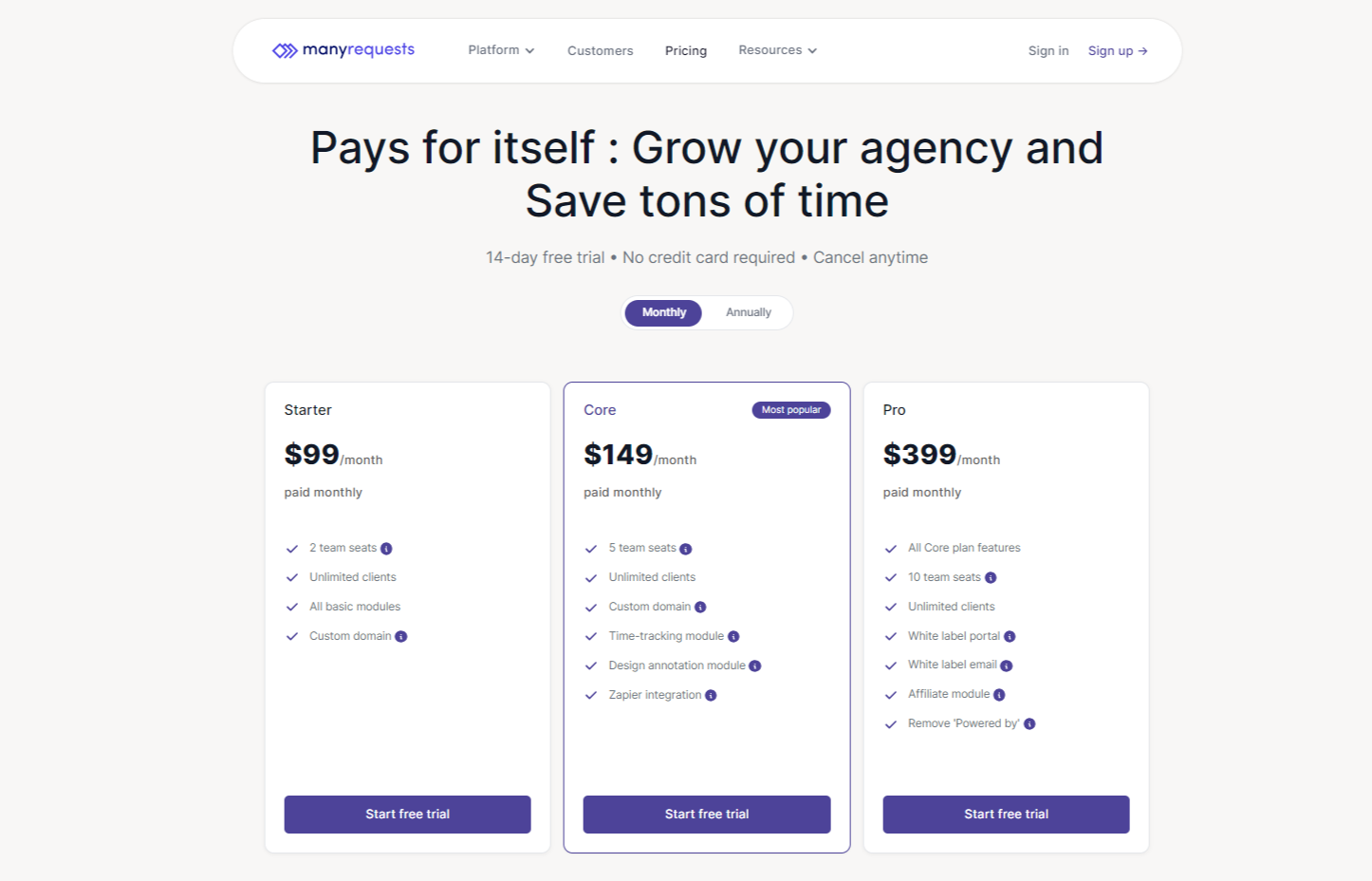
ManyRequests offers four pricing tiers. Each plan is designed to scale with your agency’s growth, offering a 14-day free trial to explore the platform’s capabilities.
- Starter Plan: $99/month (monthly) or $79/month (annually)
- Core Plan: $149/month (monthly) or $119/month (annually)
- Pro Plan: $399/month (monthly) or $319/month (annually)
- Enterprise Plan: Custom pricing
What Users Say About ManyRequests
Rating on G2: 4.5 out of 5
Rating on Capterra: Not Available
Is ManyRequests Better than Queue?
Not necessarily. ManyRequests is better suited for agencies needing design proofing, subscription billing, and branded client portals.
Queue offers custom task workflows and task forms, making it better for service delivery and task management. But it lacks ManyRequests’ built-in annotations and flexible billing automation.
4. Accelo
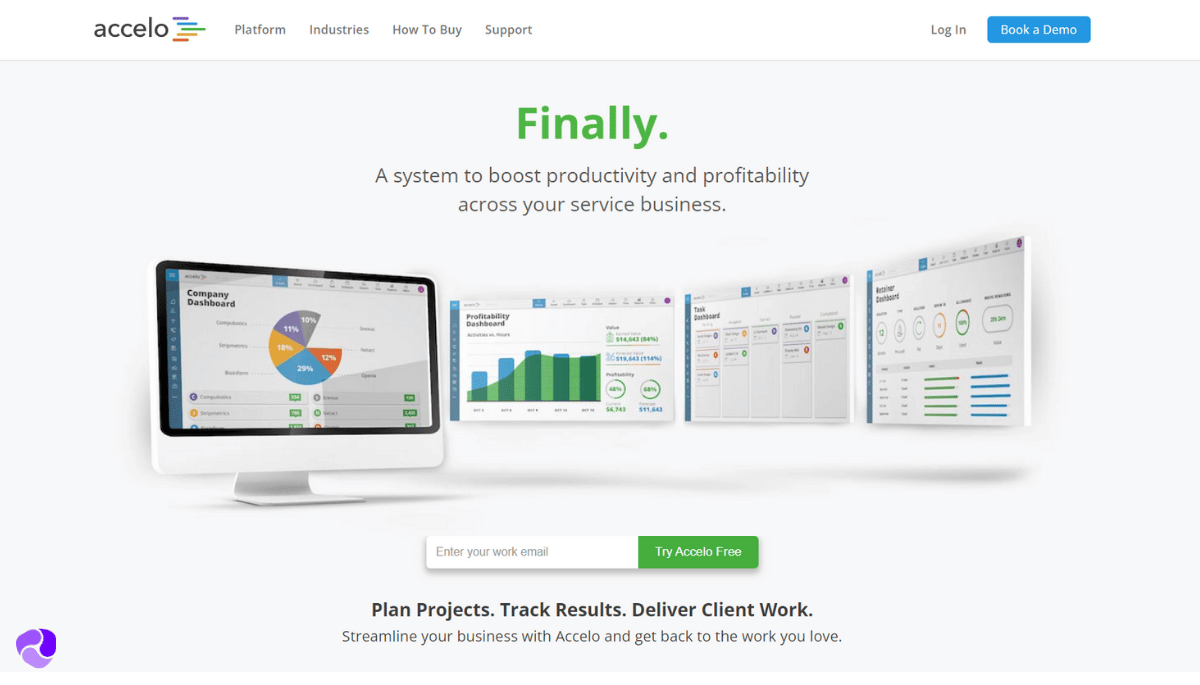
Accelo is a comprehensive professional services automation (PSA) platform built for service-based businesses. It unifies project management, time tracking, billing, and CRM in one place.
The platform stands out with detailed project planning tools like Gantt charts, task dependencies, and milestone tracking. Time tracking feeds directly into billing, simplifying invoice generation.
The client portal improves transparency by giving clients access to project updates, invoices, and support tickets. Accelo also centralizes client interactions through its built-in CRM, making it easier to manage ongoing relationships.
However, Accelo has a major drawback. The ticketing system is weak and lacks advanced reporting features. In comparison, Queue is a master that unifies customer queries from email, phone, web forms, and chat into one place.
Overall, Accelo is great for client management and project tracking but you won’t get advanced support functions.
Further Read: Flozy Aternative!
Key Features of Accelo
Here are the features that make Accelo a great alternative to Queue –
- End-to-End Client Engagement Lifecycle Management: Manages every aspect of client interaction from prospecting to payment, ensuring a smooth journey for both the client and the agency.
- Project Management: Comprehensive tools for planning, executing, and tracking projects.
- CRM and Sales Pipeline: Integrates customer relationship management and sales tracking for a unified view of client interactions.
- Time Tracking and Billing: Facilitates accurate time tracking for billing and efficiency analysis.
- Resource Planning and Utilization Tracking: Helps in allocating resources effectively and understanding team capacity.
- Financial Management: Includes tools for quoting, budgeting, and profitability analysis, crucial for financial oversight.
- Reporting and Analytics: Offers insights into business operations, client engagements, and project outcomes.
- Retainer Management: Simplifies the management of ongoing client relationships and services.
Pros of Accelo
- Automates project timelines with smart triggers.
- Tracks billable hours with precision tools.
- Retainer management works for recurring services.
- CRM syncs seamlessly with the project pipeline.
- Client emails log automatically into the timeline.
Cons of Accelo
- The interface feels dated and overcomplicated.
- Reporting tools lack customization flexibility.
Accelo Pricing
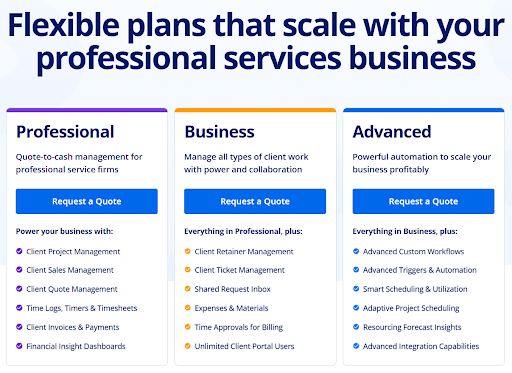
Accelo offers three scalable pricing tiers designed to support growing professional services businesses with increasing operational needs:
- Professional: Includes project, sales, quote, time, and invoice management.
- Business: Adds retainers, ticketing, shared inbox, and expense tracking.
- Advanced: Includes advanced automation, smart scheduling, asset management, and deeper reporting tools.
What Users Say About Accelo
Review on G2: 4.4 out of 5
Review on Capterra: 4.5 out of 5
Is Accelo Better than Queue?
Yes, Accelo is better than Queue for agencies needing end-to-end project, billing, and client lifecycle management.
It offers advanced automation, quote-to-cash workflows, and robust reporting. Whereas, Queue focuses on simpler task-based operations with limited scalability and fewer enterprise features.
5. Zendo
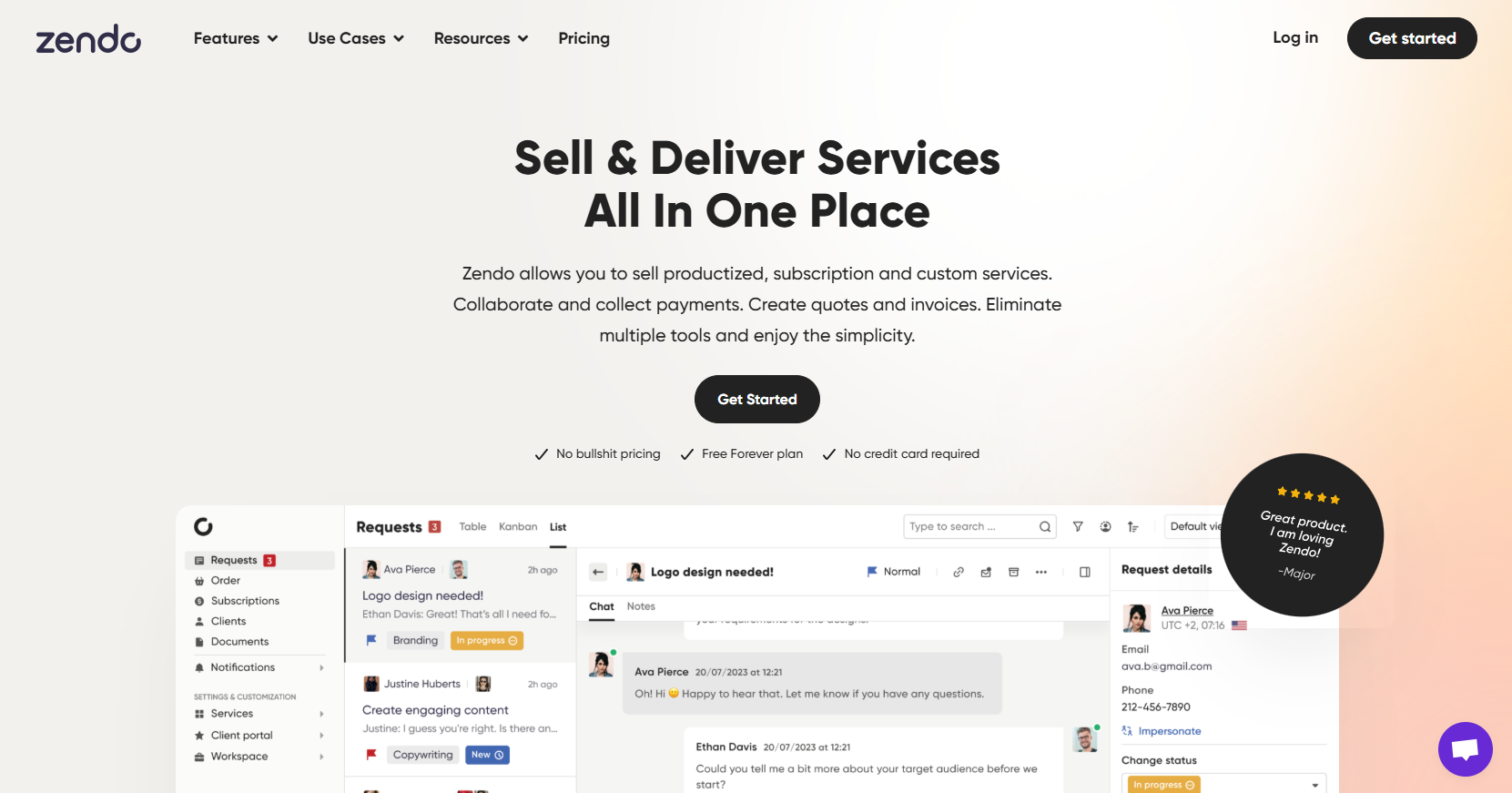
Zendo is a client portal platform that simplifies service selling, communication, and payments in one place.
I tested it with a focus on service requests and recurring subscriptions, and it handled both well.
You can sell services in different formats, one-time, recurring, or custom, and clients get a clean, modern portal to track everything.
The built-in chat that keeps all communication contextual, right inside the request, simplifies handling projects.
You can also collect payments, issue invoices, and even offer customer-facing quotes without using third-party tools.
Zendo is a growing platform, and the team is quick to keep adding features. Here’s a user review highlighting this:
Zendo now supports embedding external content directly into the client portal’s sidebar. You can integrate tools like Google Docs, Figma, Calendly, Typeform, and more.
So, you can trust the team to improve the platform at a steady rate.
Read Further: Zendo Alternative!
Key Features of Zendo
Here are the key features that make this software a great alternative to Queue –
- Subscription Management: Robust tools to handle pricing plans, add-ons, coupons, and recurring billing for subscription-based services.
- Client Communication Portals: Dedicated spaces for seamless client collaboration and feedback throughout service delivery.
- Customizable Intake Forms: Ability to create tailored forms to capture detailed client requirements upfront.
- Task Management: Centralized task tracking and coordination to ensure efficient project execution.
- Reporting and Analytics: Comprehensive data insights to support better decision-making and identify areas for improvement.
- Integrations: Open API and connectivity with third-party tools for a frictionless workflow.
- Ease of Use: Intuitive interface for teams to effectively leverage the platform’s features.
Pros of Zendo
- Real-time chat inside each client request
- Sell one-time, recurring, or custom services
- Auto-generate quotes, invoices, and payments
- Conditional logic is built into order forms
- White-label support with custom domain branding
Cons of Zendo
- Portal layout customization options are limited
- Advanced features are locked behind paid plans
Zendo Pricing
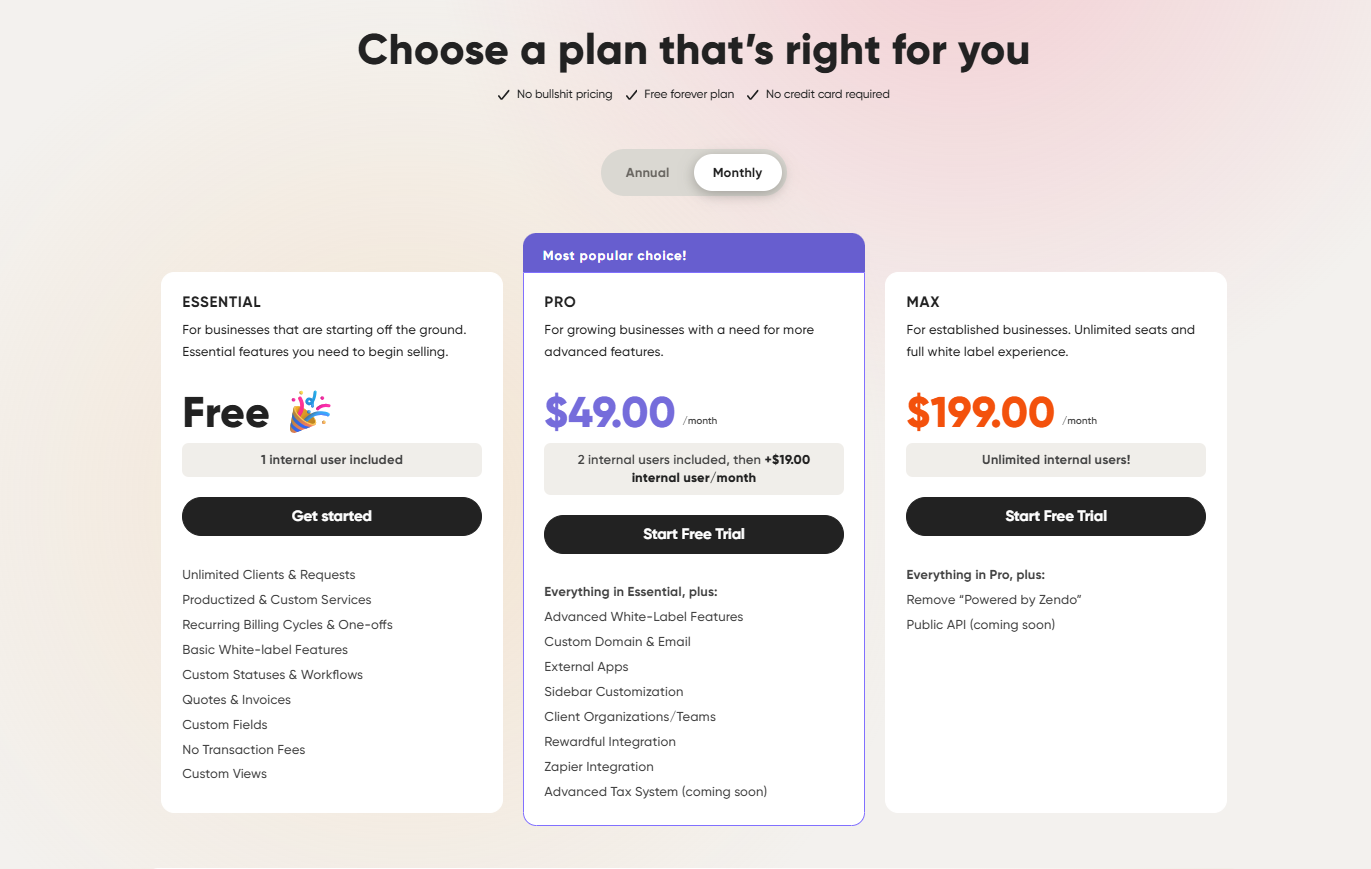
Zendo offers three flexible pricing tiers designed for growing service businesses with productized or custom workflows:
- Essential: Free, Includes 1 internal user, unlimited clients, and requests.
- Pro: $49/month (or $37/month billed annually), includes 2 users, then $19/user ($15 on annual).
- Max: $199/month (or $149/month billed annually), Unlimited internal users, full white-label experience.
What Users Say About Zendo
Rating on G2: 4.8 out of 5
Rating on Capterra: 5 out of 5
Is Zendo Better than Queue?
Yes, Zendo is better than Queue for agencies offering productized or subscription services. It includes built-in chat, quotes, payments, and flexible service formats. Queue lacks these integrated tools, making Zendo more complete for managing end-to-end client service workflows.
What Features Should You Look for Queue Alternatives?
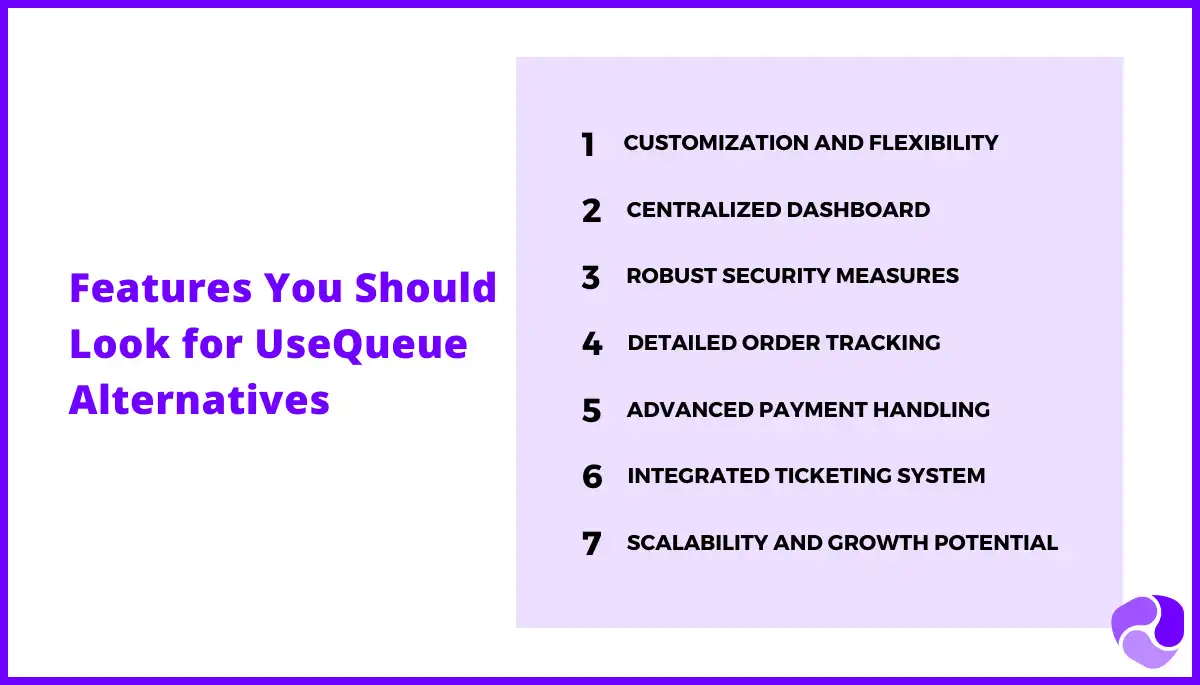
When looking for an alternative to Queue, prioritize the following key features that an ideal client portal software should offer:
Customization and Flexibility:
Seek platforms that allow for extensive customization to adapt to your agency’s unique workflows and service offerings.
Centralized Dashboard:
Look for solutions with a centralized dashboard that provides a holistic view of client orders, project tasks, and team activities for efficient management.
Comprehensive Security Measures:
Ensure that the alternative platform implements robust security measures, including granular access controls and encryption, to safeguard sensitive client data.
Detailed Order Tracking:
Choose platforms with robust order tracking for full client journey visibility: detailed histories, invoices, and support ticket records.
Advanced Payment Handling:
Choose alternatives that support advanced payment handling features such as split payments, automated recurring invoicing, and seamless integration with payment gateways for streamlined financial operations.
Integrated Ticketing System:
Look for platforms with built-in ticketing systems to centralize client support activities, eliminating the need for supplementary tools and enhancing operational efficiency.
Scalability and Growth Potential:
Select solutions that can scale alongside your agency’s growth, offering flexible pricing plans and extension possibilities to accommodate evolving needs.
So, Which One Is the Best Queue Alternative?
While alternatives like SuiteDash, Copilot, ManyRequests, Accelo, and Zendo excel in specific areas, Agency Handy stands out by addressing the key limitations.
The feature combinations, flexibility, security, and affordability ensure the diverse needs of agencies while simplifying their operations and client relationships.
Wrapping Up
As agencies seek comprehensive alternatives to Queue, Agency Handy emerges as the standout choice.
Its comprehensive features, fit for agencies, advanced client management tools, flexible customization, and competitive pricing make Agency Handy the prime Queue alternative.
It offers a powerful platform to simplify operations, enhance client relationships, and drive growth in 2024 and beyond.