Skip to content
  Get the best 3-year deal NOW →
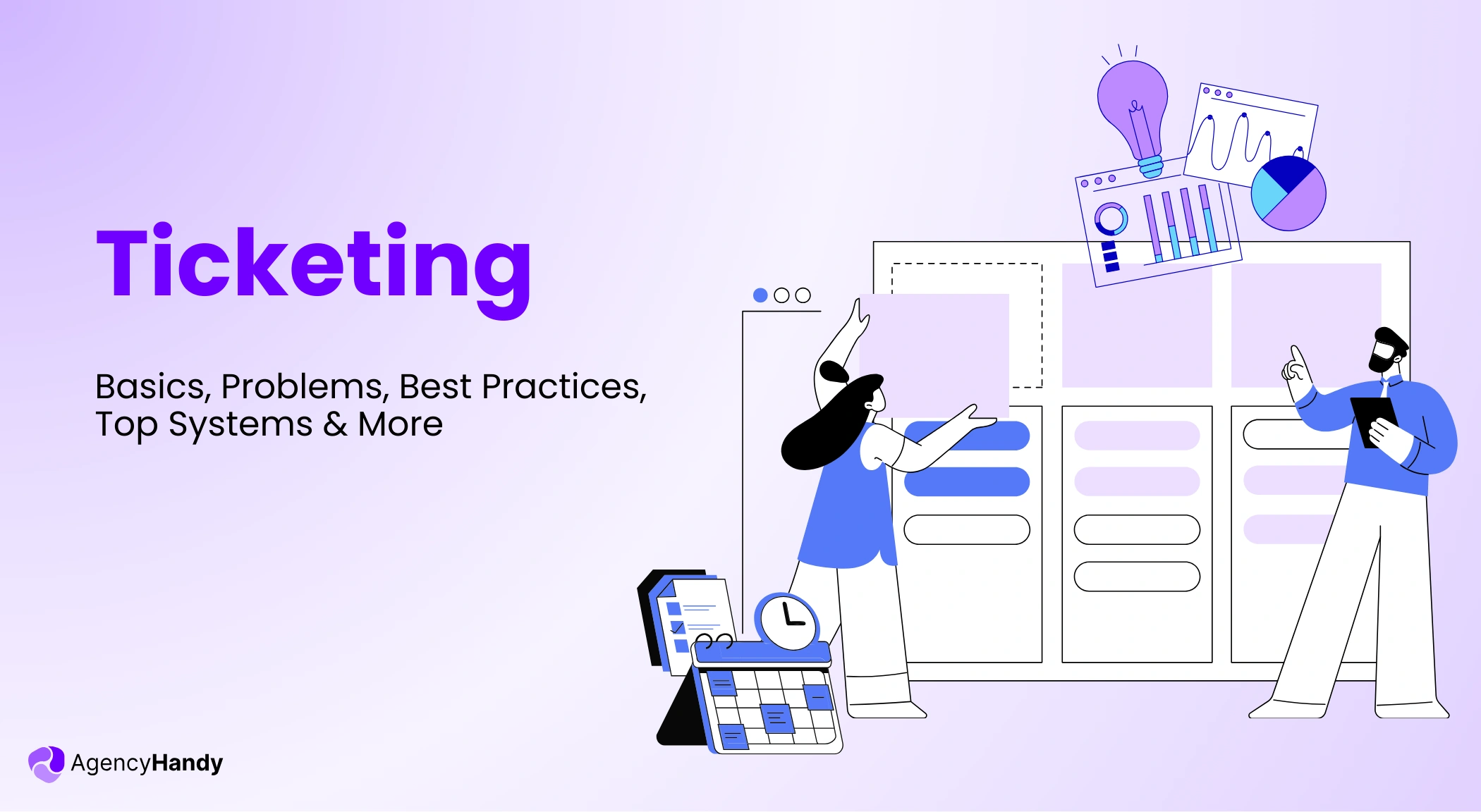



Managing client requests in emails, WhatsApp, or Slack can stretch the project a lot. Documents, attachments, details, etc., stay scattered in multiple places.
Even worse, clients end up requesting the same thing repeatedly. Well, a solid ticketing system can avoid all this mess.
So, let’s explore the core of ticketing, a few key problems, best practices, and best systems.
What is Ticketing?
Ticketing is when a client submits a digital ticket to request a service, report a bug, or request a revision. Such tickets include details, attachments, and priority levels related to the subject.
In this way, it allows agencies to efficiently resolve any client’s ticket. It also helps the agency to maintain consistent client communication.
How Ticketing Systems Work?
Let’s walk through how a basic ticketing system functions —
- Create Ticket: Clients create a ticket for requests, issues, new tasks, etc. Each ticket has a unique number to make it easy to track.
- Assign: Designate tickets to the right team member based on skills and availability.
- Priority Levels: Fix priority for each ticket. It could be, for example, low, normal, or high, based on the urgency and importance.
- Communication: Teams and clients interact within the ticket. It helps to share updates and get any key information.
- Track and Update: Track the ticket’s status and progress from the member. Then, update the ticket’s status.
- Resolution: Assignee understands the issue and finds a solution. Also, implement the fix to resolve the ticket.
- Report: Notify the client when the team solves the issue, and close the ticket.
What are The Biggest Problems with Ticketing?
Here are some of the major problems that many businesses face with ticketing —
Clients Don’t Use the Ticketing System
The first problem is that clients don’t use your defined ticketing system.
In contrast, they use WhatsApp, emails, or calls to explain their requests or complaints. But here, using several tools creates confusion and misunderstanding.
As a result, your team repeats work and gets stuck in a long revision cycle.
Vague or Incomplete Ticket Descriptions
Clients often fail to give a clear and complete description of their tickets. And that’s a major problem.
So, what happens is you spend hours asking follow-up questions just to understand the ticket. Eventually, it takes you more time to resolve the ticket.
And most importantly, this issue occurs when —
- The ticket doesn’t include fields to add subject, description, attachments, etc.
- Clients have no idea what information they must include and how
Lack of Clear Ownership
Another key issue with ticketing is vague ownership. No one clearly knows who needs to handle which ticket. As a result, tickets just wait in the ticketing store.
Meanwhile, clients constantly message you to know the status of their tickets. And this constant checking creates mental stress and confusion for all.
Key Features Every Agency Ticketing Needs
The following features are important for agencies when it comes to ticketing —
Centralized Ticket Repository
An agency handles a lot of tickets. So if they spread across different platforms, issue tracking becomes way more stressful. That’s why you need ticketing that keeps all the tickets in one place and shows —
- Who created the ticket
- When the ticket was created
- Which tickets need clarification, review, or approval
- The status of the ticket, like ongoing, hold, done, etc.
In this case, you can use a client portal software that lets you get a quick view of all the tickets without opening each one manually. Hence, you can quickly assign teams and resolve issues before they start to pile up.
File Attachment Support
It takes endless time to check every comment, screenshot, and note just to get the context of a ticket. That way, it becomes time-consuming and hard to hand out every ticket.
When ticketing allows adding files, it helps clients to show the exact thing they need. Meanwhile, teams can view files, get context, and track versions. Plus, it also lets you see when clients add any attachments.
Thus, you and clients both move forward while staying on the same page without jumping between tools.
Priority Management
Priority management is basically setting up clear priorities for each task from low to high. That way, each assignee can understand which tickets need to be resolved quickly and which can wait.
Besides, clear priorities also help all the members to see whether a high-priority ticket is resolved quickly or is taking more time. In that case, PM, dev, designer, or even QA can come forward to resolve the issue.
Internal Notes and Team Collaboration
A system for ticketing should allow the teams and clients to share comments within a ticket. That way, team members can chat with clients and ask for any related context, screenshots, logs, etc.
In the meantime, team members can do real-time collaboration with each other to solve the ticket.
Hence, it removes the back-and-forth of emails, WhatsApps, and calls to understand, get context, and approval. Also, it saves time from rereading endless comment threads just to find a specific chat.
Reporting and Analytics
It’s one of the helpful features that helps you to stay informed about the tickets. You get to see how many tickets there are, the issue dates, new tickets, and the pending. From there, you can easily draft a plan to handle the tickets and resolve issues without any delays.
Besides, a simple dashboard automatically reduces mental pressure. It also minimizes the chance of error that comes from manual checking.
Best Practices for Agency Ticketing Implementation
When you’re implementing ticketing, follow the best practices to make it as efficient as possible —
- Set Clear Ticket Submission Guidelines: Instruct clients how to create a ticket, add a description, and attachments. Also, ensure that each ticket has a clear owner, assignee, priority, and deadline.
- Define Priority Levels: Each ticket must have a clear priority level from low, lowest, normal, high, to highest. That way, teams can understand what’s important now, what can wait, and what needs review.
- Set Assignee: Every ticket needs a clear assignee. It helps team members to understand the responsibility and avoid guesswork.
- Use Internal Notes: Internal notes are very important for team collaborations. Involved team members can guide the process, share context, and even assist fellow team members without involving others.
- Monitor Resolution Times: When you monitor resolution times, it helps you to analyze the efficiency. You can find the types of tickets that take time to resolve, repeated tickets, and bottlenecks.
- Request Client Feedback: Ask for feedback from the client after you resolve each ticket. In this case, you can either share a Survey Form or just ask on WhatsApp.
- Delete Resolved Tickets Regularly: As soon as you resolve a ticket, delete it from the repository. Otherwise, they’ll just stack in your dashboard for nothing.
What are the Best Ticketing Systems?
When it comes to ideal ticketing systems, you’ll find tons of options out there. Some are exceptional in terms of features but not that intuitive, while some are friendly but lack important features.
So, here are our 5 picks that check all the boxes. And for now, we’ll be brief about them so that you don’t get overwhelmed.
1. Agency Handy
Even being an agency management software, Agency Handy integrates a ticketing system. It helps agencies to handle service or support requests, complaints, and reviews efficiently.
Now, Agency Handy’s ticket allows to —
- Add subject, description, and file attachments to the ticket.
- Set assignee, priority, and status of the ticket.
- Add a time log to show how much time was spent.
- Internal chat box for teams and clients separately for collaboration.
- Add a filter based on client, status, assignee, service name, and priority.
- Delete the ticket as soon as it gets resolved.
If you look at the system, all of these minimize the queue, simplify issue tracking, and reduce revision cycles.
2. EngageBay
EngageBay is mainly a CRM that integrates a free ticket system. It takes requests from all your customers and gathers them in a single dashboard.
Plus, its Service Bay is a part of the ticket system. It’s basically a unified inbox for all clients’ queries. EngageBay also offers to —
- Automate assignee, close tickets, and send notifications to teams.
- Use a macro to answer repetitive tickets with the same responses.
- Make a support group based on departments, skills, or issues.
Ultimately, it improves ticket resolution efficiency while reducing manual effort.
3. Zendesk
When it comes to client service systems, Zendesk comes ahead with its integrated ticketing system. It mainly handles interaction with AI-driven tools that include —
- AI agents to resolve interactions across email, messaging, voice, and social.
- Automated directing a ticket to a different agent.
- Omnichannel support to manage tickets from different platforms.
- Pre-defined replies to reply to common client problems.
Hence, Zendesk’s AI helps to resolve tickets quickly, reduce support costs, even when you’re low on manual expertise.
4. Zoho Desk
Another AI-driven support system is Zoho Desk, which simplifies the ticket system. You can use it to handle customer requests and even automate repetitive tasks from a web or mobile app effortlessly.
With Zoho Desk, you can —
- Create and assign a ticket to an agent while adding priority.
- Communicate with clients on the Social tab to create tickets manually.
- Automate or manually upgrade or downgrade the urgency of tickets.
- Track the ticket to analyze the progress of resolution.
So, if you’re planning to let the AI handle all service requests or queries, Zoho Desk is your go-to.
5. HelpDesk
If you’re looking for a simple yet efficient cloud-based system, Raiseticket is a great option. In fact, it’s a free helpdesk.
But it still simplifies service requests and communications between clients and agency teams.
Here’s what you’ll get from HelpDesk —
- Assign tickets to agents or teams with notes, files, and statuses.
- Track the performance of an agent and the resolution rate.
- Integrate Office 365 to offer support through portals and email.
- Receive event-triggered automated alerts via Slack, Email, and Microsoft Teams.
In spite of being free of cost, it lets you deliver efficient, optimized, and successful ticket resolution.
How Agency Handy Approaches Ticketing
The approach of Agency Handy towards ticketing is straightforward. It centralizes the ticketing system. Thus, you can see all the tickets in a clean dashboard.
Plus, clients can easily create a ticket with a description and attach files to give context. Later, you can assign, set priority, filter, and delete a ticket after resolution. Besides, each ticket integrates a messaging box to chat with the client and team members without conflict.
Everything is placed neatly so that you can reduce ticket counts, resolve support requests fast, and build trust.
Difference Between Ticketing vs Helpdesk vs ITSM
Last but not least, many people get mixed up with ticketing, helpdesk, and ITSM. Since we’re talking about the ticketing system, you should have a clear idea of where each fits. Thus, you’ll be able to utilize a system properly.
| Aspects | Ticketing | Helpdesk | ITSM |
| Primary purpose | CaptureTrackResolve requests or issues | Fix user problems quickly | Match IT services with business goals |
| Ownership | Depends on the assignment and rules | Clear agent ownership per ticket | Defined roles, process owners, and governance |
| Tool | Simple ticket system | Help desk software | Full ITSM platform |
| Metrics focus | Ticket statusPriorityTurnaround | Resolution time Ticket volume SLAs | Business impact Service HealthROI |
| Users | Agencies Support teams Clients | IT support teams and end users | IT leaders Service managers Enterprises |
Final Words
When you use ticketing, clients can submit requests with context and descriptions, and avoid repeating issues.
Meanwhile, it helps you to understand the issue, set clear ownership, priorities, and resolve tickets promptly. In this case, a ticketing system can save time, minimize stress, and result in quick resolution.
That’s where Agency Handy stands out. It centralizes the ticketing into a simple dashboard. Every client gets a client portal to submit their issues with a proper description and file attachment.
Plus, the agency can view all the submissions, assign owners, and set priorities for a quick solution.
FAQs
What is the difference between a ticketing system and a help desk?
A ticketing system allows users to submit and resolve a service or support request via digital tickets. On the other hand, a help desk takes a broader approach to client support that includes ticketing, live chat, phone, and a knowledge base.
Can ticketing systems handle requests from multiple clients?
Yes, an agency-targeted ticketing system can handle requests from multiple clients using dedicated client portals. Clients use their own portal to submit their requests, and the agency views tickets from all the clients in a unified dashboard.
What is SLA in ticketing systems?
Service Level Agreement or SLA is the predicted time for response and resolution for a ticket as per priority levels. Here, a ticketing system traces the SLA compliance by analyzing the time from creation of a ticket to first reply and last resolution.