Skip to content
  Get the best 3-year deal NOW →
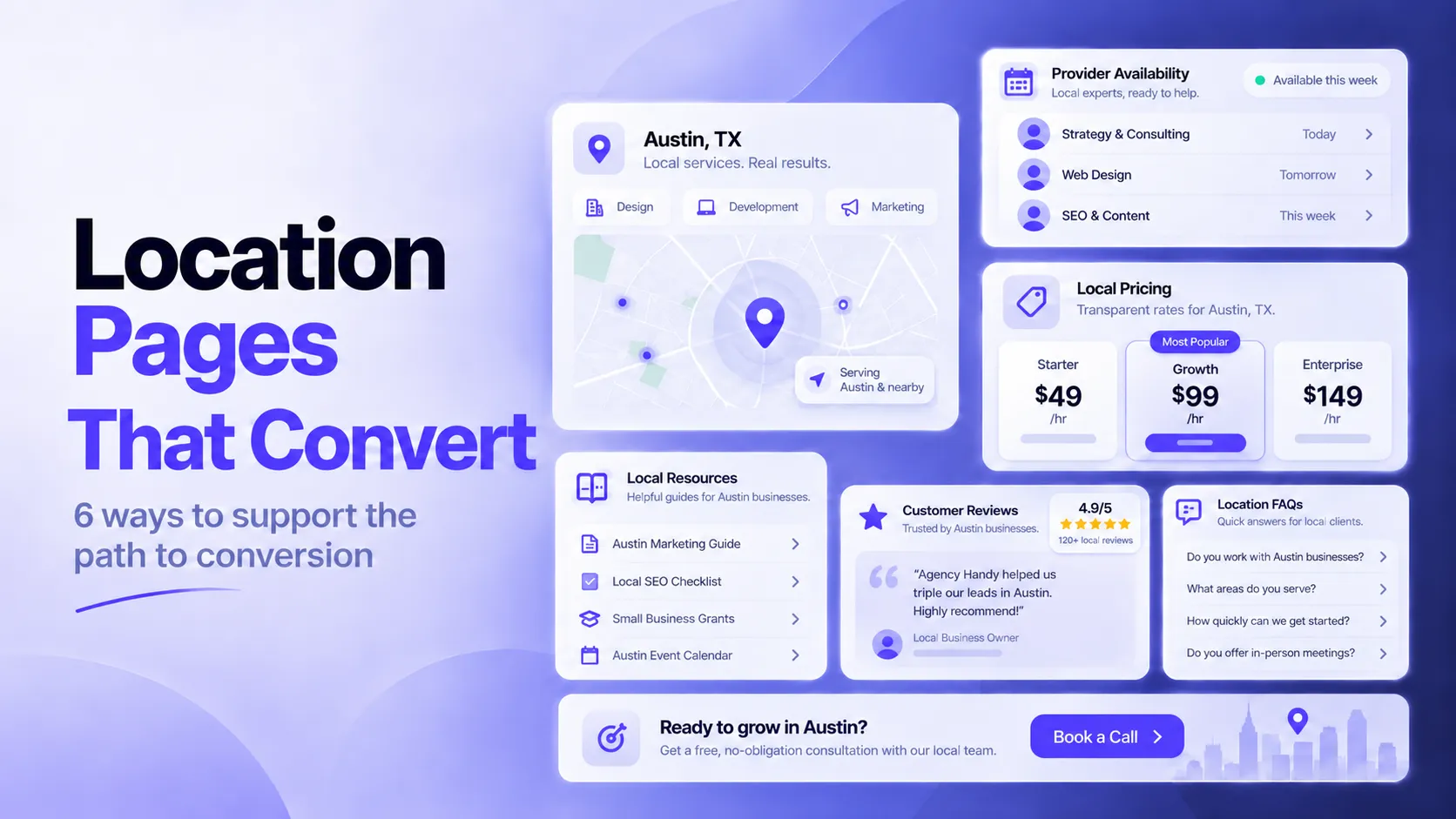



If you manage a business that serves multiple locations, you know the challenge. Each spot has its own community, its own competitors, and its own set of customer needs.
Treating every location the same on your website leaves money on the table. You’re simply making people work too hard to find the information they want.
This is where location pages come in. These pages do more than list an address and phone number. They guide local customers from a casual search to a completed sale. They answer specific questions, build trust, and remove friction.
When you build location pages with intent, they become a core part of your conversion strategy.
Below, we’ll look at six specific ways these pages support the path to conversion. You’ll learn how to turn a simple landing page into a reliable tool for growth.
1. Make It Easy to Take the Next Step with Local Provider Availability
A visitor who lands on a location page has already confirmed that a service exists nearby. The next question is who provides it and when that person can show up.
Location pages that answer both questions on the same screen remove the research steps between finding a relevant service and requesting an appointment. They allow visitors to skip the separate directory, the call about openings, and the comparison of provider profiles across tabs.
This matters because many patients want to schedule themselves. The vast majority of surveyed patients said they’d definitely or probably book or reschedule appointments online. A location page that shows named providers, service areas, and open times lets those visitors act on that preference right away.
To implement this on your location pages:
- List every provider who serves the location, with a name, photo, credentials, and the areas each person covers.
- Add live or regularly updated availability next to each profile, such as the next open appointment or a same-day option.
- Place a booking button beside each time slot, and link it to a form that already knows the visitor’s city.
- Keep the form short and ask only for details the provider needs to confirm.
- Review availability weekly, because outdated slots send visitors to providers who can’t help.
An example of a website that does this is CodaPet, connecting families with veterinarians who perform pet euthanasia at home.
Their Seattle page shows an available doctor, notes the other cities he serves, and shows his 5.0 rating from 135 reviews. A “Find availability” button near the top of the page opens a search with Seattle already filled in.
The page links nearby cities such as Kirkland and Redmond to the same availability search. The footer also includes an urgent request button for families who can’t wait until the next scheduled appointment opens.

Source: codapet.com
2. Address Location-Specific Costs Before Prospects Have to Ask
Costs change from one location to the next, even within a single region. A service in one city can carry different labor rates, permits, taxes, or travel charges than the same service ten miles away.
Property buyers see this clearly, because two neighborhoods in the same county can charge very different association fees, closing costs, and membership dues. Prospects know that, so they’ll look for pricing early.
87% of consumers consider cost when they choose a service provider. A location page that states local costs lets visitors test the option against their budget before they invest more time. Visitors who keep reading past that point have already accepted the local price range.
To implement this on your location pages:
- Place a cost summary near the top of every location page, above the contact form.
- List the fees that apply to that location, such as service charges, recurring dues, and one-time closing costs.
- Label each fee with its amount, billing frequency, and the date the figure was last verified.
- Separate what’s included in the base price from what costs extra.
- When a price isn’t public, say so and tell visitors who to ask.
- Update figures yearly and list questions visitors should confirm before committing.
For instance, John Campbell sells luxury homes around Hilton Head Island. His Palmetto Bluff, SC neighborhood overview includes a fee section that states the 2026 community assessment as $5,886 per year, or about $491 per month, in a table with quarterly and monthly equivalents.
It also explains that listings call this a “Trust fee,” notes that Palmetto Bluff Club membership costs extra, and lists other charges such as boat slips and the closing contribution.
A checklist then tells buyers which costs they’ll want to confirm in writing.

Source: johnsellshiltonhead.com
3. Provide Local Resources for Needs Adjacent to Your Service
Few people use a service in isolation. A visitor looking at a location page usually has a larger need, and the core service covers one part of it.
That need often includes:
- tasks that come before the service, such as permits or preparation
- tasks during it, such as transport or equipment
- tasks after it, such as cleanup or follow-up care
A curated directory of local resources covers these tasks on the same page.
Visitors who find everything in one place spend less time searching other sites. They’ll also view the provider as helpful, and that impression makes asking for a quote an easier decision. Each resource also adds fresh local content.
To implement this on your location pages:
- Group resources by the stage of the customer’s need (before, during, and after the service).
- Choose providers that serve the same location and have consistent reviews.
- Describe each one in a single line that states what it does and who it suits.
- Link to local providers directly, and note any partnership you hold so visitors know how the list was built.
- Check every link each quarter and remove businesses that have closed.
- Ask each listed provider to confirm they’ll accept referrals from your page.
The Knot is a digital wedding planning platform, and its Chicago venue page shows how a location page can serve the whole event.
Below the 260 venue results, a “Wedding Vendors in Chicago” section links to 15 Chicago-specific categories, including photographers, caterers, DJs, florists, cakes, transportation, etc.
This allows couples who’ve chosen a venue to move straight to the next need.

Source: theknot.com
4. Answer Questions That Change from One Location to Another
Many FAQ sections repeat the same questions on every location page. Visitors gain little from that, because the answers match what they already read on the main site.
Location-specific FAQs address questions where the answer depends on the place. Examples include local regulations, permit rules, climate, service-area boundaries, local pricing, language support, and which branch handles a request.
These questions arise before a visitor contacts a business, and unanswered ones delay the next step or end it. A visitor who can’t tell whether a provider serves their neighborhood will often look at a competitor. Answering locally removes that doubt and shows that the page reflects the actual area.
To implement this on your location pages:
- List the questions your sales and support teams hear in each area.
- Mark which answers change by location and write those into the page.
- Keep shared answers on a central FAQ and link to it.
- Write each answer with the local detail included, such as the branch name, phone number, local rule, or service boundary.
- Review the questions twice a year, because regulations and coverage areas change.
- Track which FAQs visitors open to find questions they’re likely to ask.
An example here is Terminix, a pest control and home services company. Their Tampa page includes FAQs that cover what’s specific to this location.
One answer covers inspections for buyers who need a Wood Destroying Insect Report to complete a home sale. Another asks whether Spanish-speaking technicians work in Tampa and tells visitors to contact the local branch.
A pricing answer explains that cost varies with program, pest, coverage, and location. The page also lists likely pests for each season.

Source: terminix.com
5. Use Local Social Proof to Make the Service More Relevant
Prospects want proof that a company has done the work in their area. Local social proof supplies that.
A review from a neighbor confirms that the company serves that city, and a project photo shows work done in homes like the visitor’s. Other forms include case studies, completed project counts, local awards, and before-and-after galleries tied to neighborhoods.
Local proof also answers doubts visitors can’t resolve alone. It allows them to judge factors like whether the crew handles housing styles, building codes, and schedules common to their area.
Proof that appears on the page where the visitor is deciding carries more weight than a testimonials page. It lowers risk at decision time.
To implement this on your location pages:
- Collect reviews with the city or neighborhood attached, and ask customers to mention the service they bought.
- Place three to five of them on the matching location page, where they’ll sit near the booking button.
- Add a project gallery from jobs in that area, and caption each photo with the location and service type.
- Get written permission before you use customers’ names or photos.
- Rotate the testimonials as new ones arrive, and remove any that are more than two years old.
Shugarman’s Bath specializes exclusively in tub and shower remodeling work. Its San Diego page includes a section titled “Reviews From Homeowners in San Diego” with three testimonials, each signed with a name and city.
The reviewers name the installers and consultants who worked in their homes, and one describes getting a new shower in a single day. A gallery of completed projects and an interactive map of nearby jobs add more local proof.
This approach enables visitors who’re comparing contractors to see local results first.

Source: shugarmansbath.com
6. Tailor the Call to Action to the Local Customer’s Next Step
Visitors on a location page have decided what they need and want to know how soon they can get it. A generic “Contact Us” button asks them to send a message and wait. What they actually need is a call to action that matches their readiness.
A visitor reading about local emergency service is ready to call or book a visit. Another one reading local pricing may be ready for a quote. A third one reading about a neighborhood project may want a consultation.
The button label should name the next step in the visitor’s own terms. When the action follows from what’s on the page, fewer visitors hesitate before they click the button.
To implement this on your location pages:
- List the actions visitors could take on each page, then rank them by readiness.
- Choose a primary button that matches the most common intent for that service, such as booking, requesting a quote, or calling.
- Use specific labels like “Book a Visit” or “Get a Local Estimate.”
- Repeat the primary button after each section, and place a phone number beside it.
- Test one label at a time, and compare results by location, because what’s right in one city can differ elsewhere.
An example of this method is Mister Sparky, a franchise network of residential electrical service and repair companies.
Their Baton Rouge page uses “Book Now” as the main button, placing it in the header, below the hero rating, and after major sections, with the local phone number right beside it.
A line reading “Book online with us 24/7” and an hours table showing 24 hours every day tell emergency visitors they’re covered.

Source: mistersparky.com
Final Thoughts
Location pages support conversion when you treat them as working tools, not static listings.
The six tactics in this article give visitors clear paths to the information and actions they need:
- Provider availability shortens the booking step.
- Local costs set honest expectations.
- Adjacent resources make your page a complete guide.
- Location-specific FAQs resolve practical doubts.
- Local social proof builds trust with nearby evidence.
- Tailored CTAs match the next step visitors are ready to take.
You don’t have to apply all six at once. Pick the one that fills the biggest gap on your current pages. Measure the results. Then add another.
This will give your local customers a smoother experience. In turn, your business will convert more of them into booked appointments.