Skip to content
  Get the best 3-year deal NOW →




If you’ve been running an agency for any amount of time, you already know what happens when contact data isn’t organized.
Someone on your team shoots a follow-up to a client who has already closed. Or worse, a new hire reaches out to a lead that was three conversations deep with someone who left.
The history is gone. You’re starting over.
That’s the actual cost of bad contact management, not just inconvenience, but lost deals and damaged relationships.
Client management software puts contact management at the center for exactly this reason. Here’s how it works and what good looks like in practice.
What is Contact Management?
Contact management is the process of collecting, managing, and tracking contact data. Here, you store the names, phone numbers, roles, past notes, and more of every individual you interact with regularly. It helps to keep your contact data updated for future collaboration.
When you maintain updated contact information, you can —
- Personalize outreach based on roles
- Get a clear context before follow-ups
- Pitch sales to the right person
What Does Contact Management Do?
With a contact management system, you can do the following things —
- Save contact details, including names, titles, emails, addresses, notes, etc.
- Filter and sort contacts for quick search
- Stores context within the contact for better follow-ups
- Connect with CRM to keep the contact data updated
How Contact Management Connects to Client Work for Agencies
Most contact tools stop at storing names and interaction history. For a solopreneur, that’s enough. For an agency managing 50+ active clients across multiple services, it’s only half the picture.
A contact profile becomes genuinely useful when it’s linked to the actual work including proposals sent, tasks in progress, invoices raised, files exchanged, tickets open.
Think about what happens when a new account manager takes over a client. Without linked records, they’re searching through email chains. They are like asking the client to repeat things they’ve already explained.
With proper contact management, they open the profile and everything is there including order history, task statuses, invoices, files, conversation thread.
That’s the difference between a contact database and a contact management system built for agency work. One stores people. The other stores the entire relationship.
Contact management is one of the core functions of a full client management software setup for agencies.
Further Read:
Best Client Management Software: A Complete Guide for Agencies in 2026
Top Benefits of Contact Management for Teams
When you manage contacts properly, it can give you some solid advantages. A few are —
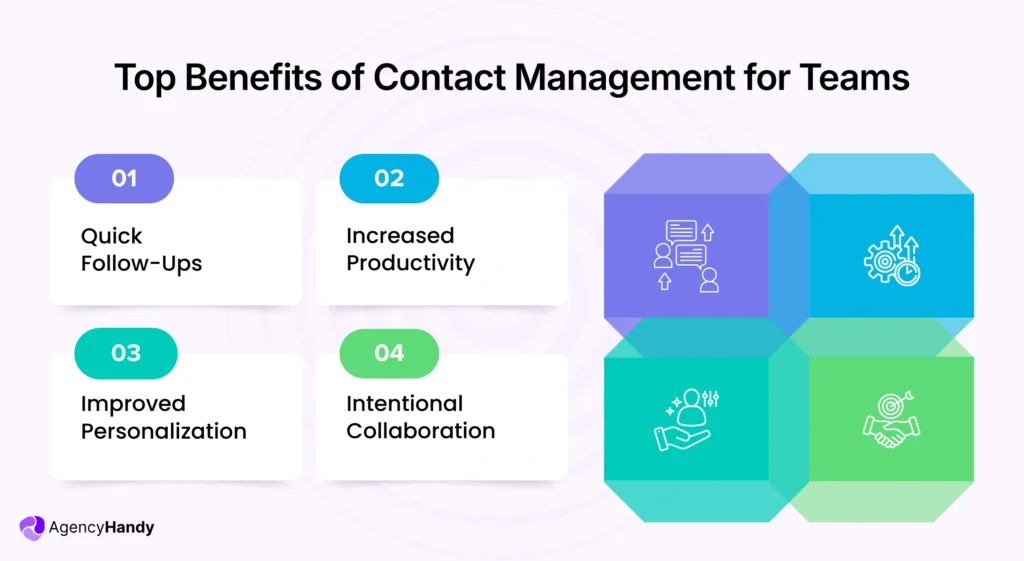
Quick Follow-Ups
Since you keep each contact’s information updated and in an organized way, teams can access it easily. Thus, they can see past interaction and notes at a glance. It saves them from searching endless texts and long email threads.
Most importantly, it lets them follow up quickly with individuals or businesses with proper context.
Increased Productivity
When teams spend time searching for contact details using multiple tools, it kills time. With contact management, teams don’t need to search high and low. In fact, they get everything neatly organized in one place. This way, it saves a lot of search time.
As a result, your teams can do more strategic planning and follow-ups.
Improved Personalization
While storing contact data, you add additional information like —
- Roles
- Specific problem
- Vision
- Preferred communication channels
Sometimes, you can even add behavioral preferences as well. With this information, your team gets a complete picture of the individual. Based on that, they can personalize their outreach at the perfect time with a relevant offer.
Intentional Collaboration
Contact management creates a single source of accurate and updated information. Each member of a team can access them and see —
- Who spoke last with the contact
- What was the discussion
- Where the discussion ended
- What are the next steps and more
This data allows them to collaborate internally to avoid duplicate outreach. Plus, when it comes to transferring from one team to another, the other team gets the full context.
In the end, all the teams have a smooth collaboration, even if the contact list is big.
Contact Management Best Practices a Business Must Follow
Though managing contacts sounds simple, it’s not that basic, actually. You need to do more than just save names and details. Here are the best practices you must apply to keep things efficient and reliable —
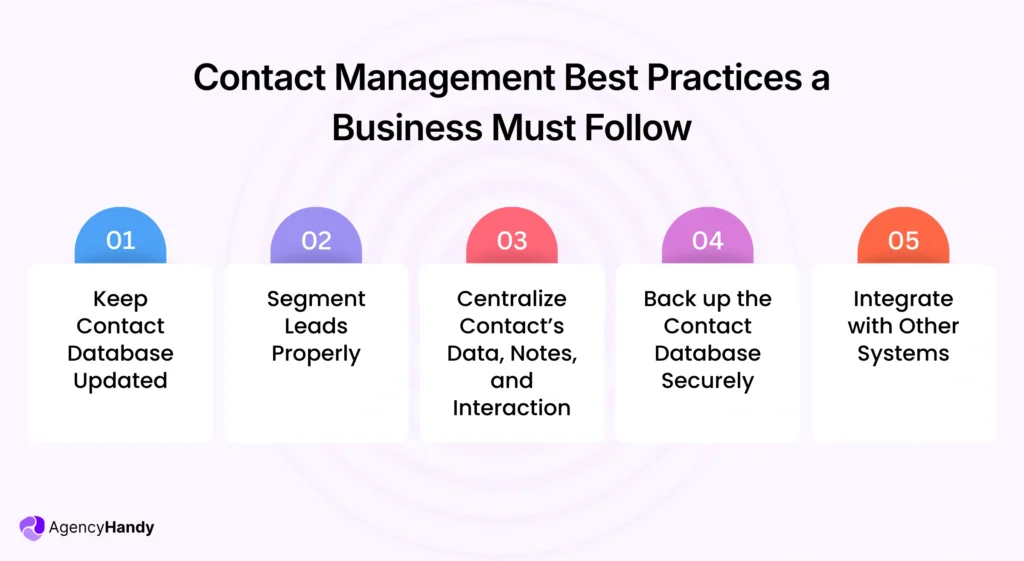
1. Keep Contact Database Updated
See data degrades pretty quickly. And that makes sense.
People change jobs, addresses, get promoted, or even fired. That’s why you must ensure that each contact has recent data. Otherwise, whether you make a strategic plan, personalize outreach, or create an offer, all efforts will be wasted.
Besides, if you’re unsure about the role of an individual, you can customize your follow-ups. So, you might end up sending an irrelevant solution. And that will trigger your potential client.
That’s why I always keep the database updated with accurate information.
2. Segment and Stage Contacts from Lead to Client
Not every contact in your system is at the same point. Some just submitted an inquiry. Others are mid-proposal. A few are active paying clients.
If your system doesn’t reflect those stages, your team is guessing who needs what.
Segment by stage so your team knows immediately who needs a follow-up, who’s waiting on a proposal, and who’s already onboarded. It also helps you spot patterns over time.
You will have a clear idea on which lead sources convert, which services attract repeat clients, and where deals tend to stall.
Further Read: Lead Management Process for Agencies: Qualify, Follow Up, and Convert
3. Centralize Contact’s Data, Notes, and Interaction
Another best practice of contact management is to centralize all the information in one place. Otherwise, if a member becomes unavailable, all the knowledge stored by them will be inaccessible.
But when you keep all the information in one place, it becomes accessible to all. That way, you get a full context of a contact, like objections and likings, to all the team members.
It also saves members from asking repeated questions for information that a contact has already shared.
Agency Handy can be helpful here. You can use it to save contact information with a lot of details. Most importantly, it links all the orders, tasks, files, invoices, and tickets to one contact profile. So, any member can get the full context in one place.
4. Back up the Contact Database Securely
It takes a whole lot of time to build a contact list with detailed notes and interaction. And if you lose it, you’ll surely miss —
- Every interaction
- Every possible deal is in progress
- Every potential deal in discussion
So, back up the contacts properly to keep the year-long relationship intact.
Besides, there is also a risk of server crash and hardware malfunction that can erase the contacts. Again, any team member might accidentally delete a contact.
In the end, you keep the database completely safe from these risks by backing up the contact database.
5. Integrate with Other Systems
Make sure that your contact management system integrates with other systems. It should integrate with —
- CRM
- Calender
- Emails
- Support system
That way, whenever a contact takes an action, your database adds the record to the profile. As a result, you and your team can view every interaction of a lead anytime.
Why Should You Use a Contact Management Software?
It can become overwhelming to manage a large contact list. With that said, here are some key reasons to use a contact management system.
- Centralize Contact Data: This system stores all contact data in one central place. So that you and your teams can find information quickly.
- Records Interactions: A contact management software can automatically record each interaction of a contact. It helps to get the full context and prevent guesswork.
- Segment Contact List: It lets you segment your contact list efficiently. You can group them by jobs, titles, locations, etc.
- Apply Access-Control: Not every team should see every contact. With this system, you can set who can view which contact and who can’t. It ensures the overall security of all the data.
What are the Key Features Agencies Should Look for in a Contact Management System?
The following features should be available in an ideal contact storage system —
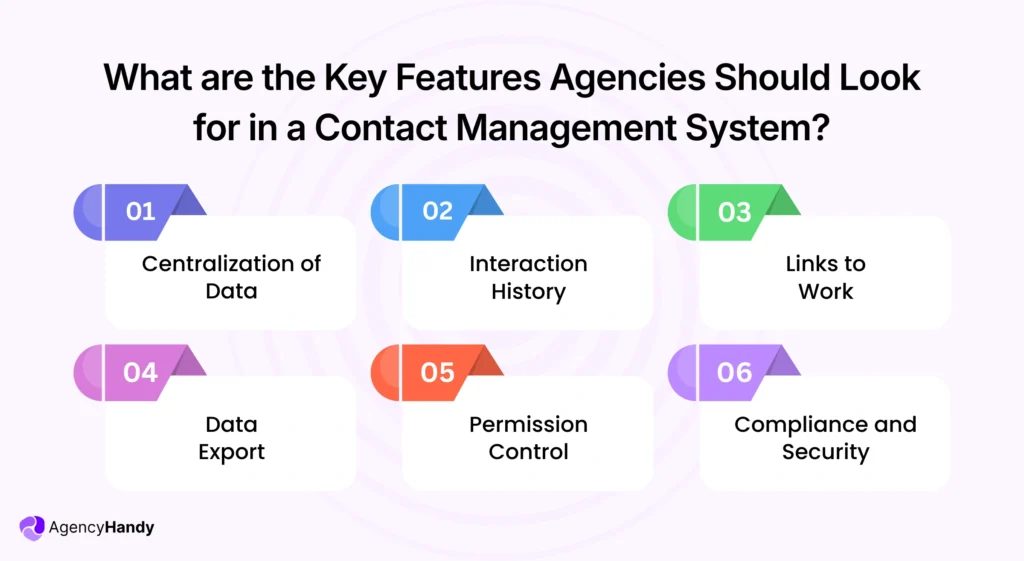
- Centralization of Data: The most important feature is the ability to centralize all the data in one place. It prevents the hassle of using multiple tools.
- Interaction History: Look for a system that logs every interaction history. This way, each team can get context before follow-up, sales pitch, or customer support.
- Links to Work: Get a software that connects orders, invoices, tasks, notes, etc., to the contact profile automatically.
- Data Export: You should choose a contact management system that allows you to export contact data. It helps to back up and minimize data loss.
- Permission Control: An ideal system should allow you to set control over who can and who can’t view, edit, and export contacts.
- Compliance and Security: Get a system that comes with solid encryption and compliance support. It should follow GDPR and/or HIPAA to protect your contact’s information.
How Agency Handy Handles Contact Management for Agencies
Agency Handy connects every client detail, interaction, and deliverable in one organized system for agencies.
Centralized Contact Profiles
Agency Handy stores all your contact data in one place. It includes client names, emails, company details, assigned agents, custom fields, and full interaction history.
Everything Linked to One Profile
Every order, task, invoice, file, and support ticket connects directly to the contact. When someone opens a client profile, they will see what was ordered, what’s in progress, what’s been paid, and every conversation in between.
Segment and Filter Contacts Instantly
You can group and filter contacts by status, billing type, category, or recent activity. So your team always knows which clients need follow-up, which are mid-project, and which are due for renewal.
Role-Based Access Control
Not everyone on your team needs to see every contact. Agency Handy lets you set exactly who can view, edit, or export contact data.
From Lead to Active Client in One System
Agency Handy tracks the full contact journey from initial inquiry through proposal, onboarding, and active project work. Your team gets the context they need at every stage without asking the client to repeat themselves.
Further Read: Best Client Management Software: A Complete Guide for Agencies in 2026
Final Words
Contact management is nothing but storing accurate information and context of each contact. It lets you see the role, title, location, requirement, notes, and interactions. As a result, involved team members can follow up and offer support efficiently.
And this is where Agency Handy makes sense. It connects contact management with leads, orders, tasks, invoices, and tickets. Plus, you get role-based access, search, and filter for effortless searchability. This setup helps you manage clients with fewer tools.
FAQs
1. Is contact management the same as CRM?
No, contact management is not the same as CRM. In fact, it saves, organizes, and manages contact details with interaction history. In contrast, CRM integrates contact management with automation, sales pipelines, and reporting. Some CRM even include marketing and customer service tools.
Do small businesses really need contact management software?
No, small businesses handling a small contact list can go on using a spreadsheet only. However, if your list grows, you’ll need a contact management software to centralize all the data. Or else, small businesses might face duplicate contacts.
When should a business move from contact management to a full CRM?
A business should move from contact management to a full CRM when it needs full sales pipeline visibility. Also, if the business requires automated follow-up and performance reporting. It should switch to a full CRM.