Skip to content
  Get the best 3-year deal NOW →
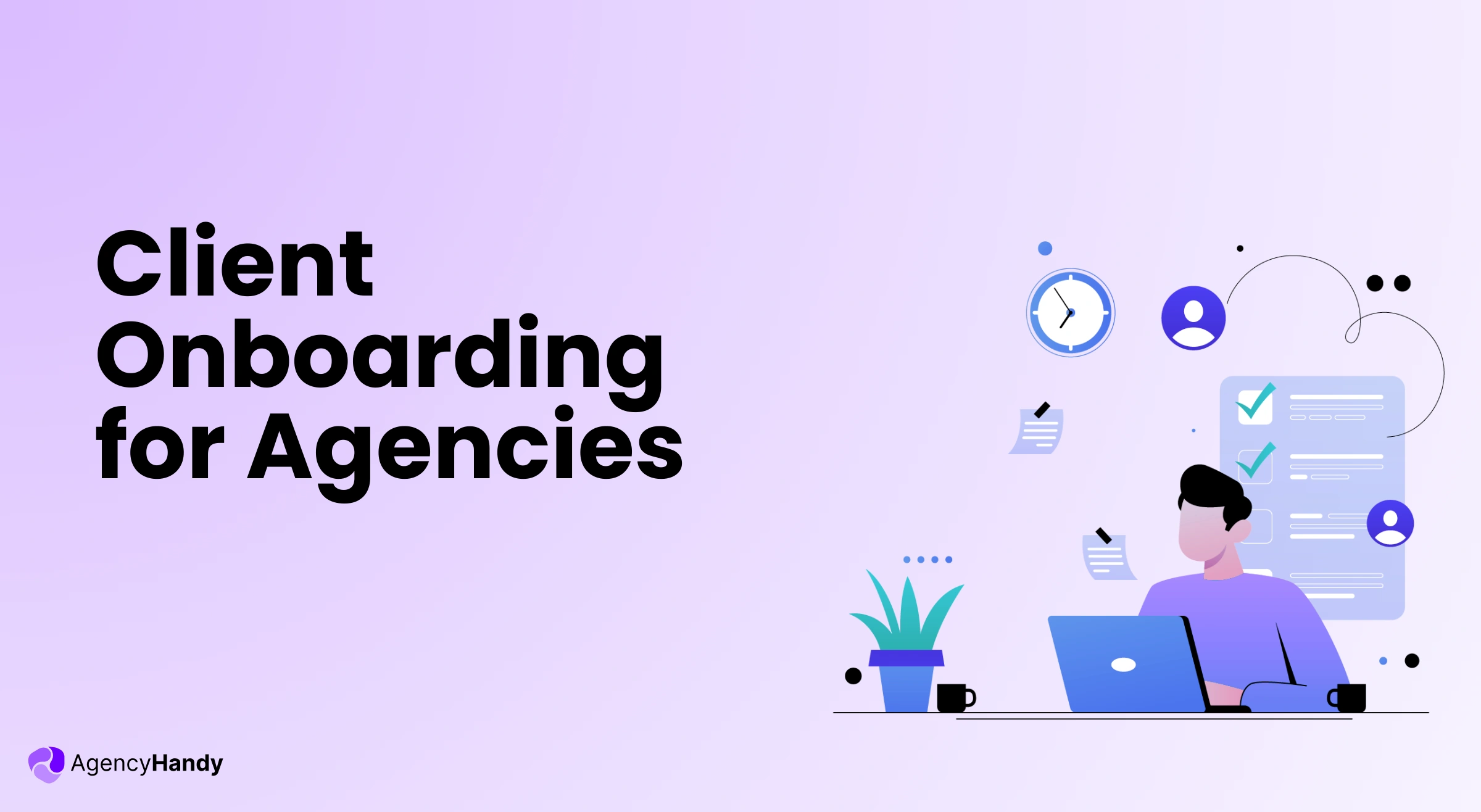



When you onboard a client without a system, you repeat the same steps manually for every new project. You chase down brand assets. Re-explain deliverables. Wait on payments. It adds up fast — and it gets worse the more clients you take on.
The right client portal software removes all of that. It collects the data, confirms payment, sets up the workspace, and hands off to your delivery team — without you managing every step.
This guide covers the full client onboarding process: what it is, a checklist to follow, the three portal forms that drive it, and the most common problems agencies run into.
What is Client Onboarding?
Client onboarding is an organized process of bringing a new client into your service or business. It covers everything from collecting their project details to giving them access to their workspace.
You can use either software, an in-person guide, or a hybrid system for this.
Most agencies manage onboarding inside a branded client portal workspace where clients log in, check progress, share files, and pay invoices.
Further Read:
Top Client Portal Software: Manage Clients & Projects in A Branded Workspace
Why is Client Onboarding Important for Agencies?
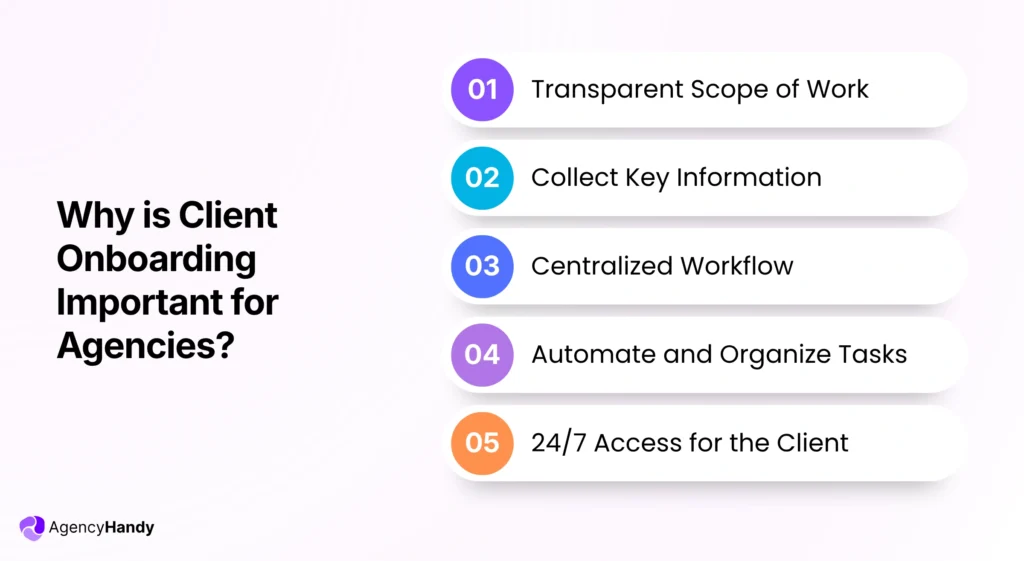
Client onboarding is important for agencies. It allows you to share a clear SOW (Scope of Work), gather key information, centralize workflow, and automate repetitive work.
Let’s know a bit more about the importance —
Transparent Scope of Work
You can clarify the deliverables, timeline, budget, and other details with the client during onboarding. So, clients buy your service confidently.
Collect Key Information
During client onboarding, you can ask logic-based questionnaires beforehand. That way, you get to gather all the essentials prior to project kick-off.
Centralized Workflow
It gives your team a central space to store all the project-related documents, contracts, conversations, and history. Hence, your team doesn’t go back and forth while working.
Automate and Organize Tasks
Client onboarding supports automated tasks. For example, order creation, task management, and invoice generation keep them organized at once. Hence, it saves you from the hassle of doing manual work
24/7 Access for the Client
Your client also gets access to view the progress of the project. They can see what’s pending, what’s due, share their feedback, and even make a payment.
Client Onboarding Checklist for Agencies
A checklist while onboarding a new client helps to complete all the necessary steps during onboarding.
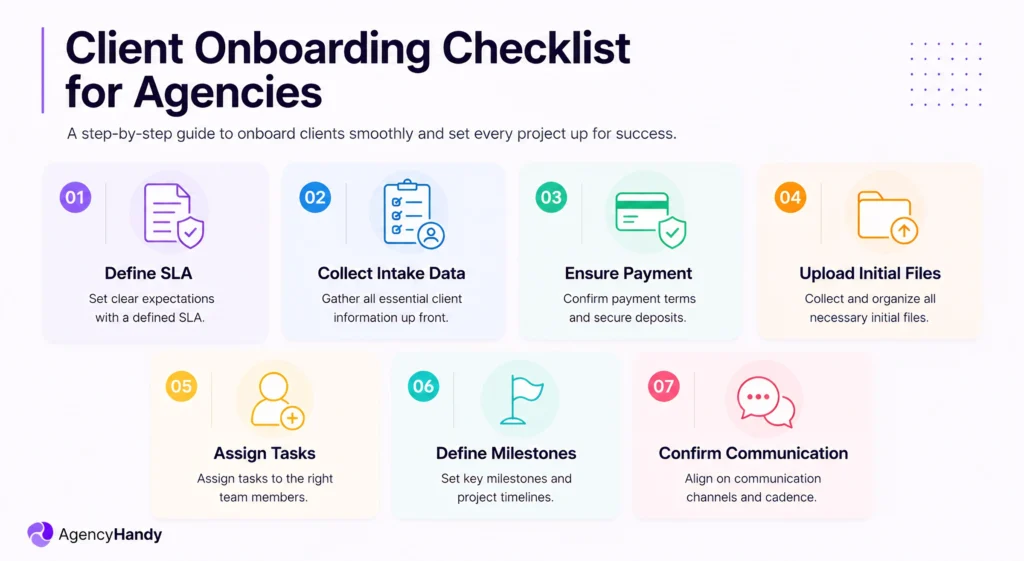
- Define SLA: Mention the deliverables, exclusions, deadlines, budget, and related terms and conditions.
- Collect Intake Data: Make sure that you collect everything related to the service or business from the client.
- Ensure Payment: The client must pay before they take the service from you.
- Upload Initial Files: Clients must upload all the essential files. This includes brand assets, copies, design files, guidelines, etc., before the work starts.
- Assign Tasks: You should assign roles among the team members based on their skills and inform them about the expectations.
- Define Milestones: Clarify the milestones to the client by explaining the deliverables and timeline.
- Confirm Communication Channels: Ensure that the client knows about the communication medium for any sort of queries.
8 Steps of the Onboarding New Clients Process
The steps to the onboarding client process vary from agency to agency based on the nature of the service. Now, let’s see the core process using an agency management software for client onboarding.
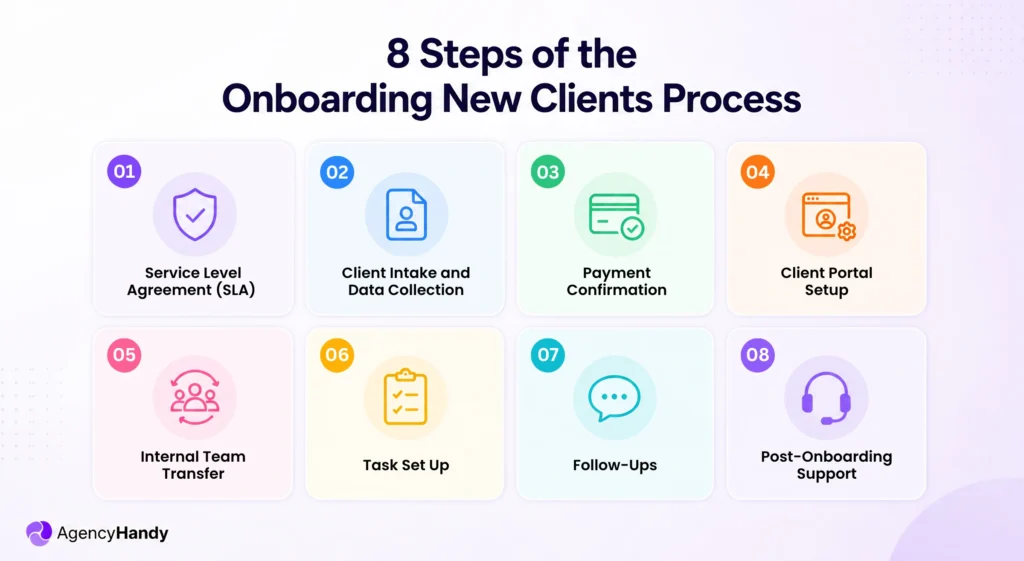
Service Level Agreement (SLA)
A Service Level Agreement (SLA) specifies responsibilities, timelines, milestones, ownership, service hours, support hours, and related terms. Agencies should perform this before onboarding a client to remove any sort of confusion later on.
Now, there is a thin line between a contract, a proposal, and an SLA, but most of the time, they overlap.
They vary depending on the agency management software. Some might offer contracts, some proposals, or some SLAs. However, this document is extremely helpful. It prevents scope creep and reduces misunderstandings.
Client Intake and Data Collection
During client intake, agencies use an onboarding questionnaire to collect key client information. It includes contact details, target audience, goals, and challenges. They may also gather brand assets, credentials, or examples to reduce guesswork during delivery.
Without this process, your agency depends on endless emails, calls, or follow-ups. Hence, it increases back-and-forth as well as the risk of missing critical details.
Right here, agency management software like Agency Handy comes with a logic-based intake form and an order form. Its intake form allows you to gather client data. Meanwhile, the order form lets you upsell your service without disturbing the core deliverable.
Payment Confirmation
At this stage, the client must purchase the service from your agency. It confirms that both parties are committed to the engagement. Also, the agency must verify that the payment method is active and the billing details are accurate.
Otherwise, your agency will face delayed cash flow and internal confusion.
Client Portal Setup
The client portal is the secure gateway for user adoption to your workspace. From there, clients can view work progress, make payments, share files, provide feedback, and raise tickets.
Plus, when you use a white-labeled client portal, it presents your brand identity to build trust. Besides, it gives your client relief from the anxiety of asking, “What’s the update?”
Internal Team Transfer
This is the transition phase of client onboarding from the sales to the delivery team. Here, your team gets access to the —
- Client information
- Brand assets
- Scope of work
- Deliverables
- Deadlines, and all.
That’s where Agency Handy steps ahead. It centralizes orders, tasks, billing, notes, and client info to a single profile. That way, teams clearly know where to find the important elements for successful project delivery.
Task Set Up
See, you’ve already done the onboarding, and this step might vary. But still, you can keep this in your checklist of onboarding clients.
Here, you basically:
- Assign roles
- Set milestones
- Deadlines
- Upload essential documents
- Create invoices
You can do them all pretty easily within an agency management software. This step allows you to move the project progress forward without any confusion.
Follow-Ups
Well, when you have onboarded a new client, it’s not over! In fact, it’s the beginning of establishing a new, long-term business relationship.
Hence, follow up with the client. Ask if they can understand the interface of the agency management system you’re using. Are they facing any issues regarding progress, updates, billing, or anything?
Also, create a schedule for delivering a weekly report along with the follow-up. It literally gives confidence to the clients.
Post-Onboarding Support
Basically, post-onboarding support involves checking in with your client at a regular interval to ensure that they’re not facing any issues. It’s better to ask —
- Are you getting responses from the team?
- Did you face any challenges in the case of raising tickets?
- Do you have any issues with payment?
- Can you see the progress of work on the kanban board?
- Are you facing any challenges while sharing feedback or uploading documents?
Now, the questions might vary. So, you need to customize and personalize based on the nature of your business.
Follow-Ups
Well, when you have onboarded a new client, it’s not over! In fact, it’s the beginning of establishing a new, long-term business relationship.
Hence, follow up with the client. Ask if they can understand the interface of the agency management system you’re using. Are they facing any issues regarding progress, updates, billing, or anything?
Also, create a schedule for delivering a weekly report along with the follow-up. It literally gives confidence to the clients.
Post-Onboarding Support
Basically, post-onboarding support involves checking in with your client at a regular interval to ensure that they’re not facing any issues. It’s better to ask —
- Are you getting responses from the team?
- Did you face any challenges in the case of raising tickets?
- Do you have any issues with payment?
- Can you see the progress of work on the kanban board?
- Are you facing any challenges while sharing feedback or uploading documents?
Now, the questions might vary. So, you need to customize and personalize based on the nature of your business.
What are the Common Client Onboarding Problems?
The following are the most common challenges that agencies face at the time of onboarding and suffer later —
Unclear Scope of Work
If an agency had unclear verbal client communication or terms, there is a chance of a clash during formal contracts while onboarding. Plus, technical terms in the proposal often fail to explain the exact deliverables.
Missing or Incomplete Client Data
Another problem is not getting clear and enough data from the client. It happens when you don’t add relevant questions or add excessive questions to the intake form questionnaire.
Not Collecting or Losing Assets
Agencies often forget to request important brand assets, documents, or links. Even worse, poor file management causes agencies to lose the assets. As a result, they keep sending repeated emails requesting the same files.
Inconsistent Process of Communication
If an agency fails to set up a proper channel of communication, clients feel lost and can’t ask for updates. Hence, a delay in communication occurs. And they start to think whether they made the right choice!
Billing Setup Confusion
Some agency management software comes with a complex billing setup system. It takes clients forever to get familiar with the system. Unfortunately, agencies neglect the importance of guiding the client through the billing system.
How an Agency Management Software Solves These Problems
Agency management software is an all-in-one solution that can solve the abovementioned problems. Here’s how —
- Intake forms: It comes with an intake form to help agencies collect important data and assets from the client. Thus, agencies can understand the client’s expectations, goals, vision, and challenges.
- Task Management: This helps to organize tasks by assigning priorities, deadlines, and visual progress through a Kanban board. That way, both parties understand what’s pending, what’s due, the bottlenecks, etc., without back-and-forth messaging.
- File Management: With the file management feature, store files, documents and link them to the client profile. In fact, Agency Handy allows you to add customized tags so that it’s easy for your team to organize and categorize files.
- Communication: An agency management software removes the endless channels of communication. It offers a centralized place to share feedback, leave notes, or even a drawing for the teams to work on.
Billing: It’s another upper hand from software for agency management that allows connecting Stripe, PayPal, and Manual banking for payment. Agency Handy, in fact, supports crypto.
Best Practices for New Client Onboarding
A successful client onboarding helps to establish a long-term relationship with clients. But you need to maintain consistency with all. In that case, you must follow the given best practices.
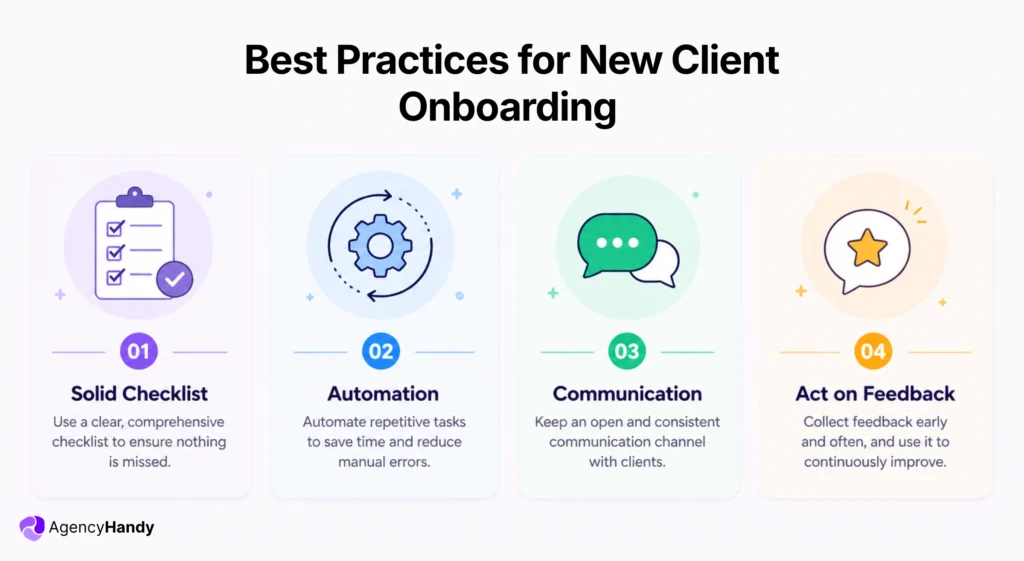
Solid Checklist
You have to be 100% sure that you have a client onboarding checklist with all the essentials covered. Otherwise, there is a high chance that you’ll miss key steps during onboarding.
For instance, if you forget to ask for brand assets, you’ll have to go back and forth while working to get them. It’ll create backlogs and unnecessary time waste.
Now, the checklist will vary based on the business, like for SaaS, it’ll be different. Again, if you’re selling web development or content writing services, the checklist will be something else.
Automation
Agencies handle more than 2 or 3 clients, so it’s time-consuming to onboard each client manually. That’s why, try to make sure that everything is automated. Whether it’s creating the intake form, payment, or giving access to the client portal.
It saves agencies a lot of time on work that’s truly not worth it.
Communication
Even when the client is onboard successfully, they’re not certain about the ways of reaching out to you. They might check their emails or WhatsApp randomly for updates from you. It’s frustrating!
That’s why inform how the client will get updates, how they can share their feedback and comments. The core is to make them aware of the active channel of communication.
Further Read:
Client Communication: Risks, Mistakes, and Best Practices
Act on Feedback
Make it a habit of asking your client about their onboarding experience. For this, you can either host a call or send them an organized questionnaire, like —
- How was your onboarding experience?
- Did you face any issues at any stage?
- What would you recommend to improve?
- What seemed unnecessary to you while onboarding?
Remember, it’s not the answer, it’s the questions that you ask that are important. The more relevant questions you ask, the more you’ll be able to optimize the process.
Further Read:
Client Feedback: Importance, Ways to Collect, Manage, and Act on Feedback
Use Agency Management Software
In the end, you should automate the onboarding process to save time and reduce human error. Here, agency management software is the best choice. It automates the workflow from order to task creation, task management, sending payment reminders, and more.
When speaking about software to manage agencies, Agency Handy can help. It —
- Offers easy-to-use logic-based intake forms for data collection.
- Creates orders and tasks automatically as soon as someone purchases the service.
- Supports file feedback from the client, like comments, notes, and even on the live site.
- Helps to store documents, files, images, and notes in a single client profile.
- Connects with PayPal, Stripe, Manual Banking, and crypto for payment.
How to Improve Client Onboarding Experience
You must try to improve the client onboarding process moving forward —
- Create a short intake form with fields for project brief, uploads, and signature.
- Keep an SOP on standby with clear steps that you can follow to set up the client portal easily.
- Right after the payment, add the client to Slack and dedicate a separate channel for each client.
- Hold a kickoff call as well to align with expectations and keep both parties on the same page.
- Keep consistent communication till the end to maintain a long-term relationship.
FAQs
What is another word for client onboarding?
User adoption, customer integration, welcome process, or client implementation are variations for client onboarding. It focuses on settling new clients, knowing their goals and values. In return, you can make them loyal and build long-term business relationships.
What is a client onboarding form?
The client onboarding form is a planned and organized document. It includes questionnaires to understand clear requirements from a new client from the beginning. Thus, it helps to deliver the service without any confusion till the final delivery.
Who handles client onboarding?
Client onboarding specialists, onboarding coordinators, or an Implementation manager handle client onboarding. They set up client accounts, guide and train them so that the new clients can adapt the service or product.
Conclusion
When you define the scope, collect the right details, confirm payment, and keep everything in one place, you avoid confusion later. It saves your time during client onboarding. This way, your team works better, and your client feels informed.
If you want fewer back-and-forth messages, Agency Handy can help. You get logic-based intake forms, automatic orders, and task creation. It also offers simple billing with Stripe, PayPal, manual banking, and even crypto, plus a branded client portal.