Skip to content
  Get the best 3-year deal NOW →
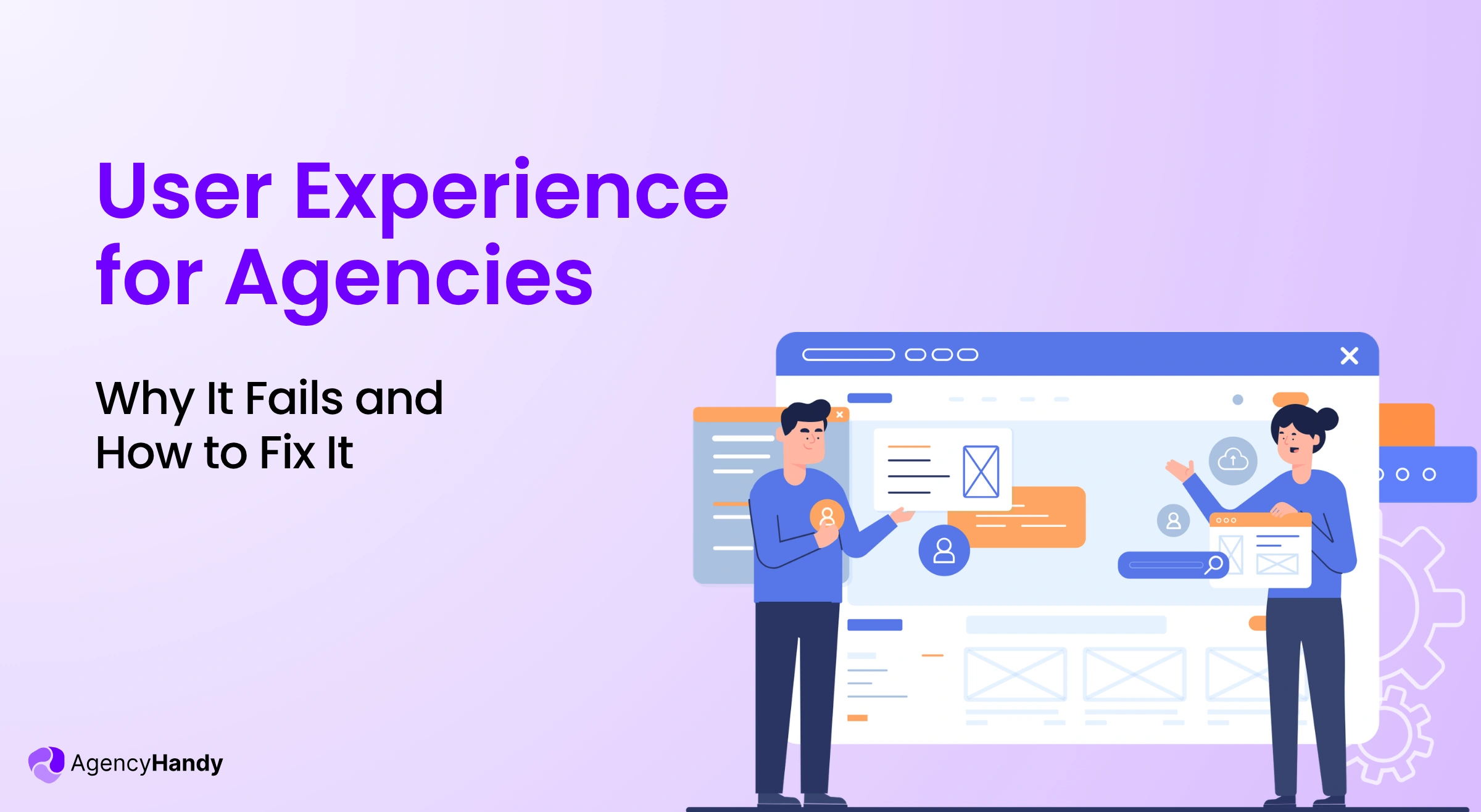



Your client notices poor portal UX before you do. So, they stop logging in and start sending emails for updates. You should be smart enough to understand that it’s a signal of bad user experience. Otherwise, soon you’ll see support emails and churn increasing.
So, let’s understand the importance of good UX, why most portals fail, and how you can measure it.
What is User Experience in a Client Portal?
User experience in a client portal is how easily a client can complete their tasks on their own. It could be checking project status, paying invoices, creating tickets, providing file feedback, etc. The more easily clients can do the tasks, the better the UX.
A client must be able to complete tasks without contacting your team repeatedly. If they can’t, you’ll see an increase in customer churn.
Why Client Portals Fail at Offering a Good User Experience?
Agencies often choose a portal that focuses on features rather than clarity. It confuses the client from the first login session. In fact, most of the failure reasons are more design-based than technical. Let’s learn about them.
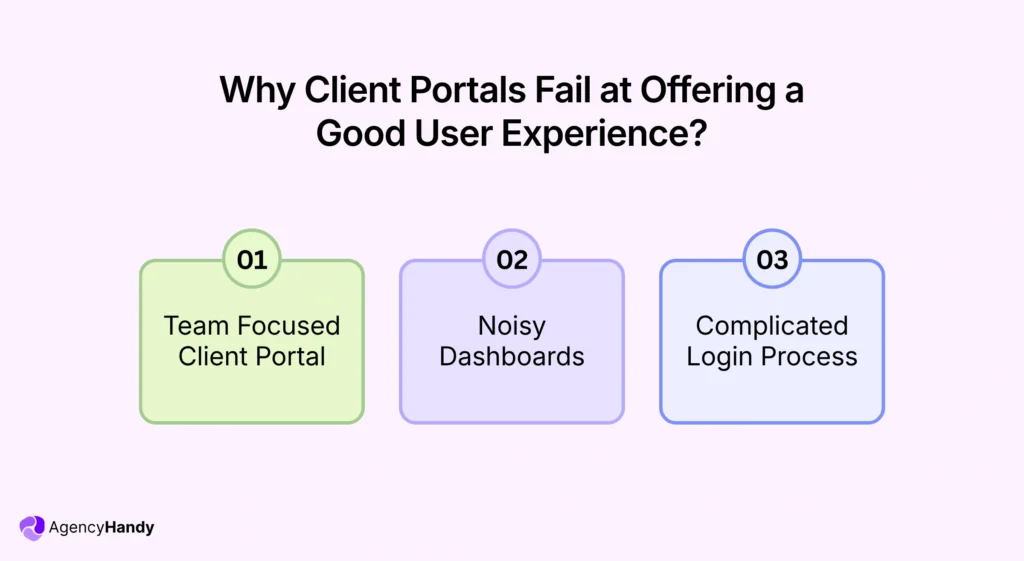
Team Focused Client Portal
Most agencies configure their client portals for their team workflow. So, the portal ends up with many elements. However, they’re most of the time irrelevant to a client. When clients see things that don’t align with them instantly, they just disconnect.
Agency Handy client portal software brings role-based access control to fix this. You can customize the sidebar for clients and teams, and only show the relevant elements to your clients. This way, clients get a clean user experience instead of a confusing interface.
Noisy Dashboards
Too many visual elements on the portal overwhelm clients before they complete a single task. In fact, non-technical clients don’t bother to explore. They just look for one simple button.
But if they can’t find it quickly, they just log out. And send your team frustrated emails.
Complicated Login Process
A complicated login process ruins the first impression before your client sees the rest of your workflow. Things like password reset, unclear authentication steps, and slow-loading pages make it harder for clients to adapt.
Also, most clients don’t troubleshoot on their own. So, they contact your team for access support. Eventually, the support requests end up consuming the main delivery work time.
Why is a Great User Experience Important for Agencies?
When clients face poor UX, they don’t always complain. They simply leave before you even start to notice. That’s why you should give high importance to user experience.
Keeps Your Client Longer
Client retention starts at the portal login stage, though other factors matter. But when clients find what they need on their own, it strengthens trust over time.
Plus, the financial impact is direct. According to Forrester Research, a smart and smooth UX design can increase conversion rates by as much as 400%.
Reduces Admin Load
When clients send repetitive requests, it impacts workable hours. Whether it’s about asking for the project progress or resending invoices, it pulls your team away from the actual delivery work.
But a well-designed portal removes that loop. Clients can easily check progress, download files, and pay invoices without needing your team. In return, your team can focus more on the project work.
Improves Client Onboarding Experience
Onboarding creates the base for the entire client relationship. If a client can smoothly explore the portal, it gives them peace of mind. They can find what to click on to —
- Check project progress
- Pay invoice
- Leave file feedback
- Create ticket
But if the client feels confused during their first session inside the portal even with your guidance, it creates uncertainty in their mind. When Customer Onboarding (CO) Benchmark data shows that poor onboarding is the 3rd biggest cause of customer churn, you must offer great UX to clients.
How Can You Measure the User Experience of a Client Portal?
You can see a good user experience from your clients’ behavior. If you can track the right signals, it helps to weigh whether the experience is smooth or not.
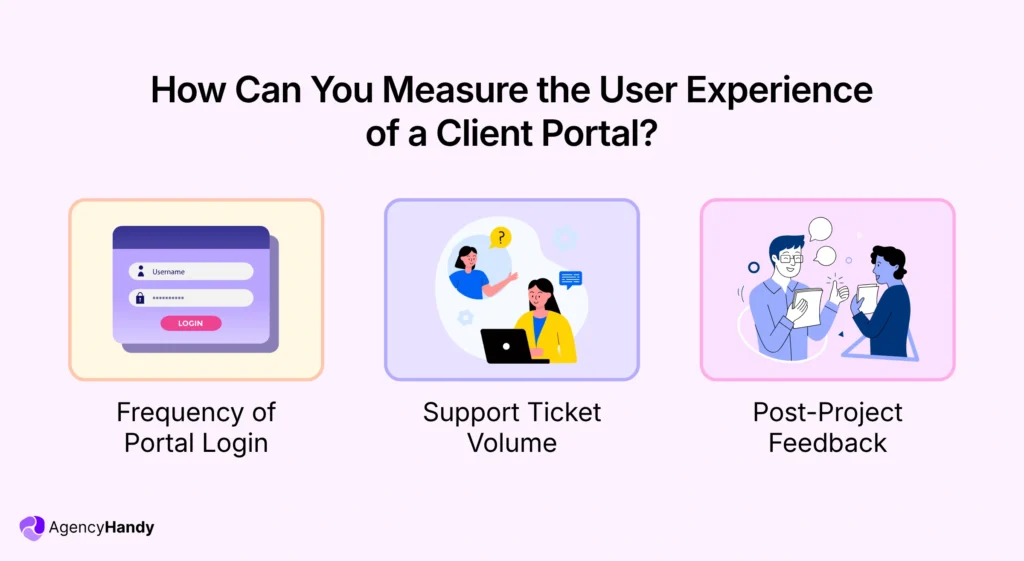
Frequency of Portal Login
Login frequency shows if a client gets real value in the portal. If clients log in repeatedly, it means they’re using the portal as their first source of information and communication.
But if a client logs in once and disappears, it means they didn’t find the portal useful. Probably the navigation wasn’t user-friendly, or the sidebar contained overwhelming elements.
Most portals don’t alert when clients log in or log out. So, create a simple check-in habit. Let’s say, every two weeks, you ask your clients directly whether they’re finding the project updates, invoices, and files inside the portal easily. Their answer will tell you the frequency.
Support Ticket Volume
High volume support tickets for things, such as clients can’t —
- Log in to the portal
- Access to files
- Locate invoices
- Pay invoices
- Leave feedbacks
directly points to a bad client portal experience. You need to categorize such support ticketing to understand where in the portal clients are failing. A well-functioning client portal software should reduce the ticket volume over time.
Post-Project Feedback
Most agencies collect clients’ feedback on the work. And a few rarely ask about the overall experience around it.
Therefore, ask direct questions —
- Did clients find project updates from the portal?
- Did the file feedback process feel clear?
- Did clients find the invoice process without confusion?
You can also add other questions based on your operational process. The answer gives you the idea for improvements in the user experience before the next project.
How Agency Handy Handles User Experience for Client-Facing Portals?
Agency Handy provides a clean and reliable client experience around two important things.
- White label Branding: It lets you set your agency’s logo, domain, and brand colors. So, clients log into a client portal that looks like your agency. It helps to connect with clients and build confidence in the very first impression.
- Role-based Permission: Agency Handy gives you control to show elements in the portal sidebar. You can customize what appears in the client’s sidebar as well as your team’s. This way, both parties see what’s important to them only.
Eventually, clients get a focused workspace. Meanwhile, your team gets fewer support requests.
Conclusion
User experience in a client portal is important for client retention. When clients pay invoices, access files, find project updates, etc., it gives them trust in your service. But poor UX does the opposite.
Agency Handy handles the key UX foundation clearly. Its role-based access allows you to only show the essential items to the clients. Meanwhile, white-label branding improves your credibility.
FAQs
1. How does poor portal UX affect an agency’s churn rate?
Poor client portal UX increases churn by making the client navigation process complex. When clients cannot find updates, pay invoices, access files, etc. on their own, they feel frustrated. This feeling leads to dissatisfaction, and they stop renewing.
2. Do clients actually care what a client portal looks like?
No, clients don’t care about the look of the client portal. Instead, they want a smooth experience while working around the portal. However, if you can provide a branded workspace, it shows professionalism.
3. How do I know if my current portal has a UX problem?
To know if your current portal has a UX problem, notice the volume of support tickets. Also, observe whether the clients are frequently asking for updates via email. If clients constantly avoid the portal and contact your team, it means your client portal has a major UX problem.