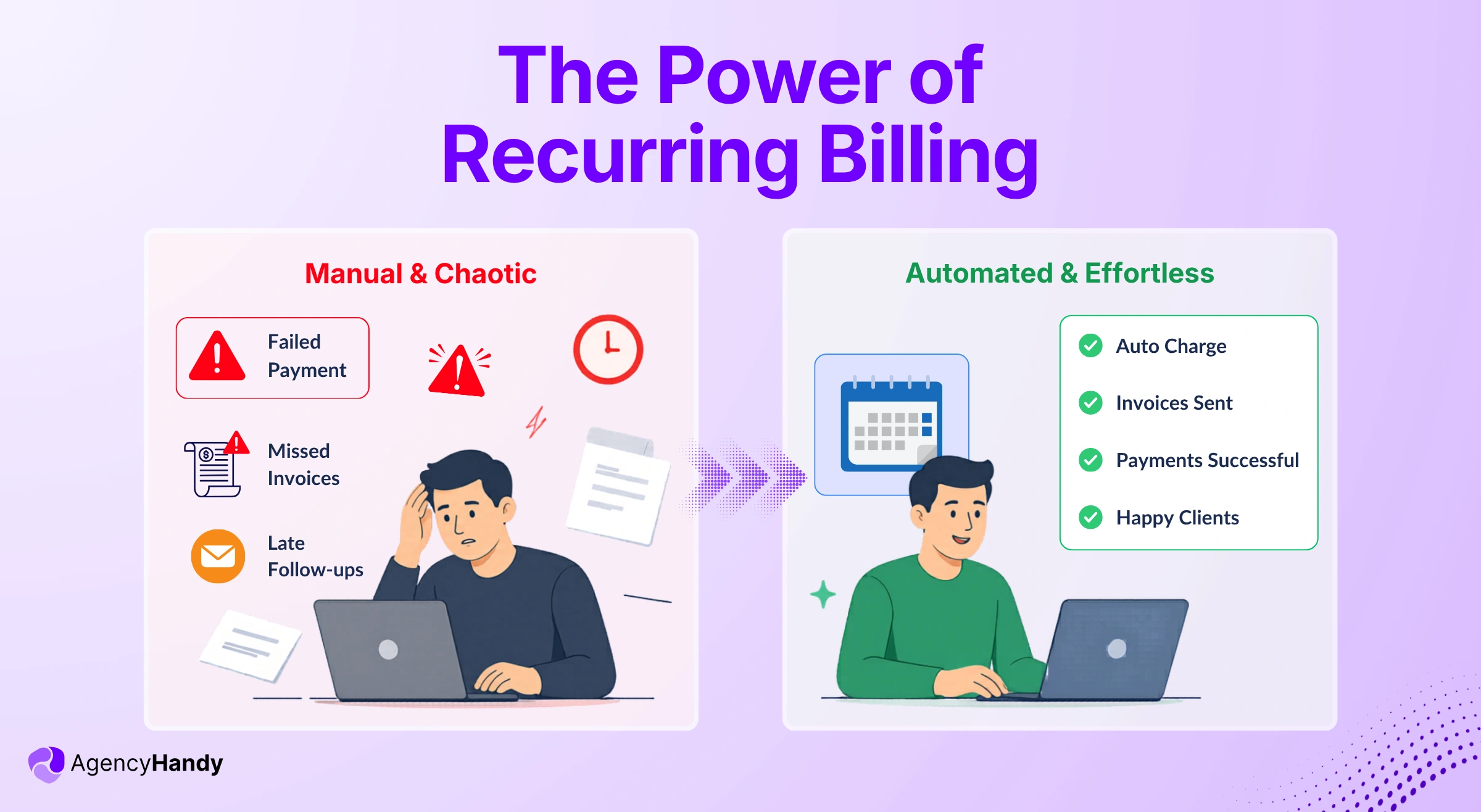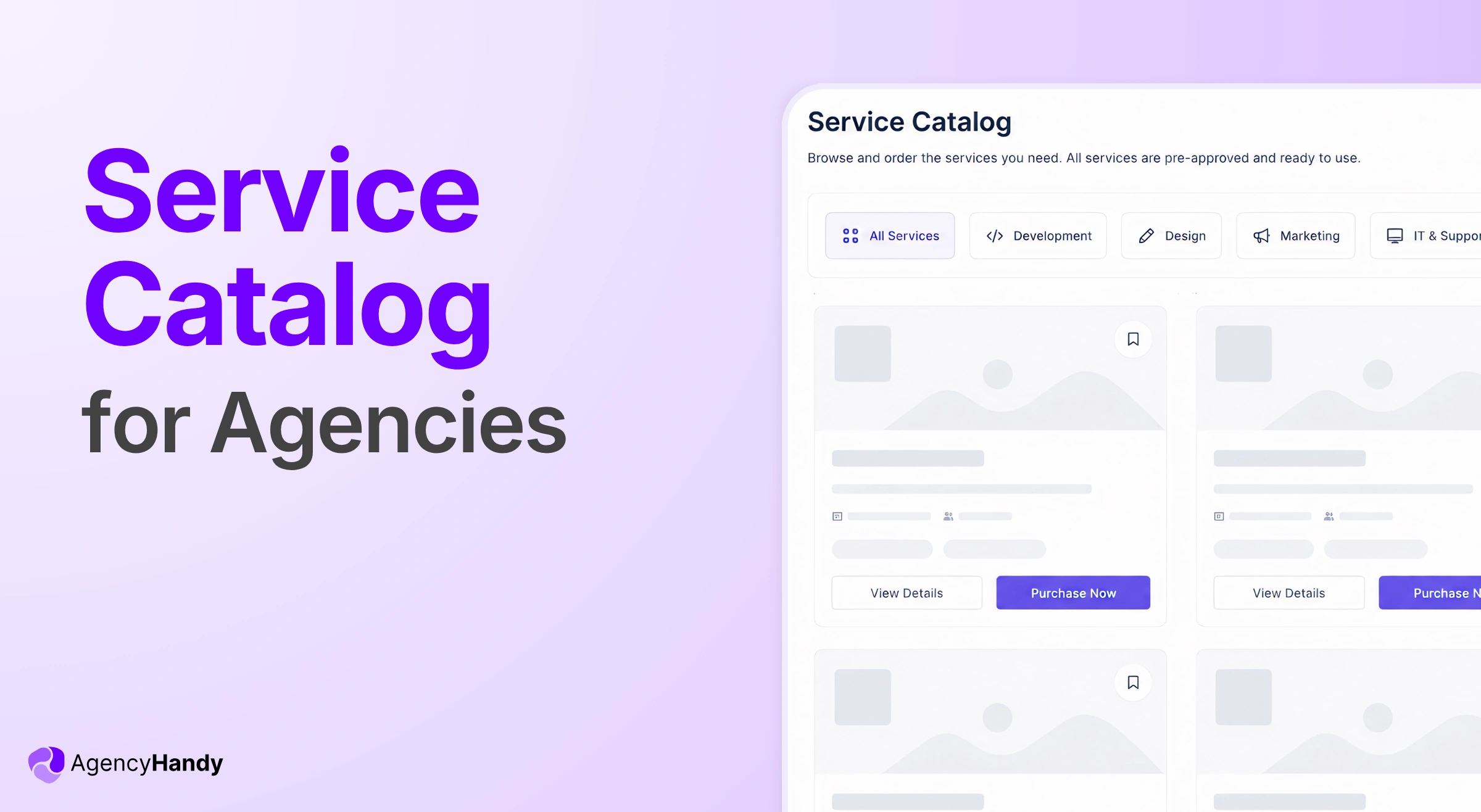



If you’ve been running your agency for a while, you already know how much time goes into explaining your services to people who haven’t paid you anything yet. A service catalog showcasing all your offerings is how you stop doing that.
In this article, we’ll cover what a service catalog actually is, what it should include, the different ways to display it, and how to set it up.
So the whole thing runs without you having to be involved every time someone wants to place an order.
What is a Service Catalog?
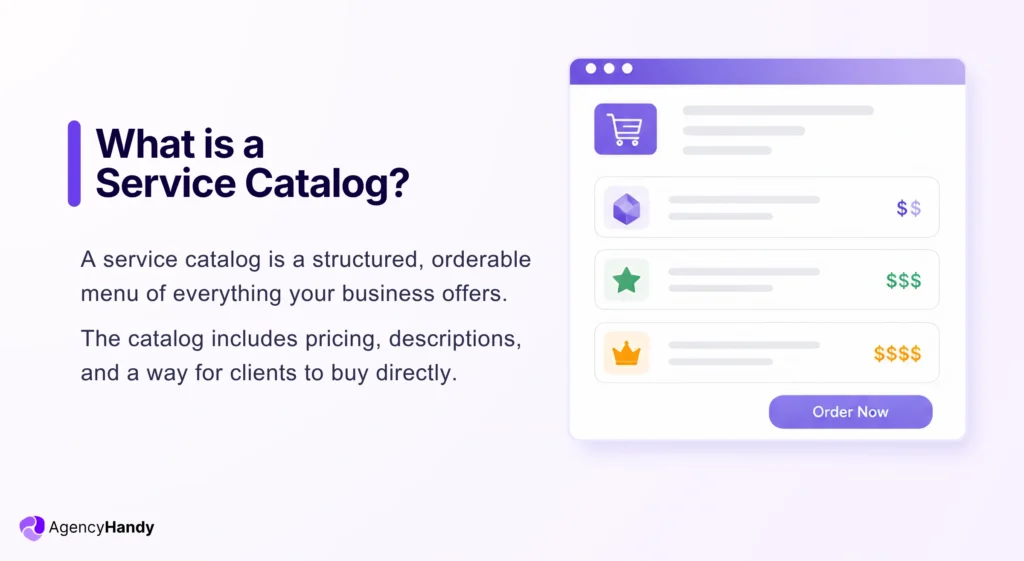
A service catalog is a structured, orderable menu of everything your business offers. The catalog includes pricing, descriptions, and a way for clients to buy directly.
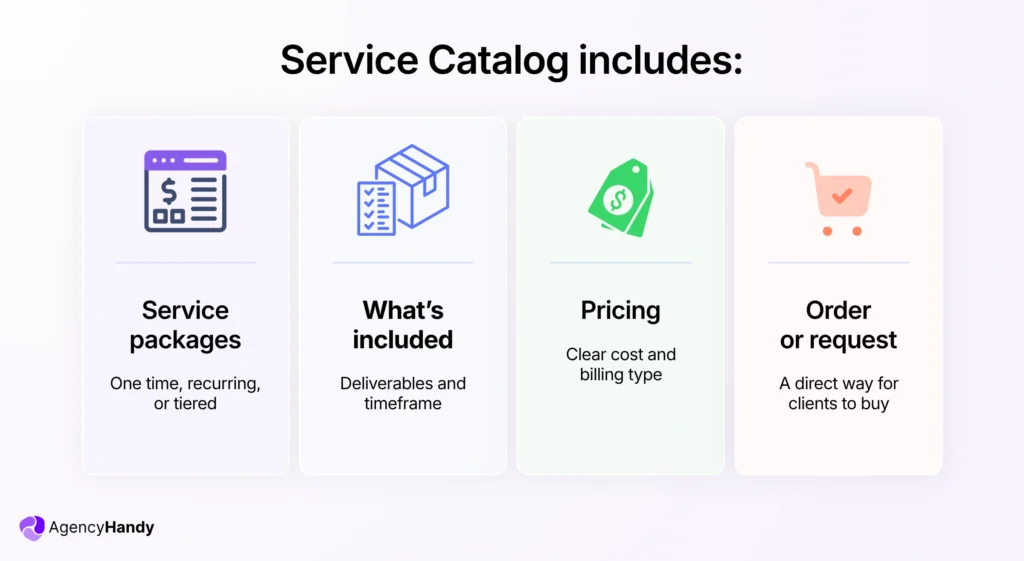
What it includes:
- Your service packages (one-time, recurring, or tiered)
- What each package delivers and how long it takes
- How much does it cost
- A direct way to order or request it
When clients can browse and order on their own, there will be no losing deals due to slow response times.
Agencies that offer several services, after they adopt the catalog thing, have fewer “just checking in” messages. There will be more orders outside business hours.
Why Agencies and Service Providers Need a Service Catalog?
The real problem with not having a service catalog is that you have to send a list of your service offerings every time a potential client contacts you. And the worst part is that some of them were never going to buy. They were just curious.
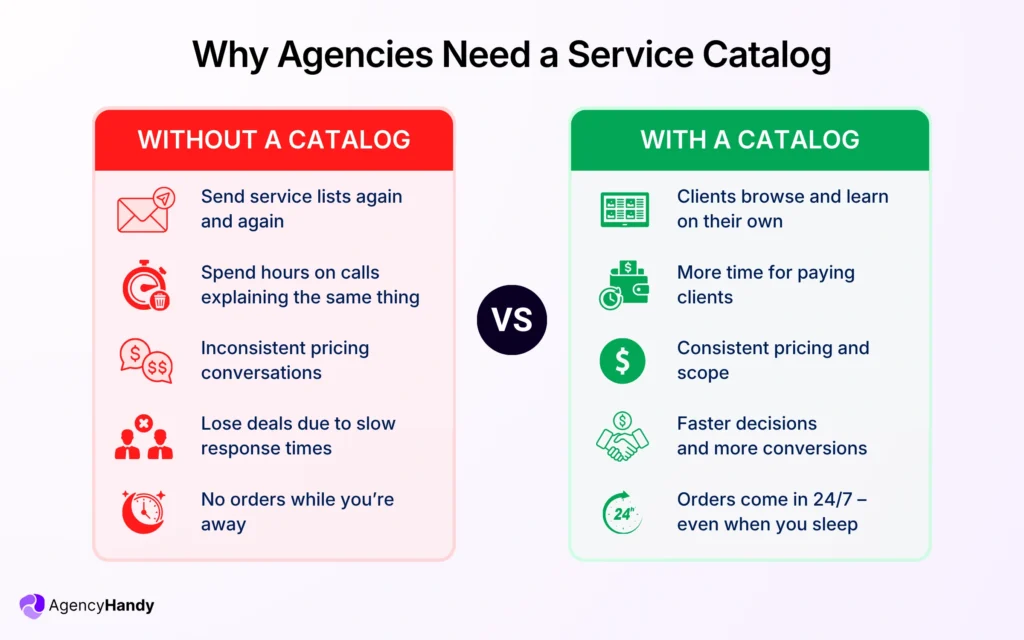
Whether you do it via email or jump on a call to explain the same thing a hundred times, it feels exhausting.
Do that ten times a week, and you’re spending hours on people who haven’t given you a single penny yet.
Now imagine those same people could just open a page, go through your services themselves, pick what they need, and pay. All without ever messaging you. You’d probably have more time to focus on clients who are already paying you.
That’s what having a proper service catalog does for your business:
- Clients who aren’t ready yet can still browse, think it over, and come back on their own
- New clients don’t need a 30-minute call just to understand what you sell
- Your pricing stays consistent because there’s nothing to discuss before a contract even starts
- You’re getting orders even when you’re away, even when you’re sleeping
Most agency owners who set up a catalog using the Agency Handy platform say the same thing. They didn’t expect how much of their week was going into conversations that a simple page could have handled.
Core Components of a Service Catalog
A good service catalog isn’t just a list of services with prices. There are a few things that need to be in there for it to actually work for both you and your clients.
Service name and description
This tells your client exactly what they’re getting. Keep it short but specific.
When you mention “Website redesign”, it means nothing.
“5-page website redesign with two revision rounds, delivered in 14 days” tells them everything they need to decide. That’s how you would convert right from the service catalog.
Pricing and billing type
If the price is right there with the billing structure, there’s nothing left to clarify before they order. Is it a one-time payment? A monthly retainer? A tiered package? Your client shouldn’t have to ask.
What’s included and what isn’t
This one saves you a lot of headaches later. When clients know exactly what any particular service covers, you won’t get requests for things that were never part of the deal.
An order or intake form
Once a client decides they want something, they should be able to act on it immediately. There should be an order form attached to each service. You will have the necessary info and files needed from the outset.
Timeline or turnaround
Clients want to know when you will hand over the deliverables. Even a rough estimate like “delivered within 7 business days” would be a nice touch. You won’t have to answer unnecessary questions regarding it.
How to Embed a Service Catalog in Your Client Portal
There are a few different ways you can set up and display your service catalog, depending on how you want clients to access it. But the common practice is to embed the catalog in the website as well as in the client portal. Also, having a shareable link is necessary to send to any potential client asking for your services.
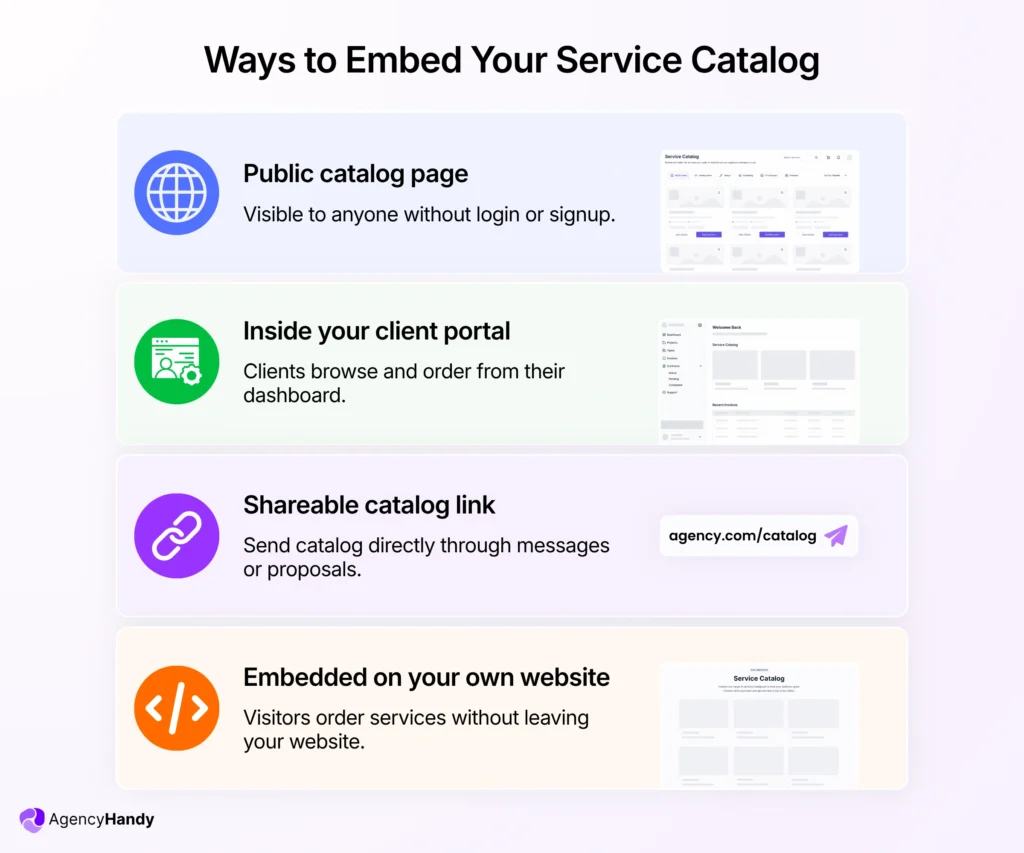
You can consider the following options:
A public catalog page
This sits on your website, and anyone can browse it. Doesn’t require any login. It’s food for agencies that want potential clients to see their services before they even reach out. It acts like a storefront window.
Inside your client portal
Existing clients log into their portal and see your catalog right there. They can browse, pick a service, and place an order from the same place they already manage everything else with you.
This is the most convenient option for your existing clients who want to purchase more services from you.
A shareable catalog link
This option lets you send a link, be it in an email, a proposal, or even a WhatsApp message. Your client opens it directly to your catalog.
A sharable link works well when you’re already in conversation with someone and want to move them toward a decision without a long back and forth.
Embedded on your own website
Your catalog lives on your site as part of a services or pricing page. Visitors can browse and order directly without being redirected anywhere else.
Best Practices for Creating and Embedding a Service Catalog
Don’t list everything you can do
When prospects see a few dozen services in the catalog, it confuses them. Three to five packages is usually enough. If you offer more, group them by client type or goal.
Attach an order form to every package
Every package should have a form they can fill out right there. It’s much better to know upfront regarding what they need, when they need it, and any relevant details.
Write your scope limits clearly
Let’s say you provide graphic design services. If a package covers two review rounds, say that. If it doesn’t include a big change, say that too. The clearer you mention it in the catalog, the fewer uncomfortable conversations you will have to deal with.
Use a platform that handles billing automatically
If someone places an order and you still have to manually send an invoice, the catalog is only doing half the job. The right setup triggers payment whenever an order comes in.
Don’t show add-on services
As you offer multiple services, you might also have add-on services crafted for each individual key service. But don’t show these add-ons in the service catalog. Clients should only see related add-ons during checkout, after they select any service from the catalog. You can also include add-ons in order forms.
How AgencyHandy Helps You Create and Embed a Service Catalog
With AgencyHandy, you can build your entire service catalog and embed it wherever your clients need to see it. You won’t need to code or set up separate tools for each piece.
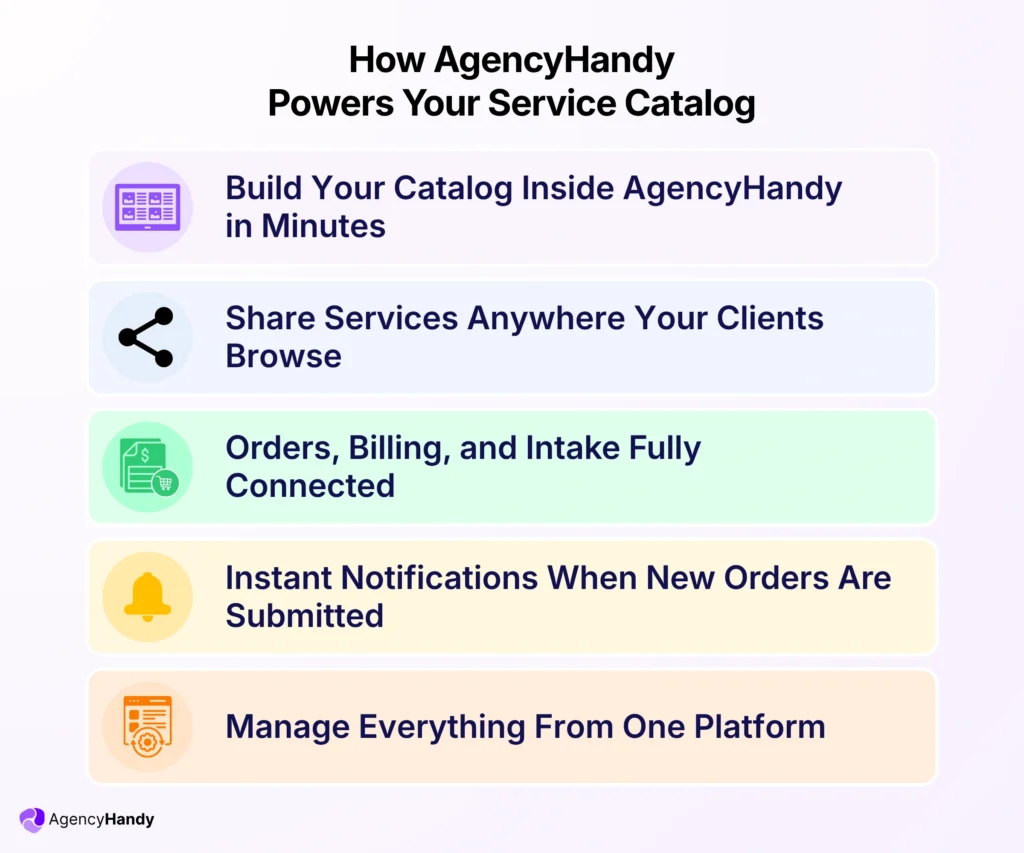
Here’s how Agency Handy does it:
Build Your Catalog Inside AgencyHandy
You start by adding your services directly inside AgencyHandy. Each service gets its own description, pricing, billing type, and an order form attached to it. Once that’s done, your catalog is ready to go.
Put It Wherever Your Clients Are
From there, you can embed it on your website, share it as a direct link, or have it sitting inside your client portal. Existing clients can browse and order without ever leaving.
Whichever way your clients find it, the experience is the same. They have to go through your services, pick what they need, fill out the order form, and pay.
Client Orders, You Get Notified
By the time you see the notification, the order is already in. No invoice to send. No follow-up email to write. Nothing for you to do until it’s time to actually start the work.
Everything Runs From One Place
What makes it work is that everything is connected inside one platform. The catalog links to the intake form, the intake form triggers billing, and billing confirms the order, all automatically.
For your productized services, you can do even more with Agency Handy. From creating services, proposals, and a client portal to invoicing.
Further Read:
Frequently Asked Questions
Should you show your prices publicly in a service catalog?
If your services have fixed prices, show them. Clients who can’t afford you will move on without wasting your time. If your work varies by project, add a “request a quote” option so they can still reach out without you having to put a number on something that isn’t fixed yet.
How often should you update your service catalog?
Whenever something changes, it can be your service prices, what’s included, or how long something takes. One thing worth watching: if clients keep asking for the same thing that isn’t in your catalog, that’s a sign it should be. Add it as its own package instead of handling it as a one-off every time.
What if a client wants to upgrade their package after ordering?
If your platform is set up properly, they can request the upgrade themselves and billing adjusts on its own. If not, you’ll be doing it manually, which is fine once in a while but gets messy as more clients come in. Better to sort it out early before it becomes something you’re dealing with every week.
Conclusion
You don’t need ten packages to launch a service catalog and embed on your website. Start with your two or three most popular services, get the ordering flow right, and build from there. A simple catalog that works beats a detailed one you’re still perfecting six months from now.