Skip to content
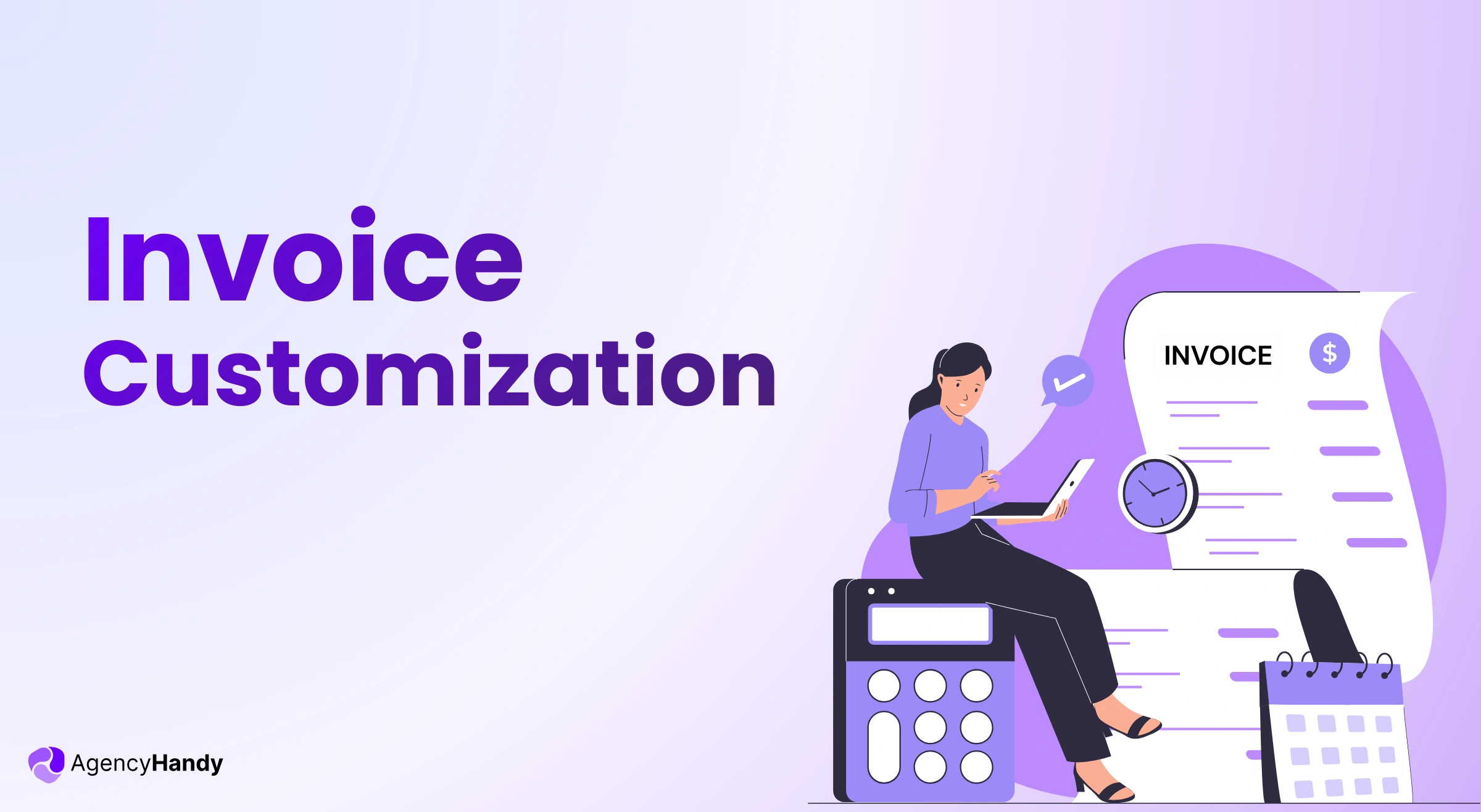



Busy clients get plenty of invoices from various providers. Invoice customization is the only way to make your invoices stand out from others.
And if you want to retain clients, your invoices should have a personalized note for specific clients that they can relate to.
Let’s not make your invoice look identical to templates from Excel and Sheets. This article addresses invoice customization, why it’s important, and shares some practical tips from pro freelancers.
What is Invoice Customization?

Invoice customization is tailoring your invoices with your brand elements, layout preferences, and personalized details instead of using generic templates.
Did you ever notice that the invoices you’ve received look pretty much the same? Black text, white background, basic table with amounts. Those are invoices for sure. But not customized to leave a professional impression.
To customize the invoice, you place the logo at the top. Whatever theme color your business logo has, you can do it here, too. The final piece looks like something that belongs to your branding.
Why Invoice Customization Matters for Business
Your invoice is the last touchpoint of transactions you make with clients. When you customize the invoice, it creates a sense of trust, credibility, and professionalism. This is something that no generic invoice can do.
Faster Payment Processing
Your invoice would be paid faster if it’s well customized and recognizable. Accounts payable don’t feel like verifying it, and waste further time.
Shows Professionalism
Your $5,000 invoices shouldn’t look like a $200 invoice. As your clients are paying a premium, when they see it in the invoice, they get a clear message of your professionalism.
Personalization Makes Clients Loyal
When your clients see their names in the invoice, they feel valued. Also, when you reference their specific project, acknowledge the partnership, or include a small personalized note, they become loyal. It compounds over time, and you get more referrals from them.
Recognition in Crowded Inboxes
Clients will be able to easily recognize your customized invoice. This gets your invoice quick attention when there are tons of invoices in the inbox.
Best Practices for Invoice Customization
Here’s best practices for invoice customization that brands and established freelancers follow:
Keep Core Brand Elements
Your logo and brand colors are the core elements for the invoice. You don’t have to be creative at this. It’s just for recognition.
About the invoice layout, it should complement what you’ve done for the clients. Be it deliverables, campaigns, or designs, invoices should leave an impression. Certain header types, font pairings, or any customized designs are ideal examples for this.
Keep Critical Information
Clients should immediately notice due dates, payment amount, and payment methods as soon as they see the invoice. Don’t let design elements fade these core invoicing elements.
Personalize Without Manual Work
There should be some room for dynamic inputs. It can be for client names, project details, notes, specific formats, etc. This will make sure you don’t have to edit manually every time.
Multiple Custom Invoice Templates
You might have to break down details and use formal language for enterprise clients. But smaller businesses are okay with simpler layouts. It’s a good practice to have a few custom invoice templates for each client segment.
Test Readability Across Devices
Many clients review invoices on their phones. Check how your invoices look both on desktop and mobile devices. And only then, finalize the invoice.
Avoid Over-Design
In order to be creative, don’t make the invoice look messy. Simple and branded design is always preferred.
How Agency Handy Helps with Invoice Customization
Agency Handy can personalize your client invoice to make it stand out from the rest. Here’s how you can customize an invoice through this platform:

Visual Branding
Upload your company logo once. It appears on every invoice. Pick your background color, text color, and theme. Agency Handy applies these to all invoices automatically.
Custom Invoice Numbering
Create your preferred invoice number system. You can use sequential numbers like INV-001, INV-002. Or date-based codes like 2024-01-001. Or try something else.
Agency Handy identifies invoice numbering pattern. And then it will auto-generate numbers with no gaps or duplicates.
Date and Currency Settings
Pick your date format—MM/DD/YYYY, DD/MM/YYYY, or whatever matches your region. You will have to set your preferred currency once. This applies to all invoices.
Client-Specific Notes
Write a personalized note in the note section of the invoice. Let’s say you have a client for 2 years, and it’s the anniversary. You can write it as a note and thank the client. A warm gesture like this is important to make clients loyal and get referrals.
Signature and Watermarks
You can add your signature in invoices. All paid invoices will have a watermark on them. This would let both parties know if invoices are paid or not.
One Setup, Ongoing Use
Configure your logo, colors, theme, numbering, currency, and signature once. Agency Handy will send your customized for every recurring subscription billing.
Consistency With Client Portal
Your invoices will match the branding clients see in their Agency Handy client portal. When they view projects, download files, or check billing, everything looks cohesive.
Frequently Asked Questions
Can I preview how my customized invoice looks before sending it to clients?
Agency Handy lets you preview invoices before sending. You see exactly what your client will receive, so you can catch any issues with layout, branding, or information.
What happens if I need to change my branding midway through the year?
You can update your logo, colors, or theme anytime. New invoices use the updated branding. Previously sent invoices keep their original design for record-keeping consistency.
Can I create different invoice templates for different service types?
You can set up multiple templates like one for retainer clients, another for project-based work, another for one-time services. Assign the appropriate template to each client or project type.
What are common invoice mistakes to avoid?
Missing payment due dates, unclear line item descriptions, wrong client information, inconsistent invoice numbering, and forgetting to include payment methods. These create confusion and delay payments.
Is it better to use Word or Excel for invoices?
Word and Excel require manual formatting every time, leave room for errors, and don’t track payment status. It’s good for several invoices, but not for more than 10-15 invoices. Dedicated invoicing software automates customization, maintains consistency, and handles the entire billing workflow.
Can I add tax information or compliance details to invoices?
You can add tax rates, registration numbers, and other compliance information. This appears consistently on invoices based on your settings or client location.
Final Words
Consider customizing invoices as an investment sort of. The compound effect of leaving a professional touch, letting clients feel valued, and feel loyal would pay off when you will see more referrals are coming.