Skip to content
  Get the best 3-year deal NOW →
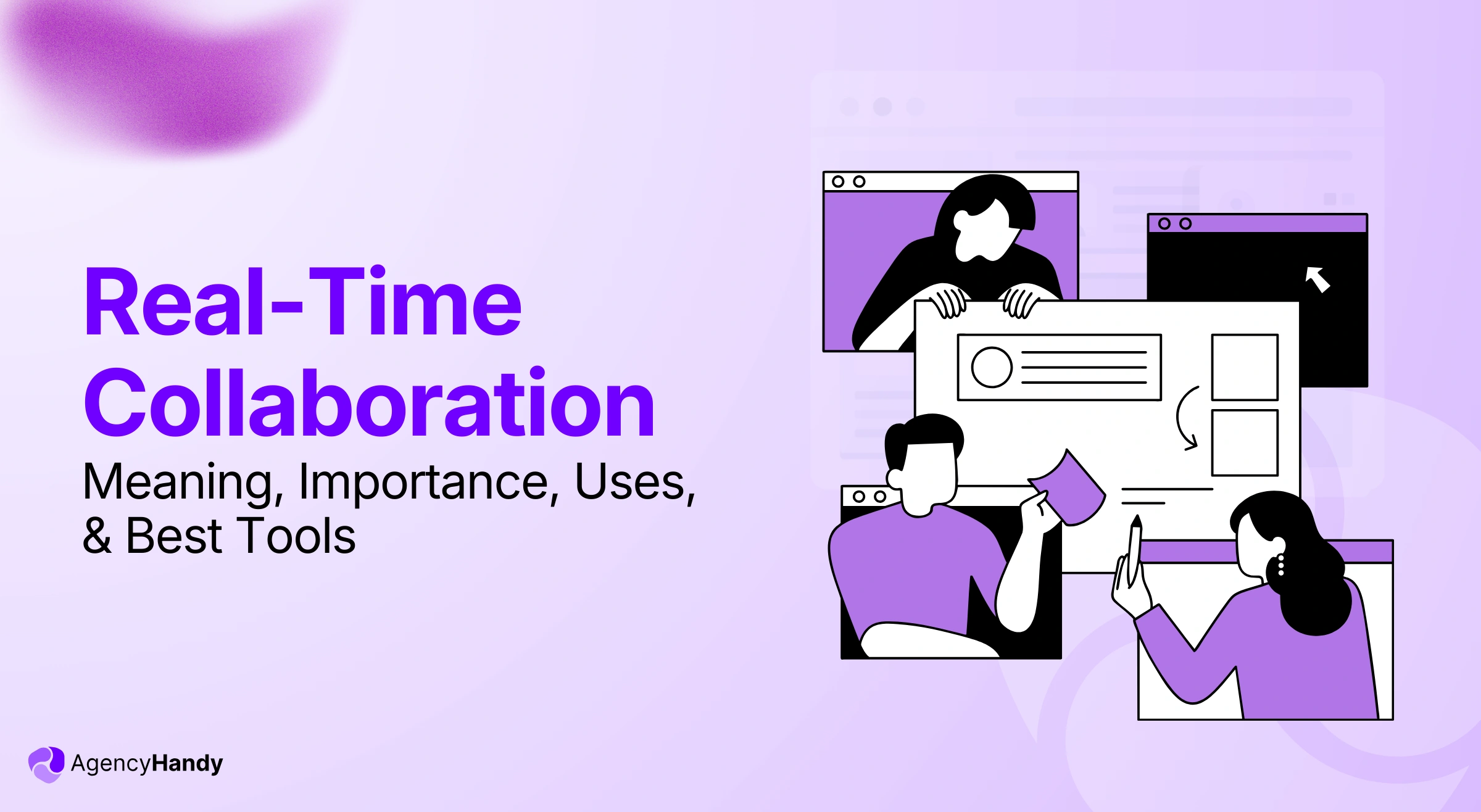



Real-time collaboration is when two or more people work on the same task, file, or project at the same time. The changes and updates would be visible to everyone instantly.
Think of Google Docs. When you and a colleague open the same document, you can both type, comment, and edit together. You do not need to send the file back and forth. Everything stays in one place and updates as you work.
For agencies managing multiple clients and projects, this kind of live collaboration saves time, reduces confusion, and keeps work moving without the usual back-and-forth delays.
In this article, you will learn what real-time collaboration is, why it matters, how agencies use it, the challenges involved, and the best tools available today.
What is Real-time Collaboration?
Real-time collaboration is simply the ability for teams and clients to work on tasks, files, feedback, and decisions with live updates. Live collaboration works best in a shared digital space. There, everyone can participate without depending on others’ schedules.
For instance, when your agency works with a client on a design project, real-time collaboration means the client can drop a comment on a file. Without any email dependency, your designer sees it immediately, makes the revision, and sends it back for approval.
What are the Types of Real Time Collaboration?
There are several types of live communication that vary based on the real time collaboration app you use. For example —
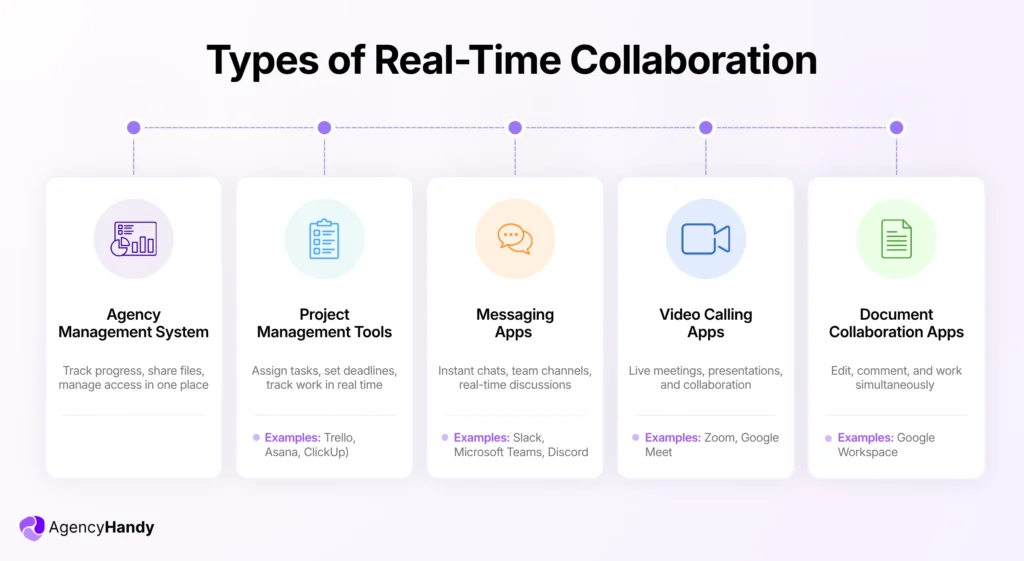
- Agency Management System: It enables your team and clients to track progress, share files and feedback, version control, and permission access in a single platform.
- Project Management Tools: These tools, like Trello, Asana, or ClickUp, help you to break down projects. You can assign tasks, define deadlines, comment on the task, and track how the work is moving live.
- Messaging Apps: Teams, Slack, Discord, etc., instant messaging apps let you have one-to-one, group, and create project-specific channels to have real-time conversations.
- Video Calling Apps: Google Meet or Zoom allow live video calls for individual or group conferencing to work on presentations, documents, designs, etc.
- Document Collaboration App: Google Workspace, like Docs, Sheets, and Slides, enables teams and clients to comment, edit, and work on the same document simultaneously.
What is the Difference Between Real Time and Traditional Collaboration?
Real-time collaboration is when clients and teams work at the same time on a shared task or document. There, they exchange feedback and give approvals instantly.
Whereas traditional collaboration is asynchronous. One person sends an email for approval and waits for the response.
This kind of back-and-forth client communication often causes delays and sidetracks the project timeline.
By the time the feedback arrives from the client, the team might move on to something else or worse, redo the work in the wrong direction.
Further Read:
Client Communication: Risks, Mistakes, and Best Practices
Why Real-Time Collaboration is Important for Business?
The importance of real-time collaboration for any business or agency is —
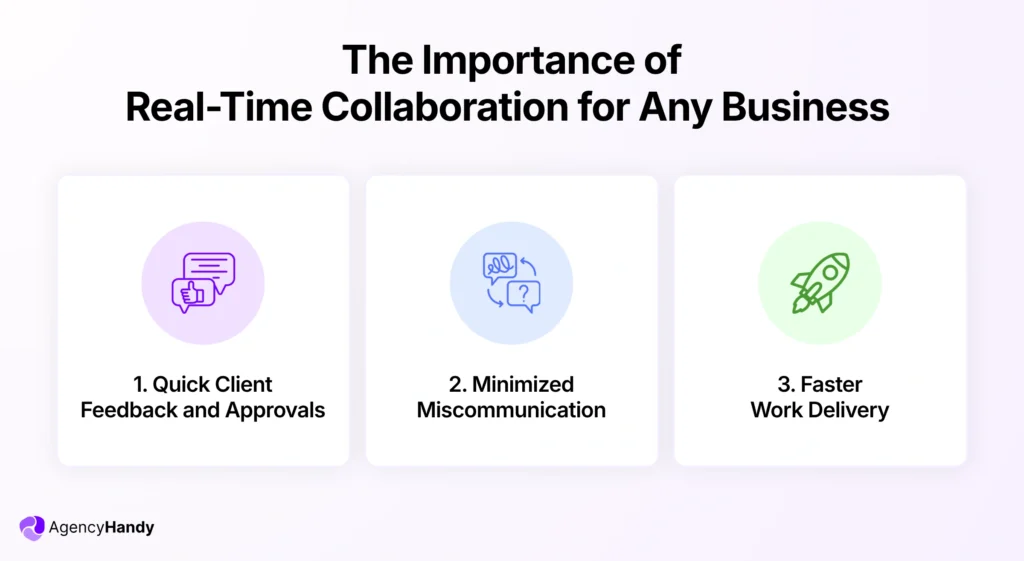
Quick Client Feedback and Approvals
Real time document collaboration helps to gather the client’s feedback on tasks and work on the inputs all at once.
The team can understand the core issue, ask follow-up questions, and implement the fix without waiting a day for a reply.
It also prevents version conflicts. When both sides are working off the same live document or task, there is no “which file is the latest” confusion. Approval cycles will be shorter, and the project will keep moving.
Minimized Miscommunication
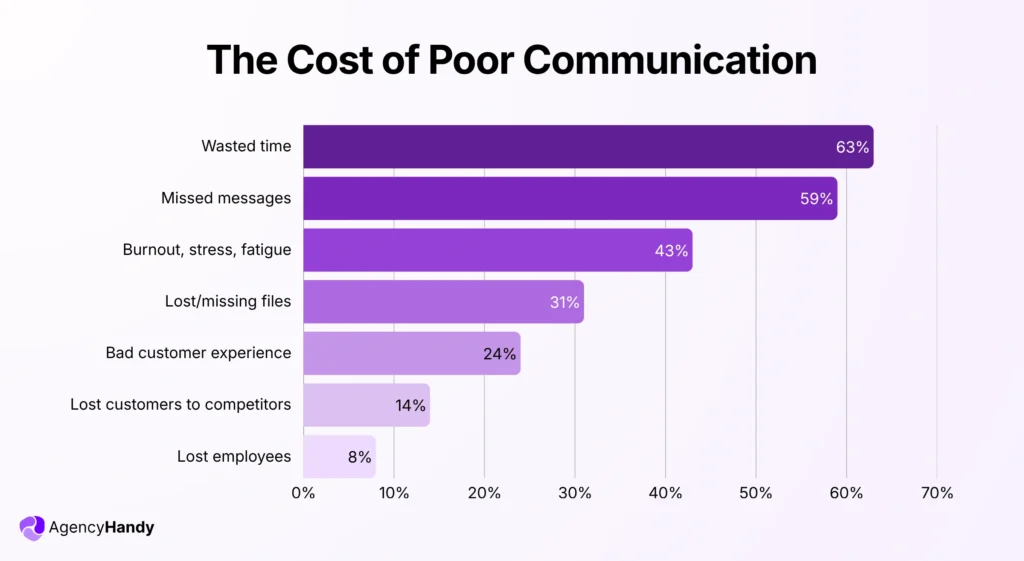
63% of personnel waste their personal time in business due to communication problems or miscommunication, according to project.co.
It frequently occurs in asynchronous collaboration. When multiple channels are used, clients share feedback across email, WhatsApp, and Slack, and pieces get lost between the three.
When clients and teams interact through a shared live workspace, it minimizes miscommunication. Both sides can ask questions, share files, leave comments, and make changes based on live discussion. The team effort stays aligned with what the client actually wants.
Fast Work Delivery
When you collect feedback and get approvals in real time, you deliver faster. And when you deliver quickly and consistently, clients gain confidence in your agency and come back with more work.
What are the Use Cases for Real-Time Collaboration Especially for Agencies?
The major use cases for real-time collaboration in agencies cover three areas that include client co-creation, project and task management, and client support.
Together, they improve visibility, reduce misinterpretations, and build confidence between the agency and the client.
In the end, synchronous collaboration improves visibility, minimizes revisions, and reduces misinterpretations.
Here’s the breakdown on all three areas —
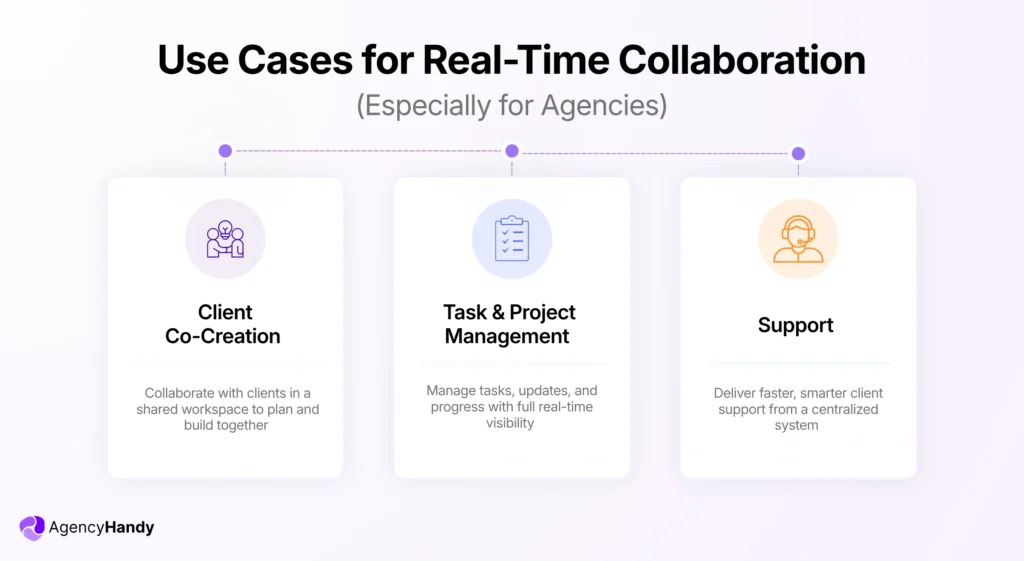
Client Co-Creation
Client co-creation is when you collaborate with a client in a shared workspace. Together, you brainstorm ideas, define goals, and set the project plan, timeline, and budget.
That way, clients don’t just receive a finished product at the end. They stay involved throughout the project. There will be fewer surprises, fewer revision rounds, and faster sign-off.
It helps agencies to –
- Avoid unnecessary revisions
- Prevent misunderstandings early in the project
- Reduce approval delays at the delivery stage
- Build trust before the first deliverable is even sent
Further Read:
Client Feedback: Importance, Ways to Collect, Manage, and Act on Feedback
Task and Project Management
Agencies use real-time collaboration to manage projects and keep clients and teams in sync.
When a task is updated, both sides see it immediately. It doesn’t require an email, without a call, without a status update, and without being lost somewhere in a thread.
For example, your UI/UX designer finishes a landing page and changes the task status to complete. The PM sees it instantly. The dev team picks it up. The client gets a notification. No one had to chase anyone.
Without real-time tools, that same flow would involve the designer emailing the PM, the PM forwarding it to dev, and the client still wondering what’s happening. It sounds like a small thing, but it isn’t.
Further Read:
Project Management: A Complete Guide for Agencies
Client Support
Another major benefit of real-time collaboration is faster client support. When a client has a question or an issue, they can raise a ticket directly in the shared workspace. Your team sees it, picks it up, and resolves it. No need to send any email to clients for this.
You can also detect failed uploads, track revision requests, and monitor overdue tasks without having to manually check in.
Further Read: Client Support from Agency Client Portal (NEED TO CREATE A LINK)
Challenges Agencies Face With Real-Time Collaboration
Agencies face various types of challenges with real time collaboration. This includes overload of collaboration and time zone misalignment. It also involves technical issues and a lack of documentation. These challenges often overshadow the benefits of live collaboration.
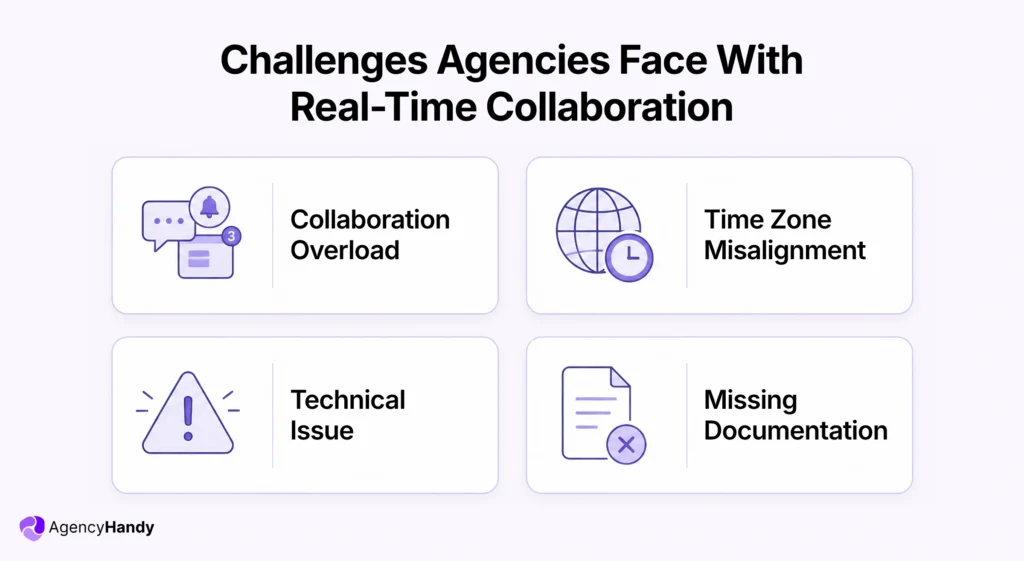
Now, we’ll get a bit deeper to understand the core of these challenges:
Collaboration Overload
Live collaboration means your team shares updates, clients give feedback, and PMs reassign tasks or set new deadlines at the same time, sometimes across multiple projects. A lot of things happen simultaneously in different apps, and it causes context switching.
That’s a real problem. It typically takes around 23 minutes to regain full concentration after even one interruption. When that happens five times before noon, the day is already lost.
Context switching also creates confusion, stress, and burnout, which is the exact opposite of what good collaboration is supposed to do.
Time Zone Misalignment
This is a common challenge when your team and clients are in different parts of the world. A client shares feedback at 2 PM their time. For your team, it’s midnight.
Your team responds the next morning. The client reviews it the following evening.
The next day, your team works on the changes. Then, they wait for approval from the client for another 10 to 12 hours or even more.
Thus, most of the time, the team has to stay awake or online even after working hours. It creates instability, frustration, and ultimately delays the flow of the project.
Technical Issue
Real-time collaboration relies entirely on the software and the internet connection working as expected. If the platform has a bug or a client has a poor connection, feedback doesn’t get through. File uploads fail. Version changes don’t sync.
These aren’t catastrophic on their own. But they stack up, and they always seem to happen at the worst possible moment.
Missing Documentation
A quick live conversation resolves things fast. But it leaves no record. If a client asks six weeks later why a specific change was made, and the only answer is “we talked about it in a call,” that’s a problem.
Without clear documentation tied to tasks and revisions, team members misinterpret roles, repeat work, or forget agreed-upon changes entirely. The live discussion is the fastest part. The lack of a paper trail is where it costs you later.
What are the Best Practices for Implementing Real-Time Collaboration?
Real time collaboration comes with perks, but you need a proper order to get an optimum outcome. That’s why we’ll now talk about the best practices. Thus, teams and clients can have smooth synchronous collaboration.
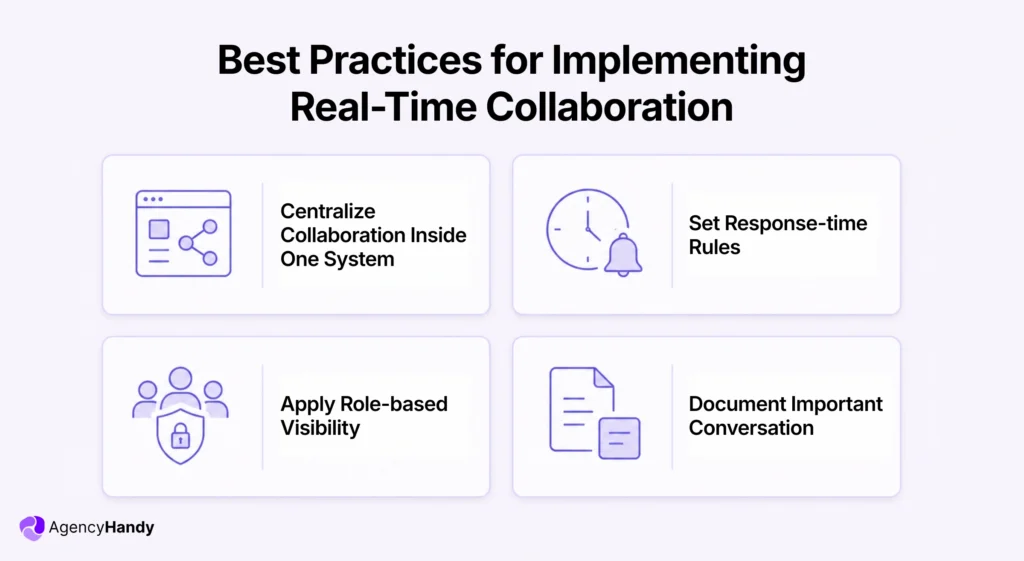
Centralize Collaboration Inside One System
Agencies must use one centralized platform for real-time collaboration to stop app switching and information chaos. It gives your clients a single hub to follow progress, share files, and leave feedback.
Thus, everyone can see edits, comments, assignees, priorities, and deadlines in one place. It reduces errors, removes extra tools, and keeps operations running smoothly.
A specially built centralized system, like a client portal software, gives every project a single home. Clients know where to check. Your team knows where to look. It maintains an effective real-time collaboration between your clients and team.
Further Read:
Top Client Portal Software: Manage Clients & Projects in A Branded Workspace
Set Response-time Rules
Setting a response time rule helps to take prompt action for all the involved team members. Since live collaboration shows messages, comments, and edit requests, this rule creates a habit.
It creates a structured system that shortens approval cycles. Thus, each team member can start work immediately. It keeps the workflow smooth and prevents backlogs or delayed client updates.
Apply Role-based Visibility
When using a shared workspace, every team member doesn’t need to see or have access to everything.
For example, if your client is sharing a document or copies for the copywriter, the dev team doesn’t need to see it. It’s unnecessary, and sometimes they might accidentally edit or delete key information.
With role-based visibility in place, all information remains secure. That’s even in real-time collaboration.
Agency Handy handles this well with roles like Super Admin, Admin, Manager, and Assignee. Each user sees only what’s relevant to their role, and you can toggle file, order, and invoice visibility per user.
Document Important Conversation
Since live collaboration involves instant messaging, there is a chance of missing out on key information. That’s why it’s a good practice to document the key points after interaction with a client.
This doesn’t have to be a formal report. A short summary pinned to the task is enough. It gives any team member who missed the conversation a clear picture, and it protects you if a client disputes a decision later.
How Agency Handy Improves Real-Time Collaboration
Here’s how Agency Handy works on client-facing collaboration and internal team coordination as well.
With Clients
Let’s see how Agency Handy would ease real-time collaboration with your clients:
Clients always stay informed
The branded client portal will show your clients live project status, recent file activity, and task updates as they happen. Once a client logs in, he/she can see progress without sending a single follow-up message.
Further Read:
Client Communication: Risks, Mistakes, and Best Practices
Specific feedback tied to projects
Using Agency Handy, your clients can annotate directly on images, videos, PDFs, and live websites. They leave comments as feedback. Your team reads a clear, precise instruction and acts on it right away.
Both sides work on the same version
Agency Handy tracks each file with a full history. Clients and your team can compare versions side by side, restore previous ones, and approve with confidence. Neither side would be looking at a different copy of the same file.
Client messages are linked to projects
All communication will be tied to specific orders and projects. A client question about a deliverable sits next to that deliverable, not in a separate messaging thread.
Proposals move into projects
When a client approves a proposal, the project kicks off inside the same workspace. No time wasting for signing-off. As soon as projects are created, your team can start working on them.
With Your Internal Team
Agency Handy also offers real-time collaboration features for teams to efficiently handle agency operations as follows:
Task updates for all
When a status changes, a deadline shifts, or a new task gets assigned, the relevant team member sees it immediately. Your projects will move forward without a standup to announce it.
Team is aligned with client requirements
The centralized request dashboard in the platform collects every client-requested task in one place. Your team sees new requests as they come in, assigns them, and tracks them to completion.
Slack keeps your team updated
The platform sends automatic notifications for new orders, task changes, file feedback, and client mentions that land directly in your team’s existing Slack channels. They don’t have to go looking for it.
Focused and relevant workspace for the team
Role-based access lets your team see only what applies to their role. A designer’s view is different from a project manager’s view. Neither is distracted by what doesn’t concern them.
Easy handoffs between team members
Because tasks, files, messages, and revision history all live in the same place, picking up someone else’s work mid-project is straightforward. The context is already there. Nothing needs to be re-explained.
Learn more about the Agency Handy Client Portal
Final Words
Most real-time collaboration problems aren’t about people, be it your clients and team. Rather, they’re about where the work lives.
When tasks, feedback, and files are scattered, even the fastest teams slow down. Agency Handy keeps it all in one place, so nothing waits on anyone.
FAQs
Why is real-time collaboration important?
Real-time collaboration is important to get clarity on work responsibilities. It also minimizes misinterpretation and increases productivity on the same platform. Plus, it saves teams and clients from using multiple tools to share feedback, get updates, and track project progress.
How does real-time collaboration differ from asynchronous work?
Real time collaboration means that when your team and client share messages, feedback, and comments simultaneously. On the other hand, asynchronous communication is dependent on the time and schedule of each person involved.
Can real-time collaboration affect deep work?
Yes, real time collaboration can affect deep work. It happens due to constant and quick interaction between teams and clients. Also, it disturbs the work momentum and distracts focus. Meanwhile, deep work requires uninterrupted concentration for analysis and problem-solving efficacy.